Accessibility means designing places, products, services, and digital experiences so people with disabilities can use them with dignity, safety, and independence. In practice, accessibility spans the built environment, transportation, communication, websites, apps, documents, customer service, and workplace systems. When people ask, “What is accessibility?” they are usually asking two related questions: what barriers exist, and what changes remove them? The answer matters because disability is common, permanent for some people, temporary for others, and situational for nearly everyone. A parent pushing a stroller, a traveler carrying luggage, or a worker recovering from surgery can benefit from the same features that support wheelchair users or people with limited dexterity.
Accessibility is not the same as usability, although the two overlap. Usability asks whether something is easy to use. Accessibility asks whether people with a wide range of abilities can use it at all, and whether they can do so effectively. Inclusion goes a step further by addressing belonging, representation, and respectful participation. I have worked on both facility upgrades and website remediation projects, and the lesson is consistent: barriers are rarely caused by disability itself. They are caused by design decisions that assume a narrow “default” user. A heavy door without an automatic opener, a checkout form that cannot be completed with a keyboard, or a video with no captions all create disability in context.
Understanding accessibility requires a few core terms. An impairment is a condition affecting body function or structure, such as low vision, hearing loss, mobility limitations, cognitive differences, or chronic pain. A barrier is an environmental or procedural obstacle that restricts participation. An accommodation is an individualized adjustment, like a sign language interpreter or alternative document format. Universal design aims to reduce the need for accommodations by making environments and systems usable for more people from the start. Accessibility therefore includes proactive design, legal compliance, operational maintenance, and continuous testing with real users.
This hub explains physical versus digital access because organizations often treat them separately even though users experience them together. A person may be able to enter a building but not use the self-service kiosk. A job applicant may find an accessible careers page but encounter an interview location with no step-free route. A patient may reach a clinic with ease but receive discharge instructions in an unreadable PDF. Accessibility succeeds when the entire journey works. That is why this topic belongs at the center of accessibility and inclusion strategy, procurement, content design, facilities management, and customer experience.
Physical accessibility: access in buildings, streets, and services
Physical accessibility covers the built environment and the services attached to it. It includes parking, sidewalks, curb ramps, entrances, elevators, restrooms, signage, seating, counters, alarms, and emergency egress procedures. In many countries, baseline requirements are defined through building codes and disability rights laws. In the United States, the Americans with Disabilities Act sets broad civil rights obligations, while the ADA Standards for Accessible Design specify measurements for many features. Similar frameworks exist elsewhere, including Approved Document M in the United Kingdom and standards aligned with ISO 21542 for building construction accessibility and usability.
Good physical accessibility starts before the front door. Accessible parking must be on the shortest accessible route to the entrance, with adequate width and signage. Sidewalks need stable, firm, slip-resistant surfaces and curb ramps aligned with pedestrian crossings. Entrances should avoid stairs as the only route and should provide enough clear width, low opening force, and maneuvering space. Inside, circulation space matters as much as fixtures. I often see technically compliant sites fail in real use because a reception desk is too high for a seated conversation, wayfinding signs have poor contrast, or furniture narrows corridors below functional clearance.
Examples make the distinction clear. A ramp with an excessive slope may satisfy a quick renovation budget, but it creates fatigue and safety risk. An accessible restroom with compliant grab bars still fails if the door closer is too strong or the turning radius is blocked by a trash bin. Hearing loops in meeting rooms improve speech intelligibility for hearing aid users, but only if staff know they exist and maintain them. Accessibility in physical spaces is therefore both architectural and operational. The feature must exist, be easy to locate, and remain usable every day.
Digital accessibility: access on websites, apps, documents, and media
Digital accessibility ensures that people can perceive, understand, navigate, and interact with digital content using different senses, input methods, and assistive technologies. The most widely used benchmark is the Web Content Accessibility Guidelines, currently version 2.2, organized around four principles: content must be perceivable, operable, understandable, and robust. Those principles translate into practical requirements such as text alternatives for images, keyboard access, sufficient color contrast, visible focus indicators, properly labeled forms, meaningful headings, captions for video, and compatibility with screen readers like JAWS, NVDA, and VoiceOver.
Many of the failures I encounter are simple but severe. An image-based button without an accessible name leaves screen reader users guessing. A date picker that traps keyboard focus blocks completion for users who cannot use a mouse. Low-contrast gray text may look stylish but becomes unreadable for people with low vision and for anyone using a phone outdoors. PDFs exported from office software without tags, reading order, or bookmarks can be impossible to navigate. Accessibility is not limited to websites; it includes mobile apps, software interfaces, e-books, social media posts, streamed events, and transactional emails.
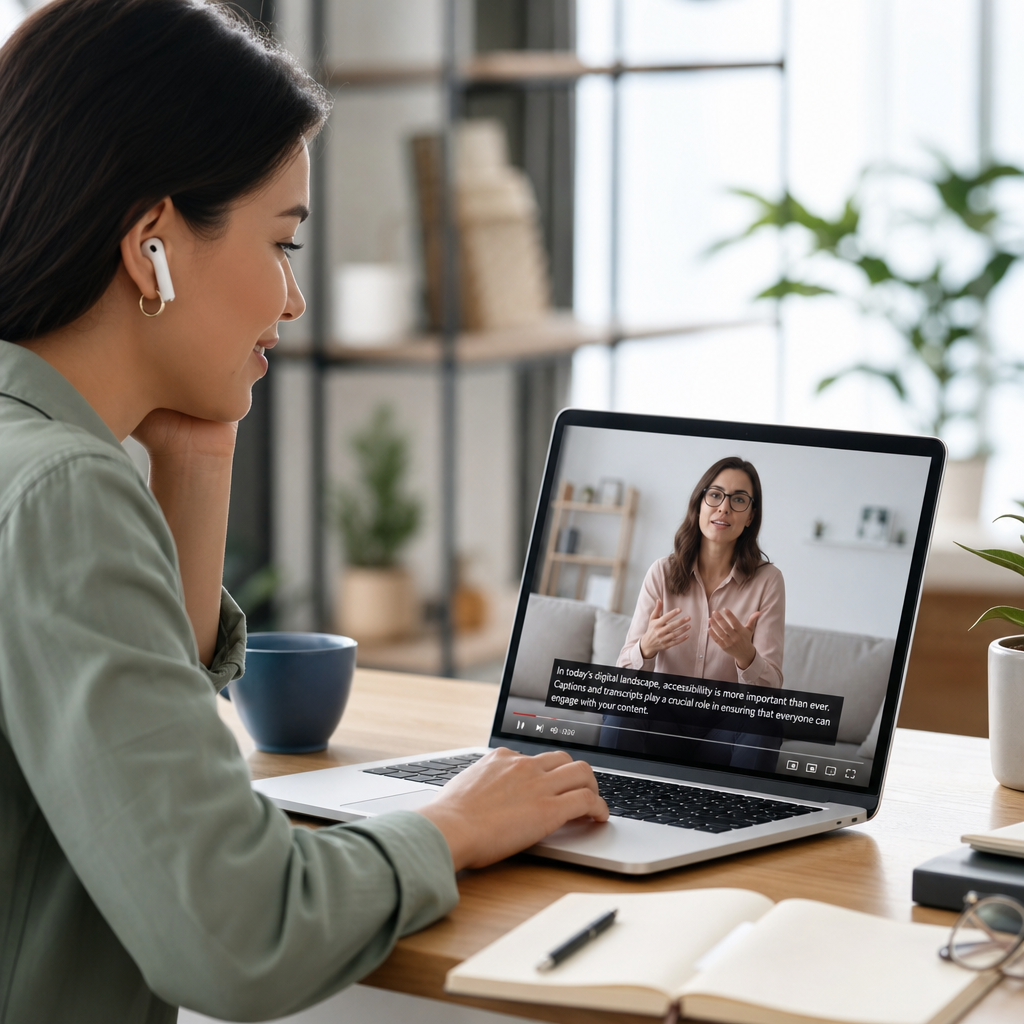
Digital access also depends on content choices. Plain language benefits users with cognitive disabilities, non-native speakers, and anyone under stress. Clear error messages reduce abandonment. Captions support Deaf users and also people in noisy environments. Transcripts improve findability and allow quick review. Responsive layouts help users zoom without horizontal scrolling. When teams ask whether accessibility limits creativity, the answer from experience is no. It forces clearer hierarchy, more resilient code, and better content structure. In many redesigns, the accessible version performs better for everyone because it removes confusion and friction.
Physical vs digital access: different barriers, shared principles
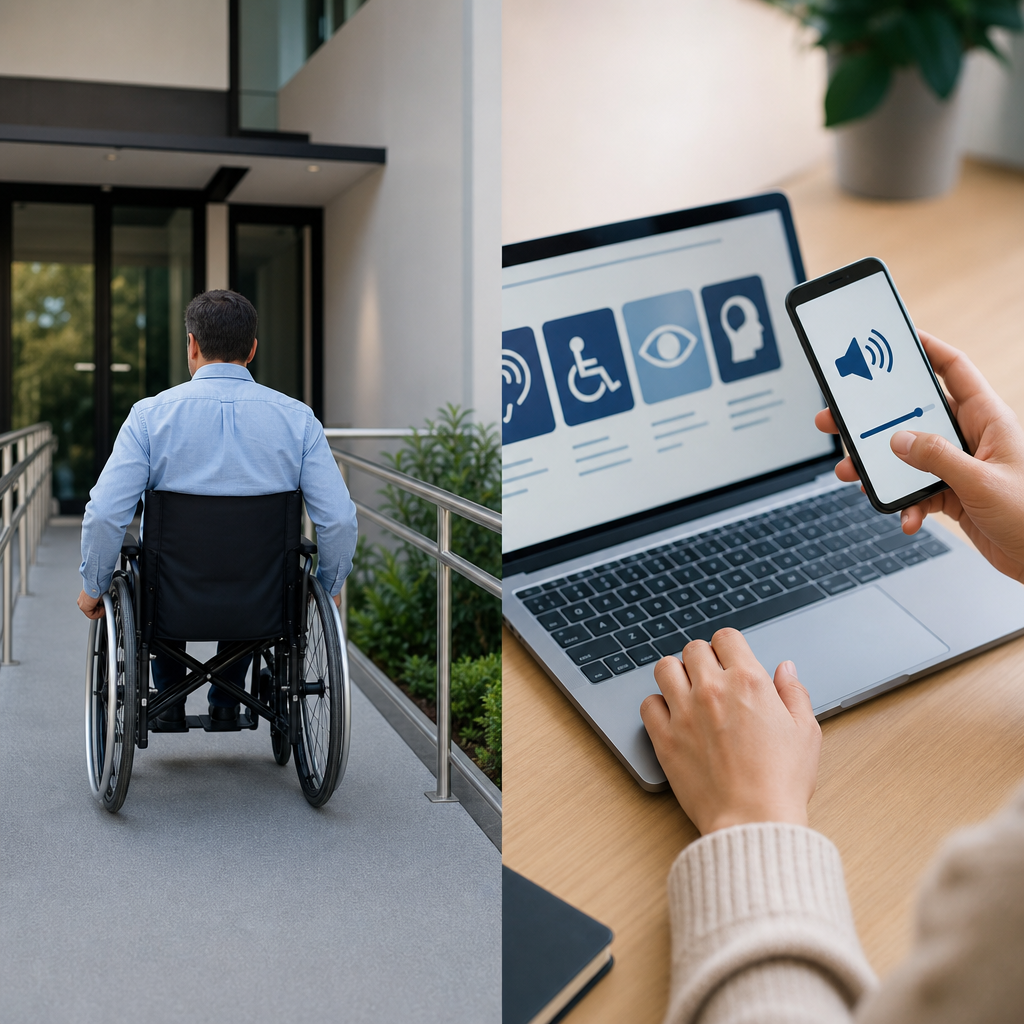
Physical and digital accessibility differ in medium, but the underlying design logic is remarkably similar. Both ask whether users can reach the experience, understand it, control it, and complete their goals without unnecessary effort. In a building, that may mean a step-free entrance, intuitive signage, and reachable controls. On a website, it may mean keyboard navigation, semantic headings, and form labels. In both cases, the barrier often appears where designers assumed one body, one sense, or one method of interaction. The best accessibility programs therefore map user journeys across channels rather than optimizing each touchpoint in isolation.
| Area | Common barrier | Accessible solution |
|---|---|---|
| Entrance or homepage | Stairs only or confusing landing page | Step-free route or clear page structure with headings |
| Wayfinding or navigation | Poor signage or ambiguous menus | High-contrast signs or descriptive navigation labels |
| Controls | Heavy doors or mouse-only widgets | Automatic operators or full keyboard support |
| Information | Audio-only announcements or image-only content | Visual displays, captions, alt text, and transcripts |
| Service completion | High counters or inaccessible forms | Lowered counters or labeled, error-tolerant forms |
There are also important differences. Physical barriers can require capital construction, permitting, and phased retrofits. Digital barriers can often be fixed faster, but they reappear easily through new content, plugins, or product updates. Physical environments usually change slowly; digital environments can change daily. Testing methods differ as well. For facilities, teams use site surveys, measurements, and route analysis. For digital products, they combine automated scans with manual testing and assistive technology checks. Neither field can rely on checklists alone. Real-world use reveals issues that standards do not fully predict.
Why accessibility matters for people, organizations, and compliance
Accessibility matters first because it affects equal participation in everyday life: education, employment, healthcare, banking, shopping, civic engagement, and culture. The World Health Organization estimates that roughly 16 percent of the global population lives with significant disability. That figure alone makes accessibility a mainstream design requirement, not a niche consideration. The population is also aging, and age-related changes in vision, hearing, mobility, and cognition increase demand for accessible environments. Organizations that ignore accessibility exclude customers, employees, students, and patients at scale, often without realizing how much friction they are creating.
There is a strong business case as well. Accessible design reduces abandonment, improves task completion, broadens market reach, and lowers support costs. For employers, accessible systems widen the talent pool and support retention after illness or injury. For public agencies and universities, accessibility protects service delivery and public trust. There is also legal exposure. In the United States, ADA Title II and Title III obligations increasingly apply to digital services, and the Department of Justice has repeatedly affirmed that websites and apps should be accessible. Public sector organizations may also need to meet Section 508 requirements. In Europe, the European Accessibility Act is raising expectations across products and services.
Still, compliance is only the floor. An organization can meet a standard on paper and frustrate users in practice. I have seen teams focus narrowly on audits while leaving call center scripts, procurement contracts, and content workflows untouched. The result is an inaccessible service wrapped in a compliant shell. The mature approach connects policy, design, engineering, facilities, training, and feedback. Accessibility is not a one-time project; it is an operating discipline.
How to improve accessibility: practical steps for teams
The fastest way to improve accessibility is to stop treating it as a late-stage fix. Start with policy and ownership. Define standards for physical spaces, digital products, documents, and events. For digital work, align design systems and component libraries with WCAG 2.2 AA, then test across browsers and assistive technologies. For facilities, prioritize routes, entrances, service points, restrooms, and emergency procedures. Procurement is critical in both cases. If you buy inaccessible kiosks, software, or furniture, you inherit expensive problems. Require vendors to provide conformance information, testing evidence, and remediation commitments.
Next, audit what exists and rank issues by severity and frequency. In digital environments, tools such as axe DevTools, WAVE, Lighthouse, and Accessibility Insights help find detectable failures, but manual testing is essential for focus order, screen reader behavior, and form completion. In physical spaces, use route-based inspections with measurements, photos, and task scenarios such as entering, checking in, using a restroom, and exiting during an alarm. Include disabled users whenever possible. Their feedback quickly reveals barriers that internal teams miss, especially around fatigue, anxiety, stigma, and workarounds.
Finally, build accessibility into daily operations. Train content authors to write alt text, use headings correctly, and avoid inaccessible PDFs when an accessible web page will do. Train front-line staff to describe accessible routes, activate hearing assistance, and respond appropriately to accommodation requests. Establish maintenance routines so accessible parking remains marked, door operators stay functional, and captions are reviewed for accuracy. Publish an accessibility statement with contact options and response timelines. Then use complaints, analytics, and usability findings to guide the next round of improvements. That cycle is what turns accessibility from intention into dependable access.
Common misconceptions and the bigger picture of inclusion
Several misconceptions slow progress. The first is that accessibility only helps a small minority. In reality, accessible design helps people with permanent disabilities, temporary injuries, aging-related changes, limited bandwidth, noisy environments, and many other everyday constraints. The second misconception is that accessibility ruins aesthetics or innovation. Good designers know the opposite: constraints produce clarity. High contrast, logical structure, and predictable interactions usually improve quality. A third misconception is that overlays or automatic fixes can solve everything. They cannot. Automated tools catch only part of the problem, and interface overlays do not repair underlying code, content, or service design.
Another common mistake is equating accessibility with accommodation alone. Accommodations remain important, but they are a fallback when mainstream access fails. The stronger strategy is inclusive design backed by accommodations where needed. That is the bigger picture of accessibility and inclusion. It means considering disability in research, budgeting for remediation, involving disabled people in testing and leadership, and measuring outcomes rather than intentions. If users can enter the building, navigate the website, understand the information, and complete their goals independently, accessibility is working. Review your spaces and digital touchpoints together, identify the highest-friction barriers, and fix the journey end to end.
Frequently Asked Questions
What is the difference between physical accessibility and digital accessibility?
Physical accessibility focuses on the built environment and in-person experiences. It includes features such as ramps, elevators, curb cuts, accessible parking, wide doorways, tactile signage, accessible restrooms, hearing loops, and public transportation that people with disabilities can use safely and independently. The goal is to remove environmental barriers that can prevent someone from entering a building, moving through a space, accessing services, or participating fully in everyday life.
Digital accessibility applies the same principle to websites, mobile apps, online documents, software, kiosks, videos, and other technology. It ensures that people who use screen readers, voice control, captions, keyboard navigation, refreshable braille displays, screen magnifiers, or other assistive tools can access information and complete tasks without unnecessary obstacles. Examples include adding alt text to images, ensuring sufficient color contrast, making forms usable by keyboard, providing captions and transcripts for media, and structuring content so assistive technology can interpret it properly.
Both types of accessibility are closely connected. A business may have an accessible entrance but still exclude users if its appointment system, menus, or job applications are unusable online. Likewise, a highly accessible website cannot fully solve access problems if a physical location has stairs but no ramp or inaccessible service counters. Accessibility is most effective when organizations treat it as a complete experience across spaces, products, communication, and technology rather than as separate checklists.
Why does accessibility matter beyond legal compliance?
Accessibility matters because it affects whether people can participate in daily life with dignity, safety, and independence. At its core, accessibility is about removing barriers that restrict access to education, employment, healthcare, transportation, shopping, civic life, and social connection. When environments and systems are inaccessible, people with disabilities often have to rely on others, spend more time completing basic tasks, or abandon tasks entirely. That creates exclusion that is practical, social, and economic.
Legal compliance is important, but it is only the baseline. Organizations that focus solely on meeting minimum rules often miss the broader purpose of accessibility, which is equal access. Good accessibility improves usability for many people, not only those who identify as disabled. Captions help users in noisy environments, plain language supports people with cognitive disabilities and non-native speakers, curb cuts help parents with strollers and travelers with luggage, and keyboard-friendly systems can benefit power users as well as people with mobility impairments.
There is also a strong business and organizational case. Accessible design can increase audience reach, improve customer satisfaction, reduce support requests, strengthen brand trust, and open services to a wider range of users. For employers, accessibility supports inclusive hiring, retention, and productivity. For public institutions, it strengthens equitable service delivery. In short, accessibility is not an add-on for a small group; it is a quality standard that improves participation and outcomes for everyone.
What are common barriers in physical and digital spaces?
In physical spaces, barriers often include stairs without ramps or lifts, heavy doors, narrow hallways, inaccessible parking, restrooms that cannot accommodate mobility devices, poor lighting, lack of seating, inaccessible service counters, and signage that is difficult to read or locate. Barriers can also affect people with sensory, cognitive, and invisible disabilities. For example, unclear wayfinding, excessive noise, flashing lights, lack of quiet areas, confusing service processes, or staff who are not trained in disability etiquette can all make a space effectively inaccessible even if some structural features are present.
In digital spaces, common barriers include websites that cannot be navigated by keyboard, images without meaningful alternative text, videos without captions, PDFs that are scanned but not readable by screen readers, forms with missing labels, poor color contrast, small text that cannot be resized, vague link text such as “click here,” pop-ups that trap keyboard focus, and error messages that do not explain how to fix a problem. Accessibility issues can also appear in mobile apps, online booking systems, customer portals, workplace software, and self-service kiosks.
A key point is that barriers are often cumulative. A person may be able to overcome one obstacle, but several small barriers in sequence can make access impossible. For example, someone might manage an inaccessible entrance if staff assist them, but still be blocked by an unreadable menu, a payment terminal with no tactile controls, or an online follow-up form that does not work with assistive technology. Accessibility work starts by identifying where friction occurs and then redesigning the full user journey to remove avoidable obstacles.
How can organizations improve accessibility in both physical and digital environments?
The best approach is to build accessibility into planning, design, procurement, operations, and maintenance from the start. In physical environments, that means reviewing entrances, routes, parking, seating, counters, restrooms, signage, alarms, lighting, acoustics, and emergency procedures. It also means considering how people actually use the space, not just whether a feature technically exists. For example, an accessible entrance is less useful if it is locked, difficult to find, or located far from the main route without clear signs.
For digital environments, organizations should use recognized accessibility standards, test with assistive technology, and create repeatable processes for accessible content creation. That includes semantic headings, keyboard navigation, descriptive labels, alt text, color contrast, accessible forms, readable documents, and captions or transcripts for multimedia. Teams should review websites, apps, emails, PDFs, and internal systems, not just public-facing pages. Accessibility should also be part of vendor selection, software procurement, and content governance so new barriers are not introduced through third-party tools or rushed publishing workflows.
Training is essential in both settings. Designers, developers, facilities teams, HR professionals, customer service staff, managers, and content creators all influence access. Organizations should also involve disabled people directly through consultation, testing, and feedback channels. Real user insight often reveals issues that checklists miss. Finally, accessibility should be treated as an ongoing practice rather than a one-time fix. Spaces change, technology updates, documents are replaced, and services evolve. Regular audits, clear accountability, and continuous improvement are what turn accessibility from a policy statement into a reliable experience.
Is accessibility only about wheelchair access, or does it include other disabilities and needs?
Accessibility is much broader than wheelchair access. Mobility access is a major part of the picture, but accessibility also includes the needs of people who are blind or have low vision, Deaf or hard of hearing, neurodivergent, have speech disabilities, limited dexterity, chronic illness, mental health conditions, cognitive disabilities, sensory sensitivities, or temporary impairments. It also covers people whose access needs may not be obvious to others. If accessibility is defined too narrowly, many barriers remain invisible and unaddressed.
In physical settings, that broader view may include braille and tactile signs, visual alarms, captioned or interpreted events, quiet spaces, predictable layouts, flexible seating, fragrance-aware practices, and clear communication from staff. In digital settings, it includes screen reader compatibility, captions, transcripts, resizable text, plain language, consistent navigation, sufficient time to complete tasks, reduced motion options, and interfaces that do not rely only on dragging, hovering, or complex gestures. Accessibility also intersects with language, literacy, aging, and technology familiarity, which can shape how easily someone uses a service.
Thinking broadly about accessibility leads to better design decisions. Instead of asking, “Did we add one accessible feature?” the better question is, “Can different people actually use this independently and successfully?” That shift matters because disability is common and can be permanent, temporary, situational, or changing over time. When accessibility is understood as a comprehensive commitment to inclusive participation, organizations are far more likely to create environments and systems that work in the real world.