
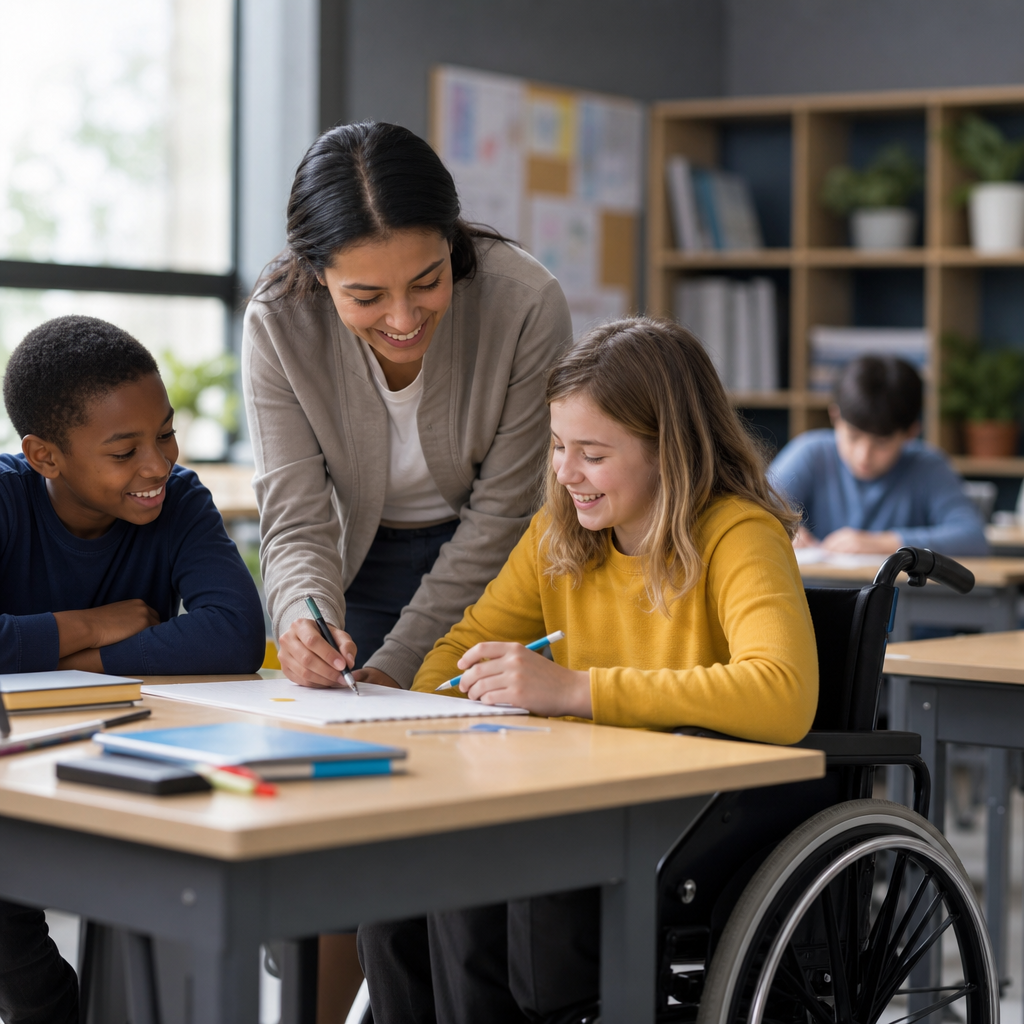
Accessibility in education means designing teaching, technology, buildings, and communication so every student can participate fully, including students with disabilities, temporary impairments, language barriers, and differing learning needs. In schools, colleges, and training environments, education accessibility covers physical access, digital access, curriculum access, assessment design, and support services. It matters because exclusion rarely begins with ability alone; it usually begins with avoidable barriers such as unreadable documents, inaccessible websites, poor acoustics, rigid attendance rules, or classroom practices that assume every learner processes information the same way.
I have worked with schools reviewing learning platforms, course materials, classroom layouts, and accommodation workflows, and the pattern is consistent: when accessibility is built in early, outcomes improve for far more students than the original target group. Captions help deaf students, but they also help multilingual learners and students studying in noisy homes. Clear heading structures help screen reader users, but they also make revision easier for everyone. Adjustable furniture benefits wheelchair users, but it also supports growing children, injured athletes, and teachers leading flexible activities. Accessibility is not a niche add-on. It is the operating standard for inclusive education.
For schools, the stakes are legal, educational, and reputational. In many countries, institutions must meet disability and nondiscrimination requirements, while digital content increasingly falls under recognized standards such as WCAG 2.1 or 2.2, Section 508 in the United States, and EN 301 549 in Europe. Yet compliance alone is too narrow. The practical goal is equitable access to learning, participation, and achievement. A useful way to think about education accessibility is this: if a student can find information, enter the space, understand the lesson, complete the work, demonstrate knowledge, and ask for help without unnecessary friction, the system is accessible. If not, the barrier belongs to the system, not the student.
This guide explains how schools can make education accessibility real across campuses and online learning. It covers physical environments, accessible teaching materials, assistive technology, assessment, policy, procurement, staff training, and governance. As a hub page, it gives school leaders, teachers, IT teams, librarians, and support staff a working framework they can apply immediately and build on through linked specialist guidance.
What education accessibility includes in practice
Education accessibility includes every point where a learner interacts with the institution. That starts before enrollment, with accessible admissions pages, forms, campus maps, and orientation materials. It continues through classroom teaching, digital learning platforms, lab work, library services, extracurricular participation, transport, emergency communication, and graduation. In practical terms, schools must address multiple dimensions at once: can a student physically enter the room, access the content, use the software, hear the teacher, see the board, understand instructions, complete tasks in a suitable format, and receive timely accommodations?
Schools often underestimate how connected these dimensions are. For example, a wheelchair-accessible classroom still excludes a student if the reading pack is scanned as an image-only PDF that a screen reader cannot read. A well-designed LMS still fails if a science lab bench is too high to use safely. A sign language interpreter helps during lectures, but if recorded revision videos lack captions, support collapses outside class time. Effective accessibility work therefore requires a whole-school model, not isolated fixes. The most reliable starting point is to map the learner journey and identify barriers at each stage.
One principle consistently produces better results: design for the widest range of users first, then add individualized accommodations where needed. This is why many schools adopt universal design approaches in teaching and campus planning. A lesson that offers audio, text, visuals, and hands-on practice reduces the need for later workarounds. An online resource with structured headings, alt text, sufficient color contrast, keyboard access, and transcript support serves students with visual, hearing, motor, and cognitive differences simultaneously.
Physical accessibility across the school environment
Physical accessibility begins with the route to learning, not just the classroom door. Schools should review parking, drop-off points, curb cuts, path surfaces, ramps, lifts, door widths, reception desks, restroom access, signage, and emergency exits. Standards vary by jurisdiction, but the functional test is straightforward: can students, staff, and visitors with mobility, sensory, or neurodivergent needs move safely, independently, and with dignity? In older buildings, that may require phased improvements such as automatic doors, tactile signage, hearing loops, quiet rooms, accessible toilet upgrades, and evacuation chairs supported by trained staff.
Classroom design also shapes access. I have seen schools improve participation quickly by replacing fixed seating with flexible layouts, adding height-adjustable desks, reducing glare, improving acoustic treatment, and ensuring clear sightlines for lip-reading and visual instruction. In specialist spaces, details matter even more. Science labs need reachable controls and accessible workstations. Art rooms need adequate maneuvering space. Sports facilities need adaptive equipment and changing areas that preserve privacy. Libraries need shelf ranges, navigation support, and self-service systems that work with assistive technology.
Physical accessibility should also include sensory considerations. Many students, including autistic learners and students with anxiety, struggle in overstimulating environments. Quiet study areas, predictable wayfinding, reduced visual clutter, and manageable lighting can make school participation sustainable. None of these changes dilute academic expectations. They remove environmental obstacles so students can meet them.
Digital accessibility for websites, platforms, and learning materials
Digital accessibility is now central to education accessibility because so much teaching, homework, and communication flows through websites, student portals, learning management systems, and cloud documents. If these tools are inaccessible, students are excluded from core learning. Schools should align digital content with recognized accessibility standards, especially WCAG criteria covering perceivable, operable, understandable, and robust experiences. In plain terms, content must be readable by assistive technologies, usable by keyboard, clear in structure and language, and compatible across devices and browsers.
The most common school failures are avoidable: scanned PDFs with no text layer, videos without captions, forms without labels, poor color contrast, link text that says only “click here,” headings used for visual styling instead of structure, inaccessible third-party apps, and image-based timetables shared on social media with no alternative text. Microsoft 365, Google Workspace, Canvas, Moodle, Blackboard, and Adobe Acrobat all include accessibility checkers or workflows that help, but tools do not replace process. Staff need training to create accessible documents from the start.
When reviewing digital education accessibility, I ask a few direct questions. Can a screen reader user navigate the course logically? Can a student complete every task without a mouse? Are captions accurate enough to support learning in technical subjects? Are math, chemistry, and music materials provided in accessible formats such as MathML, tagged PDFs, or compatible specialist tools? Is mobile access workable for students who rely on phones at home? These questions reveal whether accessibility is embedded or assumed.
| Area | Common barrier | Accessible practice |
|---|---|---|
| Documents | Image-only PDFs, missing headings | Tagged PDFs, true headings, readable text, alt text |
| Video | No captions or transcript | Accurate captions, transcripts, speaker identification |
| Web pages | Poor contrast, vague links | High contrast, descriptive links, keyboard navigation |
| Assignments | Single submission format only | Equivalent format options when learning outcomes allow |
| Apps and tools | Unvetted third-party software | Accessibility review during procurement and renewal |
Accessible teaching, curriculum, and classroom communication
Accessible teaching means delivering instruction in ways that reduce predictable barriers without lowering standards. The most effective teachers I have worked with provide materials in advance, explain vocabulary explicitly, use consistent page layouts in the LMS, read key on-screen text aloud, describe important visuals, and break complex tasks into sequenced steps. They do not rely on one channel alone. A lecture becomes easier to access when supported by slides, captions, notes, and opportunities for questions in chat or on paper.
Curriculum access also depends on representation. Students should encounter examples, texts, and perspectives that reflect varied identities and experiences, including disability. That matters academically and practically. A school that teaches inclusive content is more likely to recognize exclusion in its own systems. Classroom communication benefits from straightforward language, predictable routines, and multiple ways to participate. Some students contribute best verbally, others in writing, through discussion boards, visual projects, or one-to-one check-ins. Offering structured choice often increases rigor because students can demonstrate understanding more accurately.
Accessible teaching does not mean every lesson must be customized from scratch. It means planning with variability in mind. For reading-heavy subjects, provide digital text that works with text-to-speech. For audio-heavy tasks, offer transcripts or notes. For group work, assign clear roles so students with anxiety or communication differences can participate without ambiguity. For homework, avoid hidden barriers such as requiring printer access, unstable internet, or specific devices unless the school provides them.
Assessment, accommodations, and assistive technology
Assessment is where many accessibility gaps become visible. A student may follow the course successfully but fail to show learning because the test format creates unrelated barriers. Good assessment design starts by asking what the task is intended to measure. If the goal is historical analysis, does handwritten speed need to be part of the mark? If the goal is scientific reasoning, can a student use speech-to-text or an accessible spreadsheet without compromising validity? Schools should preserve essential learning outcomes while removing unnecessary obstacles.
Common accommodations include extra time, rest breaks, alternative formats, readers, scribes, captioned media, sign language interpretation, ergonomic furniture, low-distraction rooms, flexible attendance related to disability, and alternative methods for demonstrating competence. These supports should be timely, documented clearly, and coordinated across teaching, exams, and placement settings. Delays often create the greatest harm. I have seen strong policies fail because no one owned the workflow between disability services, faculty, IT, and exams teams.
Assistive technology is a major enabler when selected and supported properly. Screen readers such as JAWS, NVDA, and VoiceOver; speech recognition like Dragon or built-in dictation; text-to-speech tools such as Read&Write; refreshable braille displays; FM systems; AAC devices; magnification software; and accessibility features in Chromebooks, iPads, and Windows devices can transform access. But procurement is only the start. Students need onboarding, staff need compatibility awareness, and technical support teams need escalation paths when platforms break with assistive tools after updates.
Policy, procurement, training, and continuous improvement
Sustainable education accessibility depends on governance, not goodwill alone. Schools need clear policies covering accessibility statements, accommodations, digital content standards, procurement requirements, event planning, emergency communication, and complaint resolution. Procurement is especially important because inaccessible platforms become long-term barriers once contracts are signed. Every RFP and renewal should ask vendors for conformance documentation, testing evidence, VPATs where relevant, roadmap commitments, and named support processes for accessibility defects.
Training must be role-specific. Teachers need practical methods for accessible instruction and document creation. IT teams need testing skills with keyboard navigation, screen readers, caption workflows, and authentication barriers. Facilities teams need guidance on wayfinding, emergency planning, and sensory access. Leaders need dashboards that track issues, response times, and improvement plans. Student services teams need confidential, consistent accommodation procedures. Accessibility champions help, but responsibility should sit across departments with executive oversight.
Continuous improvement works best when schools combine audits with lived experience. Run periodic reviews of websites, top-used documents, classrooms, admissions processes, and assessment systems. Include disabled students and staff in testing and advisory groups, and compensate external experts when specialist review is needed. Measure what matters: caption coverage, document compliance, accommodation turnaround time, course-level accessibility rates, and unresolved vendor issues. Then publish priorities and timelines. Accessibility in education improves when schools treat it as core quality assurance, not crisis response.
Education accessibility is the foundation that allows inclusion to move from policy language into everyday student experience. When schools remove barriers across buildings, teaching, digital systems, assessment, and support services, students gain equal access to learning rather than piecemeal exceptions. The strongest schools approach this work systematically: they design broadly, accommodate individually, test with real users, and hold vendors and internal teams to clear standards. That approach reduces legal risk, improves attainment, supports staff efficiency, and strengthens trust with families and communities.
The key lesson is simple. Accessibility is not one project, one team, or one checklist. It is a way of planning and delivering education so students can find information, enter spaces, use tools, understand expectations, and demonstrate knowledge fairly. Some improvements are technical, such as tagged PDFs and caption workflows. Others are operational, such as faster accommodation processes and better procurement questions. Many are cultural, including the expectation that inclusive practice is part of professional competence.
If your school is building an accessibility and inclusion strategy, start with a baseline review of the learner journey, prioritize the barriers that block participation most often, and assign accountable owners for each fix. Then expand from quick wins to structural change. Use this hub as your starting point for deeper guidance on digital accessibility, classroom practice, assistive technology, assessment design, and inclusive policy development. The schools that act early create environments where more students can succeed on equal terms.
Frequently Asked Questions
What does accessibility in education actually mean?
Accessibility in education means creating learning environments where every student can participate fully, independently, and with dignity. That includes students with permanent disabilities, temporary injuries or illnesses, neurodivergent learners, students with mental health challenges, people with language barriers, and those with different learning preferences or support needs. In practice, educational accessibility is much broader than wheelchair ramps or special accommodations. It includes physical access to buildings and classrooms, digital access to websites and learning platforms, accessible teaching materials, flexible curriculum design, inclusive assessments, clear communication, and support services that help students succeed.
A useful way to think about it is that accessibility removes barriers before they become exclusion. If a student cannot enter a building, read a PDF, hear a video, navigate a learning management system, understand instructions, or demonstrate knowledge in a fair way, the issue is often not the student’s ability but the design of the environment. Schools that prioritize accessibility build systems that work for more people from the start. This benefits disabled students directly, but it also helps many others, including students learning in a second language, students using mobile devices, families with limited digital confidence, and anyone who needs flexibility during stressful or changing circumstances.
Why is accessibility so important for schools, colleges, and training providers?
Accessibility matters because education is only equitable when students can genuinely access it. Exclusion rarely begins with a student’s abilities alone. More often, it begins when schools use buildings, technology, teaching methods, or communication practices that assume everyone learns, moves, reads, hears, speaks, or processes information in the same way. When that happens, students face avoidable barriers that affect attendance, participation, confidence, achievement, and long-term outcomes. An inaccessible environment can turn a capable learner into someone who appears disengaged, when the real problem is that the system was not designed to include them.
For schools and colleges, accessibility is also central to quality, compliance, and reputation. Inclusive design helps institutions meet legal and policy obligations, reduce complaints, improve student retention, and support better educational outcomes across the board. It also strengthens relationships with families and communities by showing that inclusion is part of the institution’s values, not an afterthought. Most importantly, accessibility creates a culture where students feel respected and expected to succeed. That shift matters. When learners can access information, spaces, assessments, and support without unnecessary friction, they are more likely to engage fully and demonstrate what they know.
What areas should schools review when improving accessibility?
Schools should look at accessibility as a whole-system issue rather than a single checklist item. A good starting point is physical access: entrances, lifts, toilets, classroom layouts, lighting, acoustics, signage, evacuation procedures, and routes around campus. Students need to be able to move through the environment safely and with as much independence as possible. The next major area is digital access, which includes school websites, portals, online forms, learning platforms, digital textbooks, classroom presentations, PDFs, videos, and educational apps. If core information is online but not accessible to screen readers, keyboard navigation, captions, or plain-language readers, many students will be blocked from learning before teaching even begins.
Curriculum and teaching practice are equally important. Schools should review whether lessons are presented in multiple formats, whether instructions are clear, whether materials can be adapted easily, and whether teaching allows different ways for students to engage with content. Assessment design also deserves close attention. Timed exams, handwritten tasks, inaccessible formats, or rigid submission methods can disadvantage students even when they understand the material well. Finally, institutions should examine support services and communication. That includes disability support, counseling, assistive technology, interpreter or note-taking provision, staff training, parent communication, and feedback processes. The most effective accessibility improvements come from reviewing all of these areas together and involving students directly in identifying real barriers.
How can schools make digital learning and educational technology more accessible?
Digital accessibility starts with the principle that all students should be able to access online content, tools, and services regardless of device, disability, or learning need. Schools can make immediate progress by using accessible website and document design: clear headings, meaningful link text, readable fonts, strong color contrast, alt text for images, captions for video, transcripts for audio, and files that work properly with screen readers. Teachers should avoid uploading scanned image PDFs when selectable text is possible, and they should structure documents so students can navigate them easily. Learning platforms should support keyboard navigation, mobile access, text resizing, and compatibility with assistive technologies such as screen readers, speech-to-text tools, and magnification software.
Accessibility also depends on how digital tools are selected and used. Before adopting new software, schools should ask whether it meets recognized accessibility standards, whether students can use it without a mouse, whether audio and visual content are supported with alternatives, and whether any core task creates barriers for users with disabilities. Staff training is essential because even accessible platforms can become inaccessible when content is uploaded poorly. Teachers and administrators should know how to create accessible slides, quizzes, announcements, and assignments. It is also wise to offer flexibility, such as downloadable materials, multiple submission options, and support for students who need assistive technology or extra time. When digital learning is designed well, it does more than meet compliance expectations; it improves usability for everyone.
What are the most effective ways to build accessibility into teaching, assessment, and school culture?
The most effective approach is to design for inclusion from the beginning rather than waiting until a student struggles and then reacting. In teaching, that means presenting information in different ways, giving clear instructions, chunking complex tasks, providing visual and verbal explanations, and allowing varied forms of participation. Frameworks such as Universal Design for Learning can help schools create lessons that are flexible enough to support diverse learners without lowering standards. Accessibility should be built into routine planning so that teachers are not relying only on individual workarounds or informal fixes.
In assessment, schools should focus on whether students are being tested on the intended learning outcomes rather than on unrelated barriers. This can include offering extra time where appropriate, accessible digital formats, alternative response methods, quiet spaces, oral options, or adjusted task presentation. At a cultural level, accessibility improves when leadership treats it as a shared responsibility across departments, not just the job of a disability support team. Staff need training, policies need to be practical, and students need clear ways to request support and report barriers. Perhaps most importantly, schools should listen to the people most affected. Student voice, family input, and ongoing review are what turn accessibility from a policy statement into everyday practice. When accessibility becomes part of school culture, inclusion is more consistent, more respectful, and far more effective.





