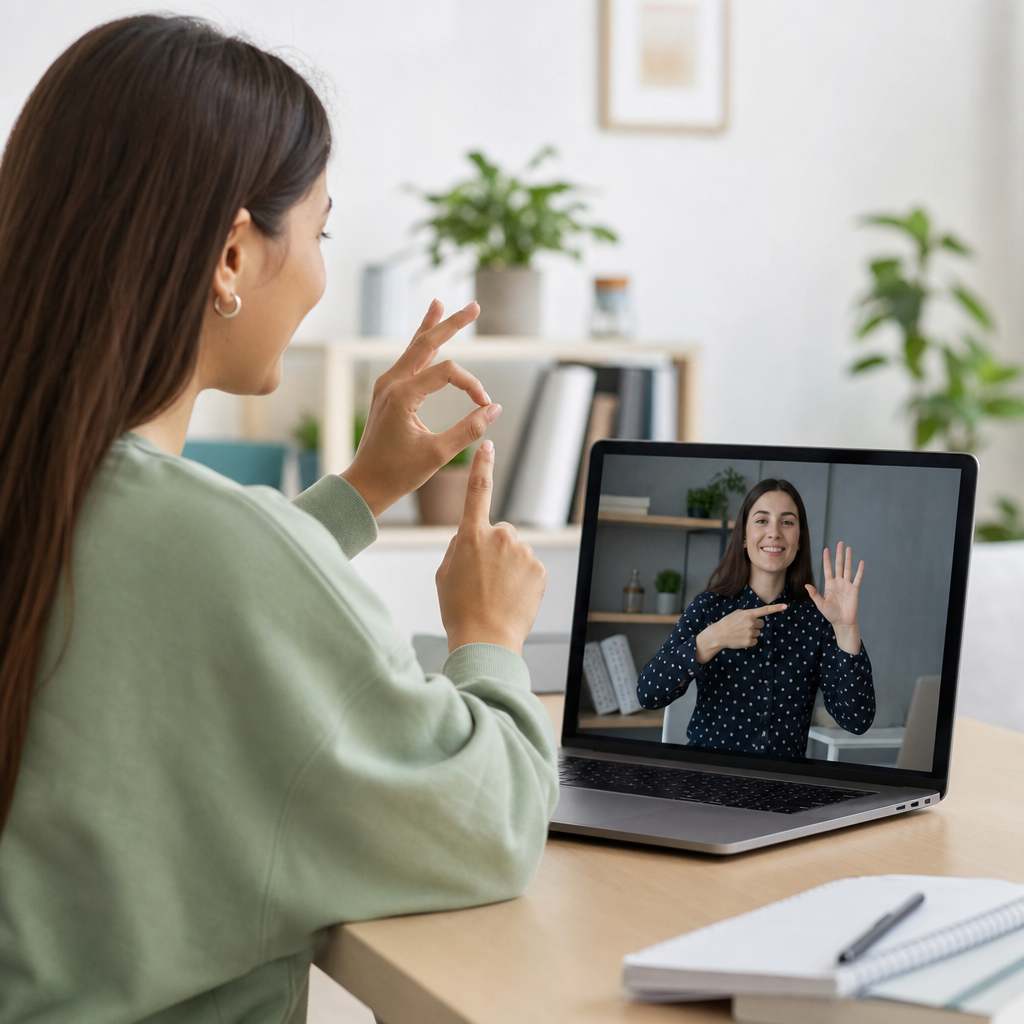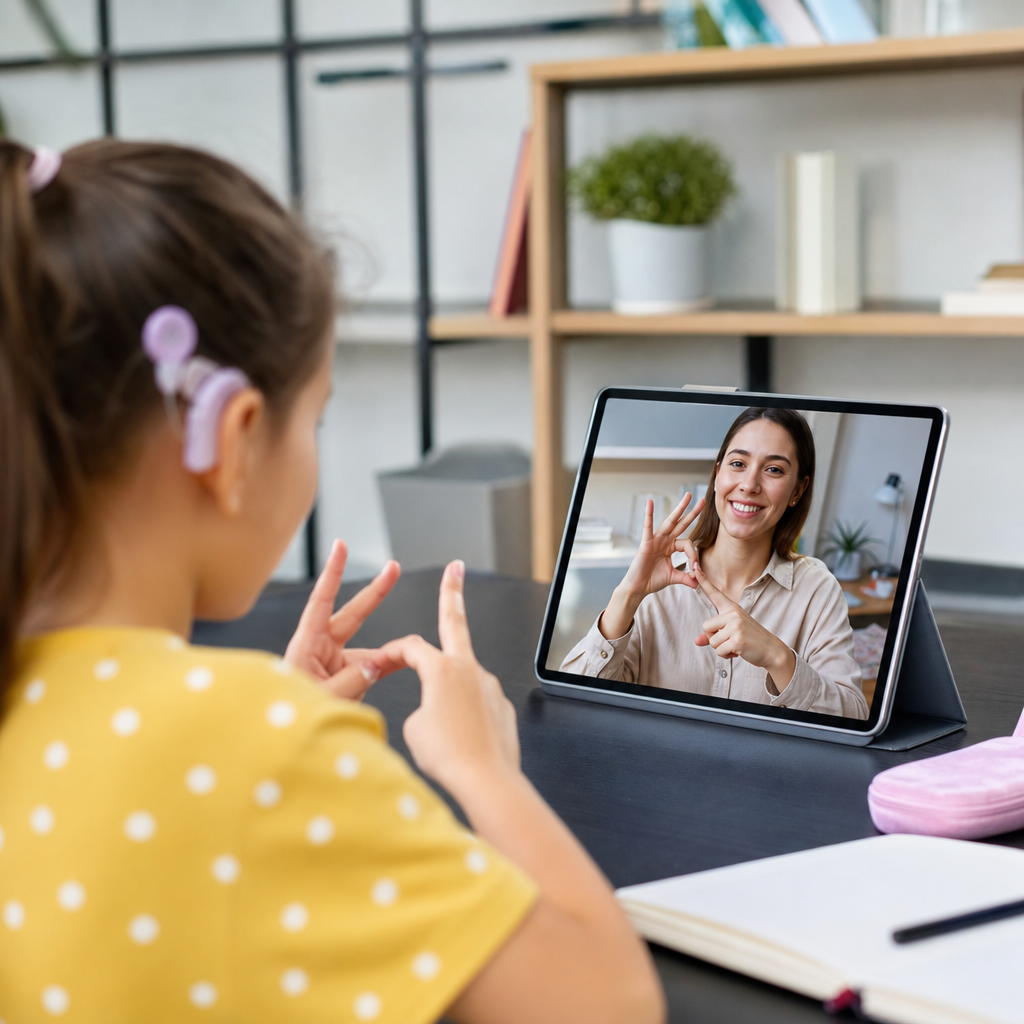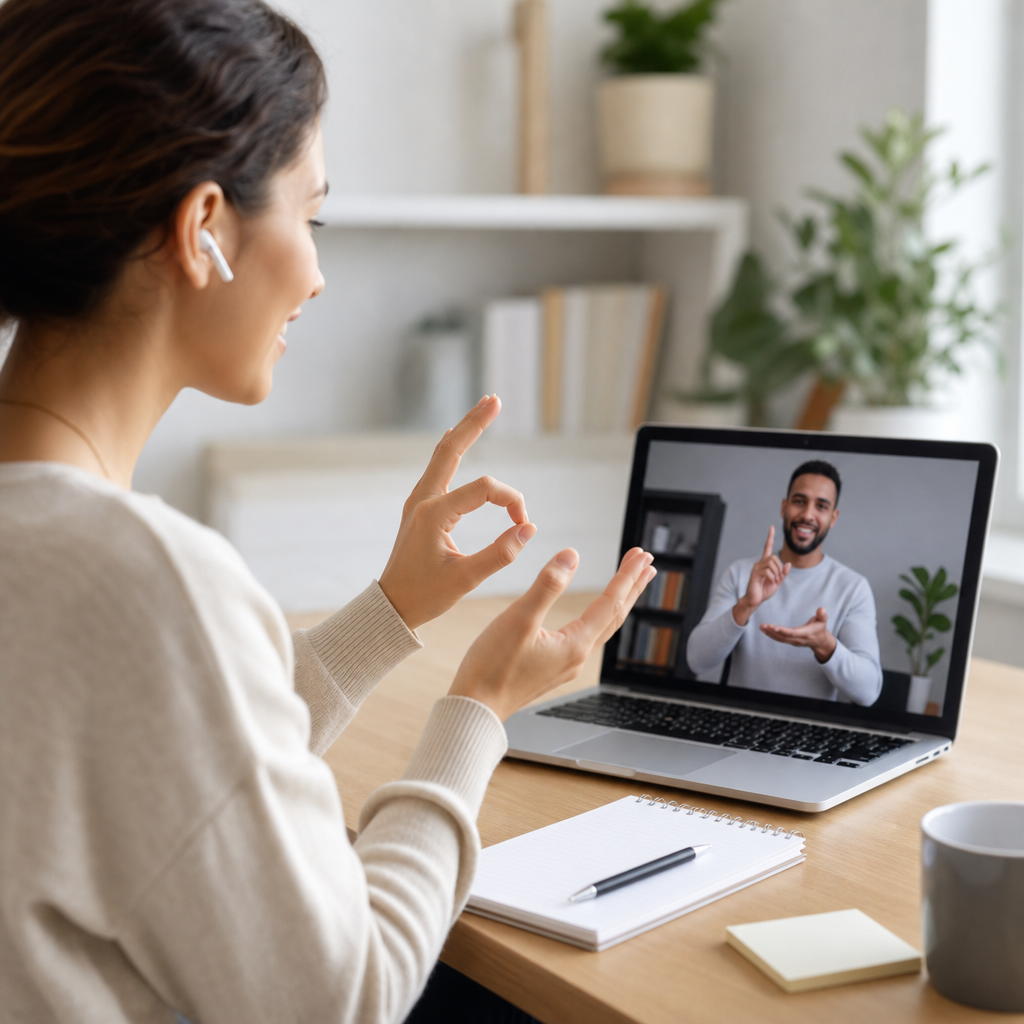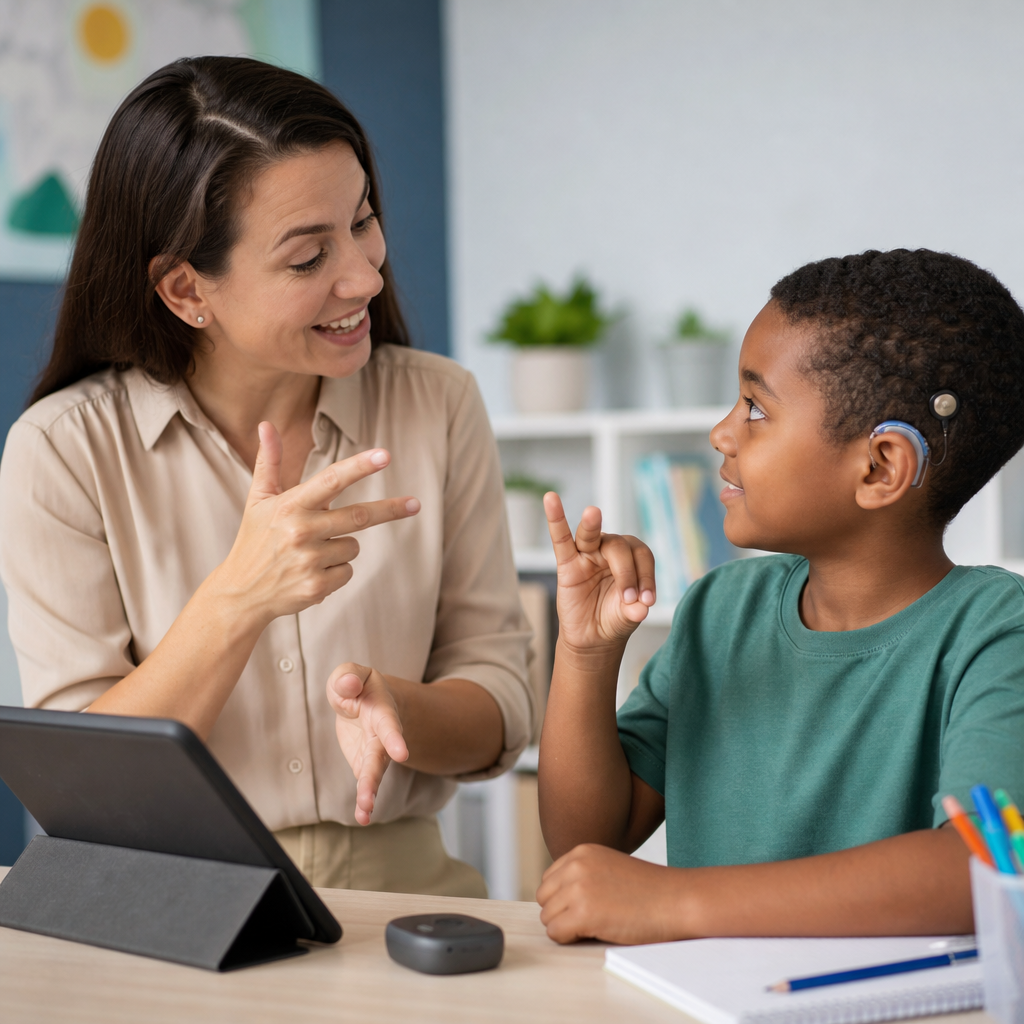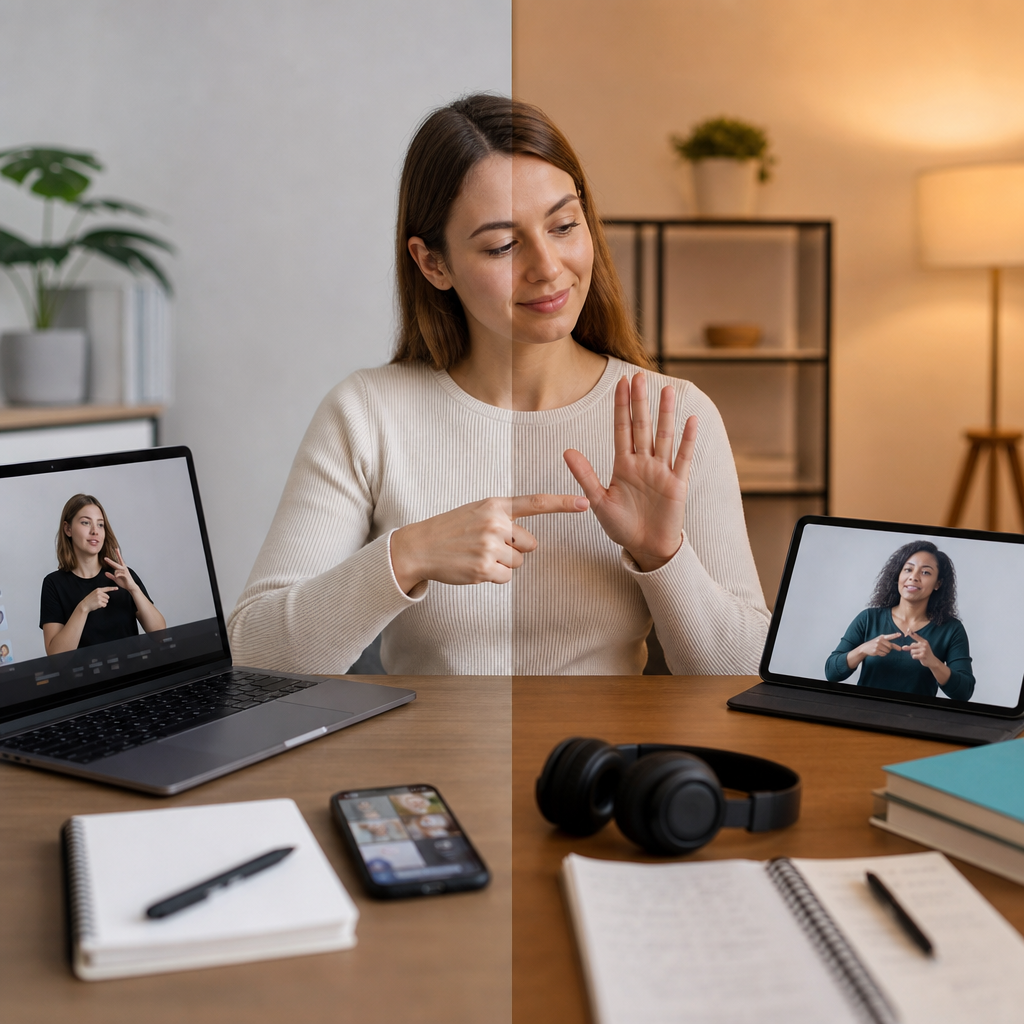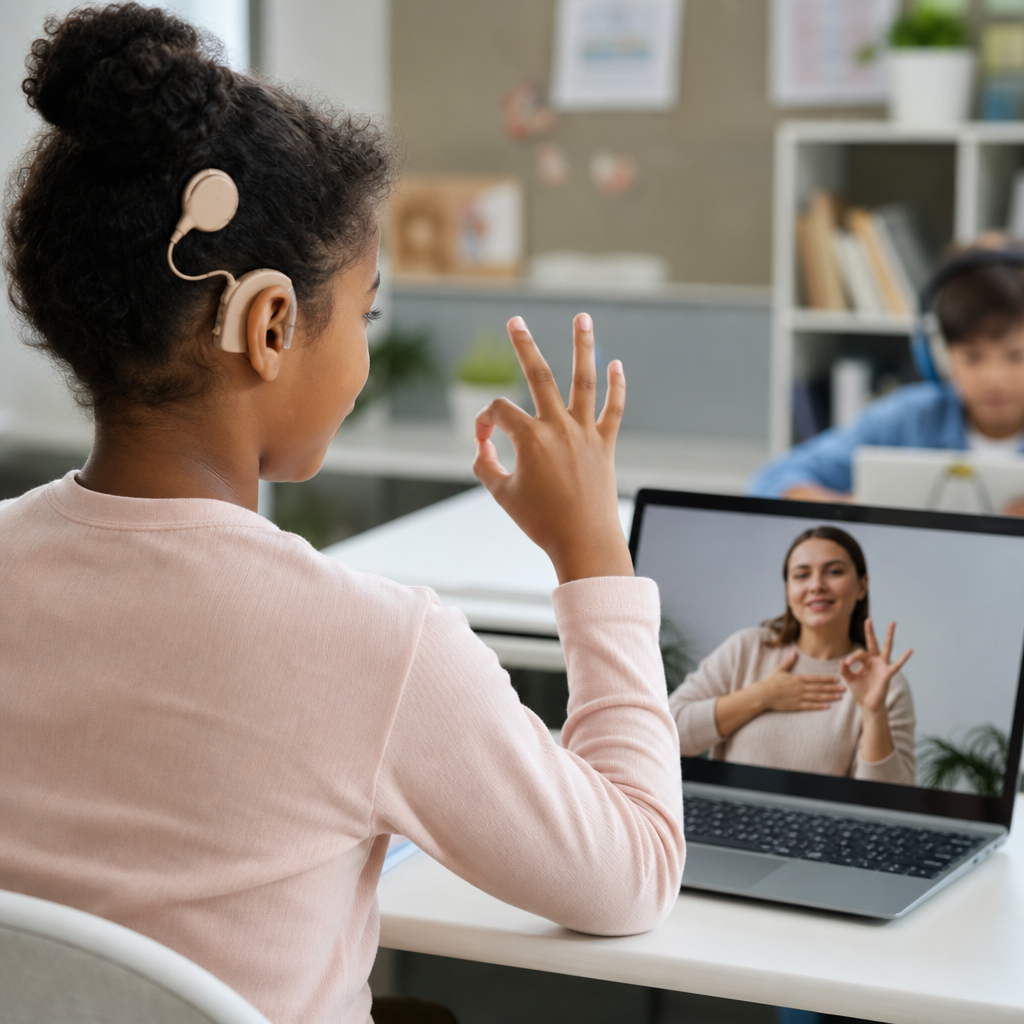
Using technology to support deaf learners is no longer a specialist concern; it is a core part of effective, equitable teaching in mainstream schools, colleges, online courses, and workplace training. In practice, “deaf learners” includes students who are culturally Deaf, hard of hearing, late-deafened, or experiencing fluctuating hearing loss, and each group may use language, devices, and classroom accommodations differently. “Teaching deaf students” therefore means designing instruction that remains fully accessible whether a learner uses British Sign Language, American Sign Language, spoken language with hearing aids, cochlear implants, captioning, note support, or a combination of methods. Technology matters because it can remove barriers to information, participation, assessment, and social connection when it is selected carefully and implemented consistently.
I have seen the difference firsthand in classrooms where a simple change, such as accurate live captions on shared displays, immediately improved comprehension, confidence, and turn-taking. I have also seen technology fail when schools bought devices without considering acoustics, teacher workflow, interpreter sightlines, or the student’s preferred communication mode. The central lesson is straightforward: technology is most effective when it supports language access, visual attention, and predictable communication routines. This hub article explains how to use technology to support deaf learners comprehensively, from core access tools and classroom systems to online learning, assessment, teacher practice, and implementation planning. It is designed as a starting point for educators, school leaders, support staff, and families who need a clear map of the topic and practical guidance they can use immediately.
What Deaf Learners Need From Technology
Deaf learners do not need “special” technology for its own sake; they need reliable access to language, instruction, peer interaction, and feedback. In most settings, barriers appear in four places: spoken input that is hard to hear or impossible to hear, visual information that is poorly presented, discussions that move too quickly, and digital content that assumes everyone can process audio equally. Technology should address these barriers directly. That means improving signal quality, converting speech to text, presenting information visually, supporting signed communication, and creating records learners can revisit after class.
Access needs vary widely. A student with mild hearing loss may benefit most from front-row seating, a remote microphone system, and captioned video. A signing student may prioritize interpreter visibility, pinned video windows in online classes, and recorded signed explanations. A learner with a cochlear implant may hear speech in quiet one-to-one situations but still miss large-group discussion, especially in reverberant rooms. Effective planning begins with the learner profile: hearing technology used, language background, literacy level, confidence with self-advocacy, subject demands, and classroom environment. This is why one-size-fits-all solutions usually disappoint.
Core Classroom Technologies That Improve Access
The most consistently useful classroom tools are remote microphone systems, captioning, soundfield systems in some environments, visual display tools, and recording platforms. Remote microphone systems, often called FM or DM systems, transmit the teacher’s voice directly to a learner’s hearing aid or cochlear implant processor. This improves the signal-to-noise ratio, which is critical because background noise, distance, and reverberation reduce speech intelligibility long before a hearing teacher notices a problem. For many deaf students who use amplification, a remote microphone is not optional; it is the difference between partial listening and dependable access.
Captioning is equally important. Live automatic captions in Microsoft Teams, Google Meet, Zoom, PowerPoint, and smartphones have improved significantly, but accuracy still depends on microphone quality, internet stability, speaker pace, and subject vocabulary. Teachers should treat captions as support, not magic. If a science lesson includes terms such as “photosynthesis,” “mitochondria,” or “stoichiometry,” preload key vocabulary on slides and in handouts so students can recognize specialized words even if captions misrender them. Recorded lessons should always include edited captions where possible, because post-session correction raises quality substantially.
Interactive whiteboards, shared slides, and document cameras also matter because deaf learners depend heavily on visual information. Good visual teaching is not simply adding more text. It means using uncluttered slide design, clear headings, worked examples, diagrams with labels, and deliberate pauses so students can shift attention between teacher, interpreter, captions, and board content. In rooms with interpreters, teachers should avoid speaking while lights are off or while facing away writing on the board. Technology supports access only when visual attention demands are managed carefully.
| Technology | Primary purpose | Best use case | Key limitation |
|---|---|---|---|
| Remote microphone system | Improves direct access to teacher speech | Lectures, discussions, noisy classrooms | Does not automatically capture peer comments unless passed around or paired with additional microphones |
| Live captioning | Converts speech to readable text | Whole-class teaching, online meetings, video playback | Accuracy drops with accents, technical vocabulary, and overlapping speech |
| Captioned recorded lessons | Creates a reviewable learning record | Homework, revision, flipped learning | Requires editing time for high accuracy |
| Visual presentation tools | Strengthens non-audio delivery of content | Explanations, modelling, demonstrations | Poor design can overload visual attention |
Assistive Technology Beyond the Basics
Many deaf learners use personal assistive technology that teachers should understand even if they do not manage it directly. Hearing aids amplify sound according to an audiologist’s prescription; cochlear implants convert sound into electrical signals that stimulate the auditory nerve. Neither device restores “normal hearing.” Both can help significantly, yet both remain sensitive to noise, distance, room acoustics, and speaker clarity. Teachers who assume a student can hear everything because they wear devices often underestimate fatigue and overestimate comprehension. Consistent checking for understanding is essential.
Speech-to-text apps and communication access tools are increasingly valuable in flexible learning spaces. Apps such as Ava, Otter, and built-in phone transcription can support informal conversations, tutorials, and field trips. They are especially helpful during spontaneous interactions when formal captioning is unavailable. However, privacy and safeguarding rules must be considered before recording or transcribing classroom speech. Schools should define when these tools are permitted, how transcripts are stored, and how consent is handled. This is particularly important in settings involving minors or sensitive pastoral discussions.
Alerting technologies can also support participation. Visual timers, vibrating alerts, flashing notifications, and smartwatches help students track transitions, alarms, and reminders without depending on auditory cues. In boarding schools, colleges, and residential programs, deaf learners may also need vibrating fire alarms, door alerts, and wake-up devices. These are sometimes discussed as disability accommodations rather than learning tools, but they directly affect punctuality, readiness, and independent study. When systems for daily living are inaccessible, academic performance often suffers as a result.
Digital Content, Video, and Learning Platforms
Accessible technology for deaf learners is not limited to devices in the room; it includes every digital resource assigned before, during, and after class. Videos must be accurately captioned, not merely auto-captioned and forgotten. If the captions are poor, the video is not accessible. Teachers should check spelling of subject terms, speaker labels, punctuation, and timing. For signed-first learners, some institutions also provide signed summaries or glossaries for complex concepts. This is particularly useful in subjects where written academic language differs sharply from everyday signed language patterns.
Learning management systems such as Google Classroom, Canvas, Moodle, and Schoology can improve access when organized well. Post slides before class, share vocabulary lists, upload transcripts, and provide written instructions for every task. Deaf learners should never have to rely on remembering oral announcements that disappeared the moment they were spoken. In my experience, posting concise written recaps after lessons reduces confusion for the whole class, not only for deaf students. The same applies to homework: write deadlines, success criteria, and submission steps clearly in the platform rather than explaining them only aloud.
For video conferencing, layout decisions matter. Pin the interpreter, enable captions, ask speakers to identify themselves, and moderate turn-taking so only one person speaks at a time. Teachers should keep their camera on, frame their face clearly, and avoid backlighting that obscures lip patterns and facial expression. If breakout rooms are used, plan support in advance. Deaf learners can be excluded quickly in small-group online discussion when peers talk over each other or forget to use the chat. Structured prompts and assigned roles improve inclusion dramatically.
Teaching Strategies That Make Technology Work
Technology works best when paired with strong teaching routines. Start by gaining attention before speaking, especially after transitions or practical activities. Face the class, speak at a natural pace, and avoid talking while handing out papers or turning away. Repeat or revoice peer comments into the microphone so everyone receives the same information. Build in pause points for checking understanding, not just “Do you get it?” but targeted prompts such as “Tell me the first step,” “Which variable changed?” or “What evidence supports that answer?” These methods reveal access gaps quickly.
Pre-teaching vocabulary is another high-impact strategy. Deaf learners often encounter reduced incidental learning because they cannot overhear the same volume of background language as hearing peers. Technology can compensate when teachers share glossaries, captioned concept videos, and preview slides in advance. During lessons, visual anchors such as word banks, diagrams, and example sentences support comprehension. After lessons, retrieval quizzes with written and visual cues help consolidate learning. The goal is not to lower challenge but to remove avoidable language barriers so students can engage with the real intellectual task.
Group work requires explicit structure. Use shared documents, collaborative whiteboards, and chat channels so ideas appear in text as well as speech. In practical subjects, position students in circles or horseshoes where faces remain visible. In labs and workshops, ensure safety instructions are written and demonstrated, not delivered only verbally in noisy conditions. Deaf learners can thrive in collaborative settings, but participation should not depend on catching fragmented speech from multiple directions. Good technology-supported routines make interaction more equitable and less exhausting.
Assessment, Feedback, and Progress Monitoring
Assessment accessibility is often weaker than lesson accessibility. Deaf learners may understand a topic well but underperform when instructions are rushed, language is unnecessarily dense, or listening demands are embedded in the task. Technology can help by providing written directions, captioned oral prompts, transcripts for recorded materials, and flexible response formats where appropriate. This does not mean altering the construct being assessed. In a history exam, for example, the target is historical reasoning, not the student’s ability to decode an unclear spoken instruction.
Feedback should also be multimodal. Written comments, screen-recorded feedback with captions, annotated exemplars, and brief conferencing supported by live transcription can all improve clarity. Teachers should review patterns in errors to distinguish conceptual misunderstandings from language-access issues. If a student repeatedly misses details announced orally but performs well when instructions are written, the problem is access, not effort. Progress monitoring should include attendance to support sessions, device use reliability, caption quality, and classroom communication breakdowns, because these factors shape academic outcomes as much as content knowledge does.
Implementation: Training, Policy, and Family Partnership
Successful technology support for deaf learners depends less on buying products and more on implementation discipline. Staff need training on microphones, caption settings, troubleshooting, and communication routines. Schools need policies for captioning standards, procurement, maintenance, data privacy, and substitute teacher guidance. Someone must be accountable for checking batteries, pairing devices, updating software, and confirming that recorded content remains accessible. Too many support plans fail because responsibility is assumed rather than assigned.
Family partnership strengthens results. Parents and carers often know which tools a student trusts, which environments cause fatigue, and how homework access works at home. Teachers should coordinate with audiologists, teachers of the deaf, interpreters, speech and language professionals, and disability support teams where available. Transition planning is especially important when students move between year groups, campuses, or into higher education. The most effective programs treat accessibility as a continuous system, not a single accommodation on paper.
Using technology to support deaf learners succeeds when access is planned, visible, and reviewed. The essential principles are clear: improve access to speech where useful, provide accurate text alternatives, strengthen visual teaching, and design digital learning so nothing important exists only in audio. For educators working on teaching deaf students, the payoff is substantial: better comprehension, stronger independence, fuller participation, and fairer assessment. Audit your current classroom tools, ask learners what actually helps, and upgrade one barrier at a time. Consistent, informed use of technology changes outcomes.
Frequently Asked Questions
1. How can technology make learning more accessible for deaf learners in mainstream and online settings?
Technology can improve access for deaf learners by making spoken information visible, repeatable, and easier to interact with across different environments. In classrooms, lectures, meetings, and online sessions, tools such as live captions, speech-to-text apps, captioned video platforms, visual presentation software, and shared digital notes help reduce the risk of missing key information. This matters because many deaf learners are asked to process speech at a distance, in background noise, or through inconsistent audio quality, all of which can create barriers even when amplification devices are available.
Good technology use also supports flexibility. Some learners rely primarily on British Sign Language or another signed language, some prefer written English, some use hearing aids or cochlear implants, and others move between communication modes depending on the context. Technology allows educators to present the same content in multiple ways at once: spoken explanation, accurate captions, visual diagrams, transcripts, slides shared in advance, and recorded materials that can be replayed. That combination is often far more effective than expecting one accommodation to solve everything.
In online settings, accessibility depends heavily on how sessions are designed. Deaf learners benefit when cameras are kept on for lipreading and visual cues, speakers take turns clearly, chat functions are actively used, captions are enabled and checked for accuracy, and interpreters or captioners are properly integrated into the platform view. Technology is most helpful when it is not treated as an add-on, but as part of the teaching design from the start. The goal is not simply to provide tools, but to create learning that remains understandable, participatory, and equitable for a wide range of deaf learners.
2. What are the most useful technologies for teaching deaf students effectively?
The most useful technologies are usually the ones that improve clarity, reduce dependence on auditory access alone, and fit the individual learner’s communication profile. Live captioning is one of the most widely valuable tools because it converts speech into text in real time during lessons, seminars, meetings, and training. It can support students who are hard of hearing, late-deafened, or working in noisy environments, and it is often helpful for Deaf students who use written text to reinforce understanding alongside signed or spoken communication.
Captioned video is equally important. Any recorded lesson, tutorial, demonstration, or training module should include accurate captions rather than relying only on auto-generated text, which may misrepresent technical vocabulary, names, or key concepts. Transcripts add another layer of access by allowing learners to review, search, and annotate content. Visualisers, interactive whiteboards, shared slides, and collaborative documents are also useful because they make lesson structure and key information visible in real time.
Assistive listening technology remains important for learners who use residual hearing. This may include remote microphones, FM or DM systems, induction loops, and audio streaming tools that connect directly to hearing aids or cochlear implants. However, these should not be assumed to meet every learner’s needs on their own. Many deaf students still need visual access, captioning, and clear classroom routines even when amplification is available.
For learners who use sign language, video platforms that allow a clear view of the interpreter, teacher, and shared content are essential. In some contexts, notetaking support, digital glossaries, visual timetables, vibration or light-based alerts, and learning platforms with accessible layout and navigation can also make a significant difference. The best technology is rarely one single product; it is a coordinated set of tools chosen to match the learner, the subject, and the teaching environment.
3. Are captions and speech-to-text tools enough to support all deaf learners?
No. Captions and speech-to-text tools are valuable, but they are not a complete solution for every deaf learner. One reason is that deaf learners are not a single group. A culturally Deaf student whose first or preferred language is a signed language may need direct access to sign language interpretation as well as written text. A student who is hard of hearing may benefit greatly from captions but still struggle if the pace is too fast, the screen layout is cluttered, or the teacher speaks while facing away. A learner with fluctuating hearing loss may need a combination of captioning, flexible seating, visual materials, and recordings they can revisit later.
There are also quality issues. Automated captions can be extremely helpful, but they are not always accurate, especially with specialist terminology, multiple speakers, accents, poor microphones, or fast discussion. If a teacher relies on inaccurate captions without checking them, the result can be confusion rather than access. Captions also do not capture everything that matters in communication, such as tone, turn-taking, visual references in the room, or information delivered while the speaker is off screen.
Effective support usually combines captioning with strong inclusive teaching practice. That includes sharing materials in advance, using clear visual structure, pausing for reading and processing, repeating peer comments before responding, ensuring one speaker at a time, providing transcripts and summaries, and checking understanding without putting the learner on the spot. In many cases, deaf learners also benefit from interpreters, communication support workers, assistive listening systems, and accessible assessment design. Captions are a key part of the toolkit, but they work best as one element of a broader access strategy.
4. How should teachers choose the right technology for different deaf learners?
Teachers should start by avoiding assumptions. Two students with similar audiograms may learn very differently, and two students who both identify as deaf may have very different language preferences, device use, and support needs. The right approach is to ask what helps that learner access instruction, discussion, group work, video, practical tasks, and assessment. Ideally, this happens in collaboration with the learner, specialist support staff, interpreters, disability advisers, and where appropriate, family members or workplace support teams.
Selection should be based on function, not fashion. A tool is useful if it removes a barrier in a specific teaching context. For example, in a lecture-heavy environment, high-quality captions, lecture recordings, and shared notes may matter most. In a science lab, visual safety alerts, clear line of sight, pre-taught vocabulary, and waterproof or portable communication tools may be more important. In online teaching, platform layout, interpreter visibility, chat access, and transcript availability can be critical. In workplace training, the focus may shift to meeting-room microphones, captioned compliance modules, and visual alerting systems.
It is also important to test technologies in real conditions. A tool that works well in a quiet demo may fail in a noisy classroom, a breakout room, or a large assembly. Teachers should check audio quality, internet stability, screen visibility, compatibility with hearing devices, and whether the learner can use the tool without constant troubleshooting. Training matters too. Even excellent technology will underperform if staff do not know how to switch on captions, upload accurate transcripts, position microphones properly, or manage turn-taking in discussions.
Most importantly, technology choices should be reviewed over time. Learners’ needs can change with age, course demands, fatigue, room acoustics, confidence, language development, or hearing levels. The most effective schools and training providers treat accessibility as an ongoing conversation, not a one-time setup.
5. What teaching practices should be used alongside technology to support deaf learners successfully?
Technology works best when paired with deliberate, inclusive teaching habits. One of the most effective practices is making communication visually accessible from the start. That means facing the class while speaking, keeping your mouth visible, avoiding talking while writing on the board, and making sure lighting supports lipreading and sign visibility. It also means structuring lessons clearly, signalling topic changes, and using slides, diagrams, keywords, and demonstrations to reinforce spoken content.
Preparation is another major factor. Sharing slides, reading lists, vocabulary, and lesson outlines in advance helps deaf learners build context before the live session begins. During teaching, pausing regularly gives time to read captions, watch an interpreter, process new terms, and take notes. In discussions, repeating questions and comments from other students is essential, because peer contributions are often the hardest part to catch. Group work should be carefully organised so that turn-taking is clear and all participants can be seen.
Assessment and feedback should also be reviewed for accessibility. If understanding is being tested, teachers should make sure that the assessment is not accidentally measuring how well a learner could access spoken instructions. Recorded feedback, oral presentations, timed discussions, and audio-heavy tasks may need alternative formats or added supports such as captions, interpreters, written instructions, and extra processing time. Accessibility is not about lowering standards; it is about ensuring learners can show what they know without unnecessary communication barriers.
Finally, the most successful approach is responsive rather than rigid. Teachers should ask what is working, notice where communication breaks down, and adjust quickly. When technology is combined with clear visual communication, thoughtful planning, and a willingness to individualise support, deaf learners are far more likely to participate confidently and achieve on equal terms with their peers.