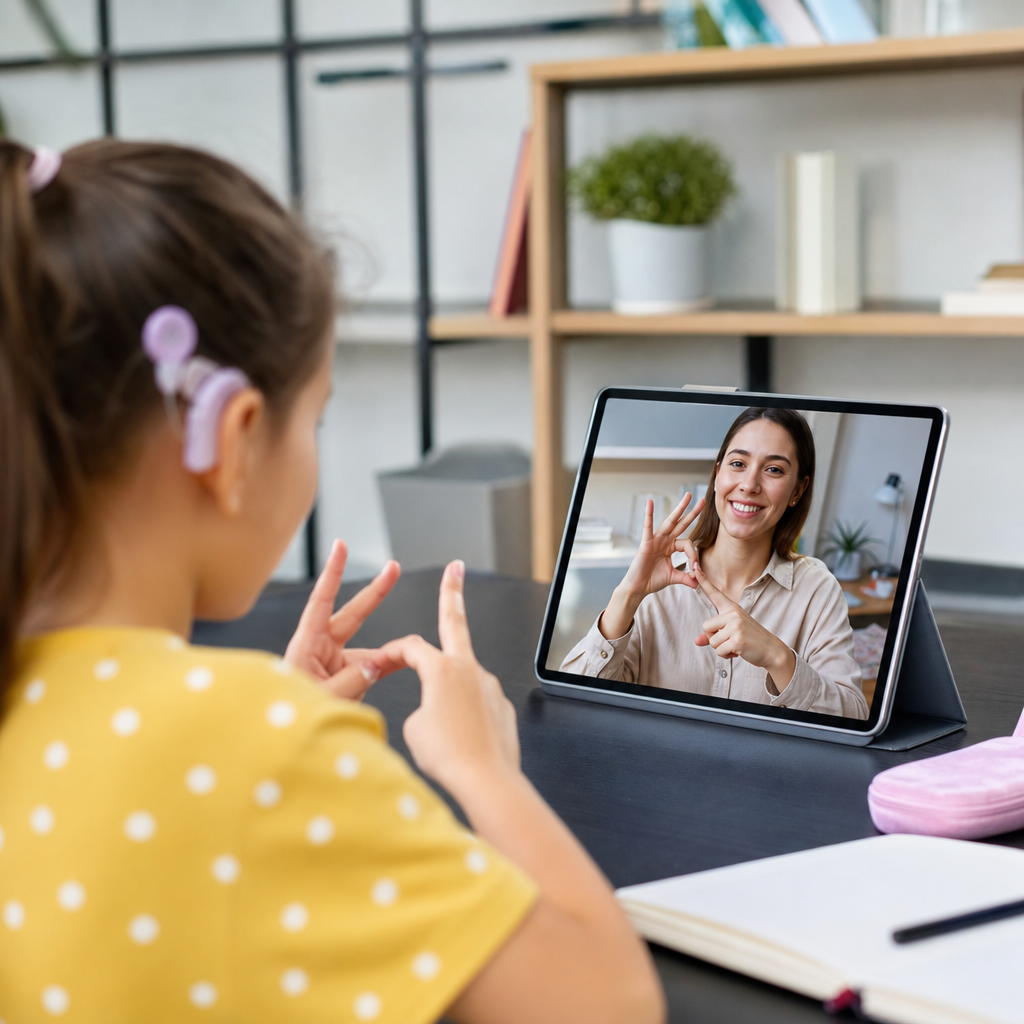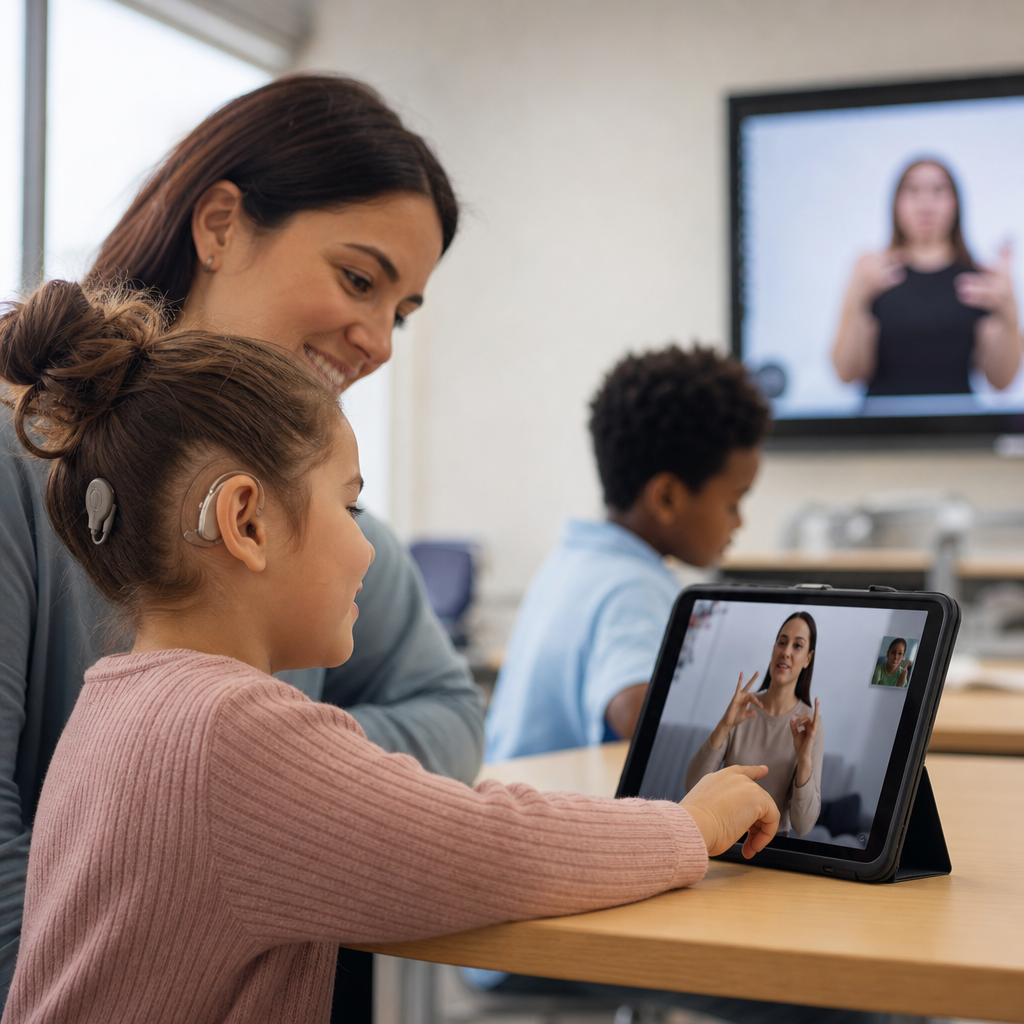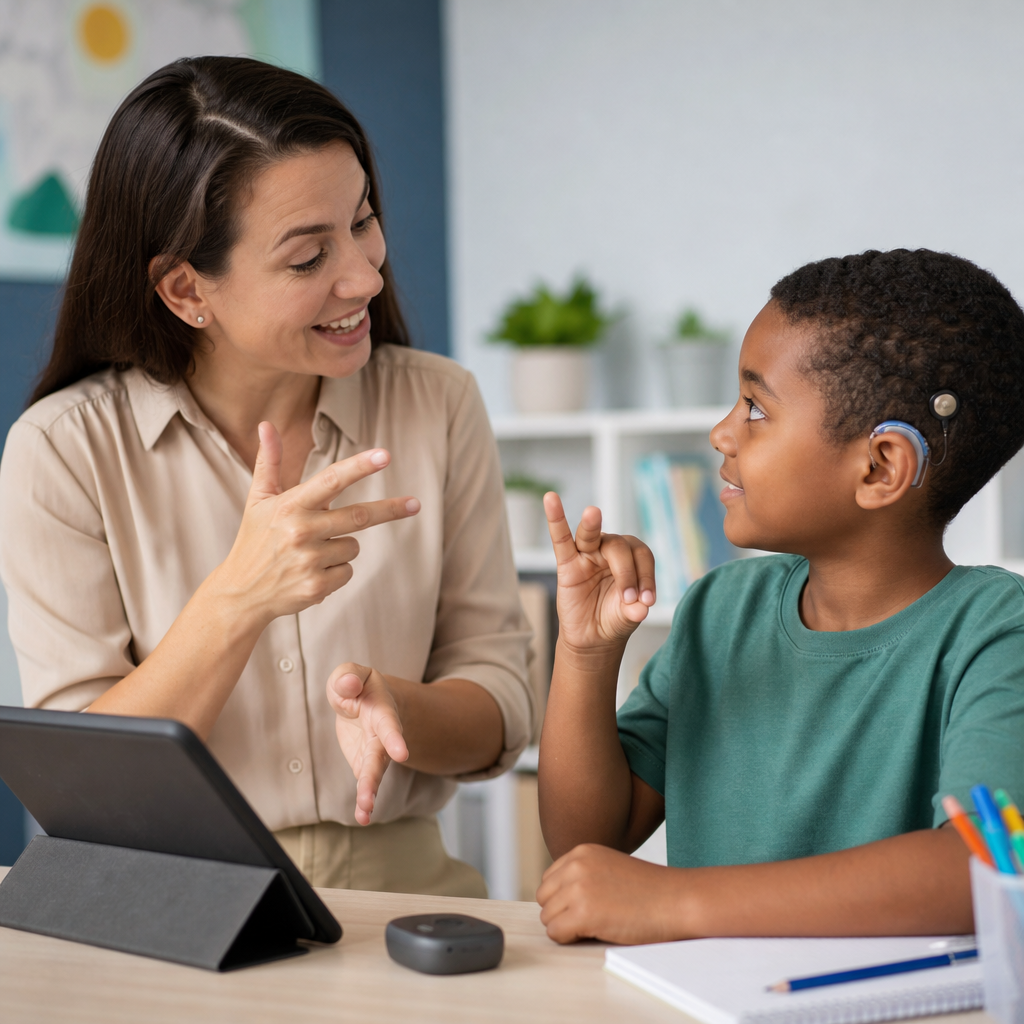
Teaching deaf students well requires more than goodwill or a few accommodations. It requires the right tools, a clear understanding of language access, and a practical approach to classroom design. In schools, universities, and training programs, I have seen the same pattern repeatedly: when educators choose tools intentionally, deaf learners participate more fully, retain more information, and show stronger confidence. When access is treated as an afterthought, even excellent content becomes harder to reach. That is why a guide to the best tools for teaching deaf students matters for every educator working within education and learning resources.
Before comparing products and strategies, it helps to define the terms. Deaf students are not a single group with identical needs. Some use American Sign Language as their primary language. Some are hard of hearing and rely on amplification, captioning, or speechreading. Some are cochlear implant users. Some are deafblind and need tactile or braille-based support. Courses and learning tools must therefore support communication access, visual learning, language development, assessment, and independent study. A useful tool is not simply popular technology. It is any resource that reduces barriers and improves access to instruction, practice, feedback, and community.
This hub article covers the full landscape of courses and learning tools for deaf education. It includes classroom hardware, captioning platforms, sign language resources, learning management systems, note-taking supports, visual curriculum tools, and assessment methods. It also explains how these tools work together, because no single product solves accessibility by itself. The best results usually come from layered support: for example, a live lesson with CART captioning, visual slides, guided notes, and follow-up practice in a structured course platform. Schools that understand this build stronger systems, not isolated fixes.
There is also a compliance and quality reason to get this right. In many settings, accessibility is shaped by standards and laws such as the Americans with Disabilities Act, Section 504, the Individuals with Disabilities Education Act, and Web Content Accessibility Guidelines. But beyond legal requirements, effective tools protect instructional time. They prevent misunderstandings, reduce cognitive fatigue, and let students focus on learning rather than decoding. For administrators, this article serves as a hub page for courses and learning tools. For teachers, it is a practical map for choosing what to adopt, what to avoid, and how to build an accessible learning environment that actually works.
What makes a teaching tool effective for deaf students
The best tools for teaching deaf students share several traits. First, they deliver information visually and clearly. That can mean high-quality captions, signed explanations, diagrams, color-coded notes, and uncluttered layouts. Second, they support language access in the student’s preferred mode, whether that is sign, print, speech plus captioning, or a combination. Third, they work reliably in real classrooms. I have learned to distrust tools that demo well but fail when the Wi-Fi drops, the microphone distorts, or the speaker turns away from the class. Reliability matters as much as innovation.
Good tools also reduce split attention. A deaf learner should not have to choose constantly between watching an interpreter, reading a slide, and copying notes. Tools are strongest when they organize information so the student can follow the lesson in sequence. This is why guided notes, recorded lessons with captions, and LMS modules with clear navigation often outperform flashy apps. Another marker is flexibility. Teachers need tools that can support direct instruction, small-group work, asynchronous study, and assessment. A platform that handles only one narrow task may still be useful, but it should fit into a broader accessible workflow.
Finally, the most effective tools can be measured by outcomes. Are students participating more? Do they understand core vocabulary faster? Are assignment errors dropping because instructions are clearer? Can families access content at home? These are better questions than asking whether a tool feels modern. In deaf education, practical access beats trendiness every time.
Core classroom access tools every program should consider
Every accessible learning environment starts with core access tools. The first is high-quality captioning. For live classes, that may include CART services, built-in captions in Microsoft Teams or Google Meet, or transcription tools such as Otter. CART remains the most accurate option for complex academic language, especially in science, law, or advanced technical courses. Automatic captioning is improving, but it still struggles with names, accents, overlapping speakers, and domain-specific vocabulary. For recorded lessons, captions should be edited for accuracy rather than accepted as generated.
The second core tool is a sound field or personal listening system when appropriate. FM and DM systems from companies such as Phonak and Roger can improve signal-to-noise ratio for students who use hearing aids or cochlear implants. In mainstream classrooms, background noise is a major barrier. A teacher-worn microphone can make spoken input cleaner, especially during discussion-heavy lessons. These systems do not replace captions or sign support, but they can meaningfully reduce listening fatigue for students who rely on residual hearing.
Visual display tools are equally important. Interactive displays, document cameras, and well-designed slide decks help teachers anchor instruction visually. A document camera is especially valuable in math, lab work, and reading intervention because it shows step-by-step processes in real time. The best teachers pair these displays with deliberate pacing, pausing so students can look from the screen to the interpreter or captions without losing the thread. In my experience, classroom access improves dramatically when teachers are trained to present one information stream at a time rather than layering speech, text, and movement all at once.
Best course platforms and digital learning systems
For structured teaching, the learning management system often becomes the central tool. Canvas, Moodle, Blackboard, and Google Classroom can all support deaf students when used well, but their value depends on setup. A strong course platform should organize content into predictable modules, include captioned videos, provide written instructions for every task, and allow teachers to attach transcripts, visuals, and rubrics. Canvas is especially strong for module-based learning and external tool integration. Google Classroom is simple and familiar in K–12 settings, which can be helpful for students who benefit from low navigation friction.
Video-based course tools matter too. Edpuzzle lets teachers embed questions into videos, which works well when students need to pause, rewatch, and process information visually. Nearpod supports interactive lessons with polls, drawings, and checks for understanding, useful when teachers want quick feedback without relying on spoken responses. Flip, formerly Flipgrid, can be effective when students respond in sign language through recorded video, giving them a direct expressive mode that standard text boxes cannot always match. In bilingual ASL-English environments, this is particularly valuable.
Accessibility within the platform should be audited, not assumed. Teachers should check keyboard access, caption support, mobile usability, color contrast, file readability, and whether PDFs are actually accessible. A course shell that looks tidy to the instructor may still be confusing to a student if links are vague or instructions exist only in a fast spoken video. The best digital learning systems create consistency. Students know where to find lectures, assignments, vocabulary lists, and support materials every week. That consistency lowers cognitive load and increases independence.
Sign language learning tools and bilingual resources
For many deaf students, sign language resources are not enrichment. They are foundational learning tools. ASL dictionaries and video libraries such as Signing Savvy, Handspeak, and ASL Connect can help students and teachers check vocabulary, compare sign variations, and reinforce academic language. These resources are especially useful in content areas where signs may vary regionally or where fingerspelling and concept explanation need to be combined. A teacher introducing biology, for example, may need a resource that shows both a common sign and a conceptual explanation of the term.
Bilingual tools are strongest when they treat sign language as a language of instruction rather than a support add-on. Platforms that include signed directions, signed summaries, or dual-language video content make a measurable difference in comprehension. In schools serving deaf students directly, recorded mini-lessons in ASL can help students review difficult concepts independently. Families also benefit. Parents who are learning sign language can revisit instructional videos at home, making the school-home connection stronger.
Teachers should also think beyond dictionaries. Video annotation tools, discussion boards that allow signed posts, and digital storytelling apps can all support expressive language development. When students can explain a concept in sign, record it, review it, and receive feedback, the learning process becomes more complete. These tools are particularly effective in literacy instruction because they connect concept understanding in sign with reading and writing in English.
Tools for literacy, note-taking, and independent study
Literacy support is one of the most important areas in deaf education, and the best learning tools are explicit and visual. Tools such as Read&Write, Microsoft Immersive Reader, and Bookshare can support comprehension through text-to-speech, vocabulary help, chunking, line focus, and annotation. Even when a student does not rely primarily on audio, features like simplified spacing, picture dictionaries, and translation supports can make dense text more manageable. For many learners, these tools are useful because they control pacing and reduce overload, not because they add sound.
Note-taking supports also matter. Deaf students can miss details when trying to watch a teacher, interpreter, or caption feed while writing simultaneously. Shared guided notes, collaborative documents, and note services can reduce that conflict. Google Docs is often underrated here. A teacher can provide a structured outline before class, insert visuals during the lesson, and share completed notes afterward. OneNote is also strong because it combines typed notes, images, ink, and organization by section. In higher education, note-taking accommodation remains important, but better instructional design often reduces the need for reactive fixes.
For independent study, quiz and review platforms such as Quizlet can be effective when teachers build sets with images, concise definitions, and consistent terminology. The strongest study tools are not the ones with the most animations. They are the ones that present vocabulary, examples, and feedback clearly enough for repeated practice. Deaf students benefit when independent study materials mirror classroom language and visual supports rather than introducing a new format every time.
Choosing the right tools by learning need
| Learning need | Best tool types | Why they help | Example options |
|---|---|---|---|
| Live lecture access | Human captioning, live captions, teacher microphone | Improves real-time comprehension and reduces listening strain | CART, Teams captions, Roger microphone systems |
| Video lesson review | Captioned video platforms with pause and replay | Lets students process content at their own pace | Edpuzzle, YouTube with edited captions, Panopto |
| ASL vocabulary development | Sign dictionaries and recorded sign lessons | Builds concept knowledge in a primary visual language | Signing Savvy, Handspeak, ASL Connect |
| Reading comprehension | Accessible reading and annotation tools | Supports vocabulary, focus, and text navigation | Immersive Reader, Read&Write, Bookshare |
| Class notes and review | Shared notes and structured digital notebooks | Prevents missed content during visual attention shifts | Google Docs, OneNote, guided note templates |
Implementation mistakes to avoid in deaf education
The most common mistake is assuming one tool solves access. Automatic captions alone are not enough. An interpreter alone is not enough. A student with hearing technology may still need captions, visuals, and written follow-up. Another mistake is adopting tools without teacher training. I have seen schools buy interactive displays, caption software, and LMS add-ons, then use them poorly because staff were never shown how to build accessible lessons. Tool selection and instructional practice have to develop together.
A second mistake is ignoring student preference and language background. A deaf student who uses ASL may not benefit from the same tool mix as a hard of hearing student who prefers spoken English with captions. Teachers should ask direct questions: What helps you follow instruction? What makes video content easier to understand? Do you prefer signed explanations, written summaries, or both? Those answers should shape the setup. Accessibility is strongest when it is individualized but still systematized enough to be reliable across classes.
Schools should also avoid inaccessible media libraries, low-quality classroom acoustics, and cluttered visual design. Slides overloaded with text, videos without edited captions, and discussion rules that require rapid spoken turn-taking all create avoidable barriers. The fix is rarely exotic. Better pacing, better captions, stronger visuals, and more structured digital materials usually deliver the biggest gains.
How this hub supports better course and tool decisions
As a hub for courses and learning tools under education and learning resources, this page points to the core decision areas educators need to evaluate: communication access, course platform design, sign language support, literacy tools, and independent study systems. The best tools for teaching deaf students are the ones that fit the learner’s language profile, the teacher’s instructional method, and the school’s capacity to use them consistently. Start with access, not features. Then build a layered toolkit that works across live teaching, digital coursework, and home review.
The central takeaway is simple: deaf students learn best when instruction is designed visually, language access is built in from the start, and course tools reinforce rather than compete with understanding. Schools do not need every product on the market. They need a coherent system made of reliable captions, clear visual teaching, strong course organization, sign-aware resources, and practical study supports. Audit your current courses, identify the biggest access gaps, and upgrade the tools that remove them first. That approach produces better learning, stronger participation, and more equitable results.
Frequently Asked Questions
What are the most important tools for teaching deaf students effectively?
The most important tools are the ones that provide consistent, direct access to instruction. In practice, that usually includes high-quality captioning, real-time transcription, visual presentation tools, hearing assistive technology when appropriate, and communication supports such as sign language interpretation or bilingual resources. For many deaf students, access begins with seeing information clearly and receiving language in a form they can fully understand. That means videos should be accurately captioned, live instruction should be supported with captions or CART when needed, and lesson materials should be structured visually rather than relying heavily on spoken explanation alone.
It is also important to think beyond technology. A good classroom setup is a tool in itself. Clear sightlines, strong lighting, minimal visual barriers, and seating arrangements that support direct communication can make a major difference. Teachers also benefit from using interactive whiteboards, shared digital notes, speech-to-text apps, and learning platforms that allow students to review content at their own pace. The best toolset is not the most expensive one. It is the combination of supports that matches the student’s language preferences, academic level, and communication needs. When those choices are intentional, deaf students can engage with the same depth, independence, and confidence as their hearing peers.
Are captions enough, or do deaf students need additional supports?
Captions are essential, but they are not always enough on their own. Accurate captions greatly improve access to lectures, class discussions, videos, and multimedia assignments, but they do not solve every barrier. Some deaf students use American Sign Language as their primary language and may understand information more fully through sign-supported instruction or an interpreter. Others may benefit from written supports, visual diagrams, pre-taught vocabulary, or real-time transcription during complex discussions. Captions help deliver words, but effective teaching also depends on how clearly ideas are explained, organized, and reinforced.
Another important point is that not all captions are equal. Auto-generated captions often contain errors, especially with technical vocabulary, names, fast speech, or multiple speakers. In an educational setting, those mistakes can seriously affect comprehension. Teachers should aim for accurate, edited captions and should pair them with other supports such as visual summaries, accessible slides, and opportunities for clarification. The strongest approach is to view captions as one part of a larger access plan rather than the entire solution. When educators combine captions with thoughtful instructional design, deaf students are much more likely to retain information and participate actively.
How can teachers choose the right technology for deaf students without overcomplicating the classroom?
The best starting point is to focus on access, not novelty. Teachers do not need to adopt every new app or device to teach deaf students well. Instead, they should ask a few practical questions: Does this tool improve access to spoken or written language? Does it support visual learning? Is it reliable during real instruction? Can the student use it independently? If the answer to those questions is yes, the technology is probably worth considering. If a tool is flashy but inconsistent, confusing, or difficult to integrate into daily teaching, it may create more problems than it solves.
Simple, dependable tools often have the greatest impact. Captioned video platforms, real-time note-sharing, digital whiteboards, classroom microphones connected to assistive listening systems, and accessible learning management systems can dramatically improve learning without overwhelming the teacher or student. It also helps to involve the student, interpreter, support staff, and disability services team in the decision-making process. Deaf students are not a single group with identical preferences, so the most effective technology choices are personalized. A straightforward system that works every day is far more valuable than a complicated setup that fails when the lesson becomes demanding.
What classroom design features help deaf students learn more successfully?
Classroom design matters much more than many educators realize. Deaf students need a learning space that supports visual attention, clear communication, and reduced information loss. One of the most effective design choices is ensuring unobstructed sightlines. Students should be able to see the teacher, interpreter if one is present, classmates during discussion, and all instructional displays without constantly shifting position. Lighting is equally important. A room that is too dim makes visual communication harder, while harsh backlighting can make facial expressions and signing difficult to read.
Seating arrangements should support interaction rather than isolate the student. U-shaped or circular layouts often work well because they make it easier to see multiple speakers. Teachers should also reduce visual clutter where possible and present information in an organized way on boards or screens. Written agendas, key vocabulary, step-by-step instructions, and visual cues for transitions can reduce cognitive load and help students stay oriented throughout the lesson. Good classroom design is not just about comfort. It is an instructional strategy. When the environment is planned for access from the start, deaf students spend less energy trying to catch missing information and more energy on actual learning.
How can schools and educators make sure deaf students are fully included, not just accommodated?
Full inclusion means planning for access before problems arise, not waiting to react after a student has already missed critical information. That starts with understanding that accommodation is only one part of equitable teaching. Deaf students need access to instruction, discussion, peer collaboration, assessments, and informal classroom interactions. Schools should ensure that captioning, interpreting services, accessible digital content, and communication supports are built into course planning rather than added at the last minute. Teachers should also establish communication norms, such as speaking one at a time during discussion, facing the class while talking, and sharing materials in advance whenever possible.
Inclusion also depends on mindset. Educators who teach deaf students successfully tend to be proactive, flexible, and willing to learn what works for each individual. They check whether access is actually working rather than assuming that a support on paper is enough. They invite feedback, coordinate with specialists, and make adjustments when needed. Just as important, they maintain high academic expectations. Deaf students do not benefit from lowered standards; they benefit from strong instruction delivered in accessible ways. When schools combine the right tools with deliberate planning and genuine respect for language access, deaf learners are not merely present in the classroom. They are able to participate fully, demonstrate their knowledge, and succeed on equal footing.