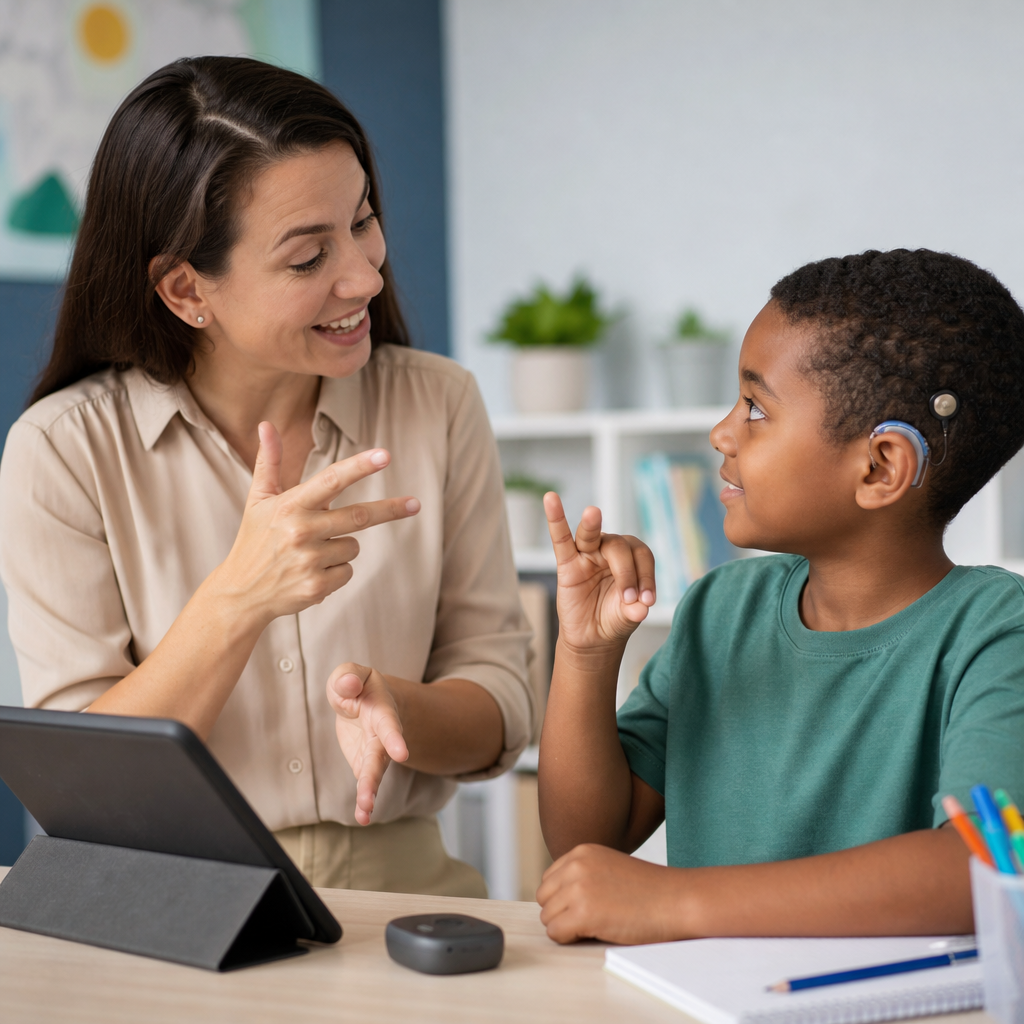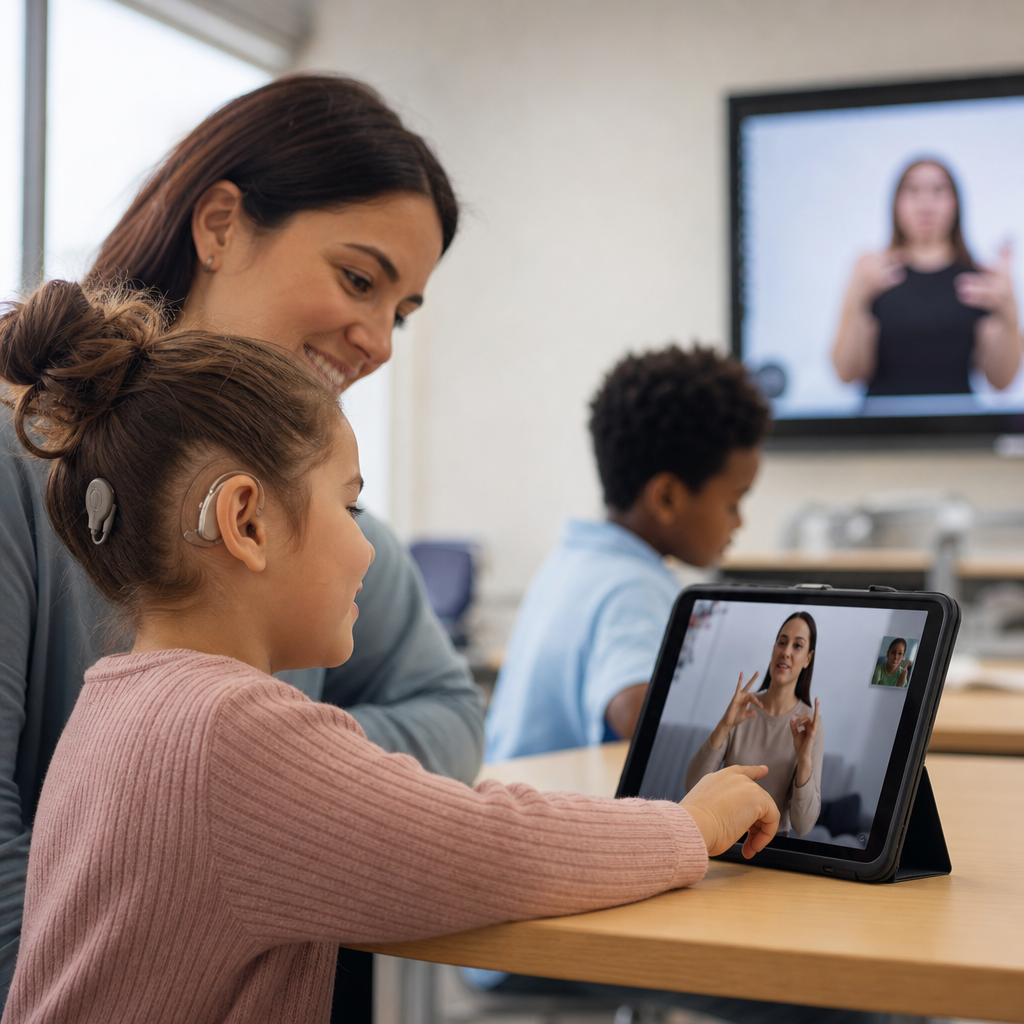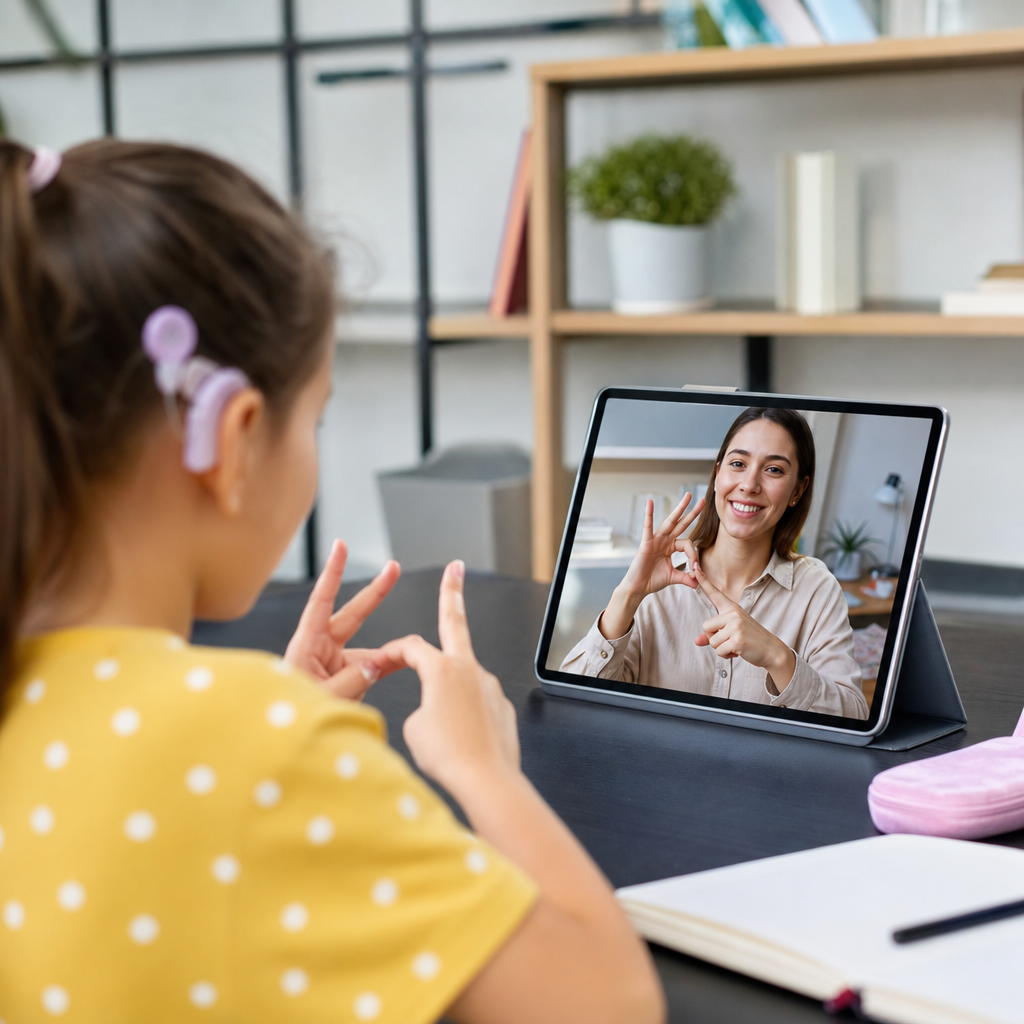
Top apps for deaf education and communication now sit at the center of modern learning support, giving deaf and hard of hearing students faster access to language, instruction, collaboration, and daily interaction than was possible even a decade ago. In practice, these tools range from sign language learning apps and captioning software to classroom note-sharing platforms, speech-to-text services, literacy programs, and visual communication tools built for schools and families. When I evaluate them for educators and parents, I focus on one question: does the app remove a barrier to learning or simply add another screen? That distinction matters because deaf education is not a single method. It includes bilingual approaches using sign language and written language, auditory-verbal programs for some learners with amplification, total communication models, and mainstream classroom supports. The best apps respect that variation. They do not assume every deaf learner uses the same language, technology, or instructional path.
This topic matters because access drives outcomes. Students who can reliably see instructions, review concepts visually, communicate with peers, and connect with teachers in real time are better positioned to participate and progress. The National Deaf Center, Individuals with Disabilities Education Act requirements, and classroom accessibility standards all point toward the same practical truth: communication access is foundational, not optional. Apps cannot replace qualified teachers of the deaf, interpreters, speech-language pathologists, or strong curriculum design. They can, however, extend those supports between lessons, increase independence, and help families reinforce learning at home. For schools building an Education and Learning Resources hub, courses and learning tools for deaf users should therefore be organized around clear purposes: language development, classroom access, literacy practice, peer communication, and family engagement. The apps below are the strongest starting points because they solve concrete problems with features that educators can actually implement.
What Makes an App Useful for Deaf Education
A useful deaf education app does three things well: it presents information visually, it reduces communication delays, and it fits into real teaching workflows. Visual presentation sounds obvious, but many products still rely on tiny auto-generated captions, cluttered interfaces, or audio-first lessons. In classroom testing, I have seen students abandon otherwise promising tools because the text moved too fast, the signer was too small on screen, or vocabulary review was buried under game mechanics. Strong apps use high-contrast design, consistent navigation, downloadable content, and options for replay, pause, or speed control. They also handle language carefully. American Sign Language is not signed English, and an app that confuses the two can mislead beginners and frustrate fluent signers.
Accessibility also means interoperability. Teachers need apps that work with Google Classroom, Microsoft Teams, Zoom, Canvas, or device-level caption settings. Parents need tools that run on both iOS and Android without lengthy setup. Students need privacy protections, offline options when broadband is weak, and account models that do not require a personal email for every feature. If an app captures video, voice, or student performance data, schools should review FERPA, COPPA, and district procurement rules before large-scale adoption. Those compliance questions are not side issues. They determine whether a promising app can be used consistently across classrooms.
Best Apps for Sign Language Learning
For structured sign language learning, The ASL App remains one of the most approachable starting points for families, beginners, and classrooms introducing core vocabulary. Its lessons are organized by practical themes such as food, colors, routines, and school terms, which makes it easier to connect app practice with daily instruction. What I like most is that signs are modeled by native or fluent signers in short clips rather than static drawings. Learners can replay, compare movement, and build retention through repetition. It is not a full curriculum, but it is effective as a vocabulary support tool.
SignSchool goes further for guided learning. It offers progressive lessons, quizzes, topic pathways, and a searchable sign dictionary that can support both self-study and teacher-assigned review. Because it works in a browser as well as mobile environments, it is easier to deploy in mixed-device settings. Lingvano is another strong option, especially for adults, older students, and school staff who need more conversational practice. Its bite-sized sequence, grammar explanations, and review features help hearing family members or educators build functional signing habits quickly. The limitation across all three is the same: no app replaces live interaction with deaf signers. Sign language is spatial, expressive, and culturally grounded, so the best use case is blended learning alongside classes, community exposure, or direct instruction.
Apps That Improve Classroom Communication
For real-time classroom communication, automatic captioning and speech-to-text apps can dramatically improve access when used carefully. Google Meet, Microsoft Teams, and Zoom all provide live captions, which are now good enough for many routine classes, meetings, and tutoring sessions. Accuracy drops with overlapping speech, specialized terminology, strong accents, or poor microphones, so teachers should still face the class, share written keywords, and repeat student comments before moving on. In my experience, captioning works best when paired with simple instructional habits: one speaker at a time, visible agenda notes, and uploaded slides before the lesson starts.
Otter is a valuable companion app for older students because it creates searchable transcripts, speaker labels, and meeting notes that can be reviewed after class. Ava is also widely used for live group captioning and can be helpful in discussions, clubs, and family conversations where multiple people need shared text access on their own screens. These apps are strongest when they support comprehension after the moment has passed. A deaf student can revisit a transcript, confirm a homework instruction, or extract vocabulary that was missed in real time. That review function is often more important than perfect live accuracy.
| App | Primary Use | Best For | Key Strength | Main Limitation |
|---|---|---|---|---|
| The ASL App | Sign vocabulary practice | Families, beginners, K-12 support | Clear native signer video clips | Limited depth as a standalone curriculum |
| SignSchool | Structured sign learning | Students, teachers, self-paced learners | Lessons, quizzes, searchable dictionary | Quality varies by topic depth |
| Lingvano | Conversational sign study | Teens, adults, school staff | Guided progression and grammar support | Subscription cost may limit schoolwide access |
| Otter | Transcription and notes | Secondary, postsecondary students | Searchable class transcripts | Accuracy depends on audio quality |
| Ava | Live group captioning | Class discussions, meetings | Shared real-time captions across devices | Less effective in noisy rooms |
Literacy, Language, and Course Support Tools
Deaf learners often benefit from apps that strengthen reading comprehension, vocabulary, writing organization, and concept review through visual structure. Book Creator is especially useful because teachers can build custom visual books with images, text, video, and signed explanations. I have seen it work well for social studies summaries, science vocabulary journals, and student-created reports where signed responses are embedded next to written text. That format supports bilingual instruction more effectively than text-only worksheets. Epic, for younger readers, offers a large digital library that can help expand independent reading time, though teachers should still preselect accessible titles and provide discussion prompts.
For writing support, Microsoft Immersive Reader is one of the most practical built-in tools available. It can adjust spacing, line focus, syllable display, and text presentation in ways that reduce visual overload. Read&Write from Texthelp adds vocabulary support, annotation tools, and text-to-speech features that can assist learners who use residual hearing, cochlear implants, or multimodal reading strategies. Grammar tools such as Grammarly can help older students revise sentence structure and clarity, but they should be used cautiously. Automated writing feedback improves polish, yet it does not teach language form by itself. Teachers still need to model syntax, cohesive writing, and discipline-specific vocabulary explicitly.
Course platforms matter too. Khan Academy, Nearpod, and Quizlet are not deaf-specific, but they become valuable when teachers use them intentionally. Khan Academy offers concise visuals and segmented instruction that students can replay. Nearpod supports interactive slides, checks for understanding, and teacher-paced lessons that keep text visible. Quizlet helps with repeated vocabulary review through cards, matching, and spaced retrieval. In a broader courses and learning tools hub, these platforms deserve inclusion because accessibility is often built through configuration, not through specialized branding alone.
Apps for Family Communication and Daily Practice
Education does not stop at dismissal, which is why family communication apps are part of effective deaf learning support. Marco Polo, Voxer, and simple video messaging tools can help families who sign communicate asynchronously with children and teachers. A short signed video explaining tomorrow’s field trip can be clearer than a long text message. Seesaw is particularly strong in elementary settings because it lets students respond with drawings, photos, text, recordings, and video, giving teachers and parents multiple windows into understanding. For deaf students, that multimodal response design can reduce the pressure of producing everything in written form.
Daily practice also benefits from visual schedule and routine apps. Choiceworks, visual timer apps, and task-sequencing tools can support executive functioning, transitions, and independence, especially for younger children or students with additional learning needs. These are not deaf-specific products, but they address a common classroom reality: when communication is delayed, routines need to be exceptionally clear. A visual checklist for “pack bag, charge device, review homework, check captions” prevents avoidable confusion. Families often tell me that consistency across school and home matters more than the app brand itself. If both settings use the same icons, labels, and sequence, students internalize routines faster.
How Schools Should Choose the Right App Stack
The smartest approach is not to find one perfect app, but to build a small app stack around instructional goals. Most schools need at least one sign language resource, one captioning or transcription tool, one literacy support platform, and one family communication channel. Start by mapping barriers. If students miss oral directions, prioritize captions and teacher microphone quality. If families want to learn signs, add a beginner-friendly sign app. If reading comprehension is lagging, focus on visual texts, annotation tools, and teacher-made supports before buying another general practice program.
Pilot before purchasing widely. Ask a teacher of the deaf, interpreter, classroom teacher, parent, and student to test the same workflow for two weeks. Measure setup time, caption accuracy, replay usefulness, student engagement, and whether the app actually reduces staff workload. Also check whether the vendor updates content regularly and provides accessibility documentation. A stale sign dictionary, broken login flow, or weak privacy policy will undermine adoption quickly. The strongest implementations are usually simple: fewer tools, clearer purpose, better training. That principle applies across any Education and Learning Resources hub page because readers need a framework for selection, not just a list of names.
Top apps for deaf education and communication are most effective when they are chosen to solve defined access problems and then integrated into everyday teaching. Sign language apps such as The ASL App, SignSchool, and Lingvano support vocabulary and conversational growth. Captioning and transcription tools such as Otter, Ava, Google Meet, Zoom, and Teams improve real-time and post-class access. Literacy and course tools including Book Creator, Immersive Reader, Nearpod, Khan Academy, Quizlet, and Seesaw extend comprehension, review, and home-school connection. None of these tools is magic, and none should be treated as a substitute for qualified deaf education professionals. Their value comes from practical alignment with student language needs, classroom routines, and family participation.
For schools, parents, and adult learners building a reliable courses and learning tools plan, the best next step is to audit current barriers and match one app to each major need: language learning, classroom access, literacy support, and family communication. Start small, test in real conditions, and keep the tools that save time while improving understanding. When app choices are made this way, technology becomes more than an accommodation. It becomes a consistent path to fuller participation, stronger learning, and more confident communication every day.
Frequently Asked Questions
What types of apps are most useful for deaf education and communication?
The most useful apps usually fall into a few core categories, and the best results often come from using several together rather than relying on a single tool. Sign language learning apps help students, parents, teachers, and peers build vocabulary, practice receptive and expressive skills, and improve day-to-day communication. Speech-to-text and live captioning apps are essential for making spoken instruction, class discussions, assemblies, and one-on-one conversations more accessible in real time. Note-sharing and classroom collaboration apps also play a major role because they allow students to review missed information, follow visual lesson materials, and participate more fully in group work.
Literacy and language development apps are another important category, especially for younger learners and students building reading comprehension, writing fluency, and vocabulary. Visual communication tools, including messaging platforms with image, video, and signed content support, can make interaction easier at school and at home. Some apps are especially valuable because they are designed with deaf and hard of hearing users in mind, while others become effective when paired with good accessibility features such as captions, transcripts, visual alerts, adjustable text size, and compatibility with hearing technology. In most cases, the strongest app choices are the ones that reduce communication barriers, support language growth, and fit naturally into the student’s everyday learning environment.
How do I choose the best app for a deaf or hard of hearing student?
The best app is not always the most popular one. It is the one that matches the student’s communication preferences, age, academic level, and learning setting. A student who uses American Sign Language as a primary language may benefit most from apps with strong visual instruction, signed video content, and easy video communication. A student in a mainstream classroom may need highly accurate real-time captioning, note support, and integration with school devices and learning platforms. Younger children often do best with apps that are highly visual, simple to navigate, and designed for short, engaging practice sessions, while older students may need tools that support independent study, writing, collaboration, and self-advocacy.
It is also important to evaluate practical features before making a decision. Look at caption accuracy, ease of use, privacy protections, offline access, device compatibility, and whether the app works well in real classroom conditions. Check whether it supports teachers and families in addition to students, because communication progress is stronger when everyone can use the same tools consistently. Cost matters too, especially for schools or households using multiple subscriptions. Whenever possible, test an app in real situations rather than judging it by a feature list alone. An app may look impressive in a demo but fail if it is difficult to use quickly during lessons, group conversations, or homework support at home.
Can captioning and speech-to-text apps replace interpreters or other support services?
In most cases, no. Captioning and speech-to-text apps are valuable support tools, but they are not complete replacements for interpreters, teachers of the deaf, captioners, or other specialized services. Real-time transcription can improve access to lectures, meetings, and spontaneous conversations, especially when a student wants immediate text support. However, even strong speech recognition can struggle with background noise, multiple speakers, accents, technical vocabulary, fast classroom discussion, and overlapping conversation. Those limitations can lead to missed meaning, incomplete context, or misunderstandings during instruction.
Interpreters and specialized professionals provide more than word-for-word access. They support meaning, context, classroom flow, and communication clarity in ways current apps cannot fully duplicate. For many students, technology works best as a supplement rather than a substitute. For example, captioning can reinforce comprehension during lectures, provide review material after class, and help during informal interactions, while interpreters or other services continue to provide direct language access. The most effective approach is usually a layered one: combine human support with accessible technology so the student has multiple ways to receive information, ask questions, and stay engaged throughout the day.
Are these apps helpful for families and teachers, or are they mainly designed for students?
These apps can be extremely helpful for families and teachers, and in many cases their value increases when adults use them consistently alongside the student. For families, sign language learning apps, visual messaging tools, and captioning services can strengthen communication at home and make everyday routines more inclusive. Parents and siblings can learn key signs, support reading practice, and reduce frustration around homework, schedules, and emotional check-ins. That kind of regular access matters because communication development does not stop at school; it grows through repeated, meaningful interaction across the whole day.
For teachers, the right apps can improve lesson accessibility, classroom participation, and organization. Captioning tools can make spoken instruction easier to follow, note-sharing apps can give students another path to review content, and visual platforms can support clearer assignments and collaboration. Teachers also benefit from apps that let them pre-load vocabulary, share transcripts, post visual directions, and communicate with students in multiple formats. The key is to treat these tools as part of a broader accessibility strategy rather than as isolated add-ons. When families, classroom teachers, special educators, and support staff all understand how and when to use the apps, students are far more likely to experience consistent communication access and better learning outcomes.
What features should I look for in a high-quality deaf education and communication app?
High-quality apps usually combine accessibility, accuracy, and ease of use. Start with the basics: a clean visual interface, strong readability, clear navigation, and dependable performance across phones, tablets, and computers. If the app includes captioning or speech-to-text, accuracy should be a top priority, along with speaker differentiation, transcript saving, and performance in noisy environments. If it teaches sign language, look for high-quality video, trustworthy instruction, good pacing, searchability, and content that reflects authentic language use rather than isolated memorization alone. Apps used in schools should also support quick sharing, classroom workflow, and compatibility with common learning platforms.
Beyond the core features, the best apps often include customization options that let users adjust text size, playback speed, color contrast, notifications, and language level. Privacy and data security are also important, especially for children and school use. Families and educators should pay attention to whether the app stores recordings, collects personal information, or requires unnecessary permissions. Finally, a strong app should help the user accomplish real communication or learning goals, not just offer impressive technology. The most effective tools are the ones that make participation easier, reduce communication breakdowns, support language and literacy growth, and fit smoothly into daily life at school, at home, and in the community.