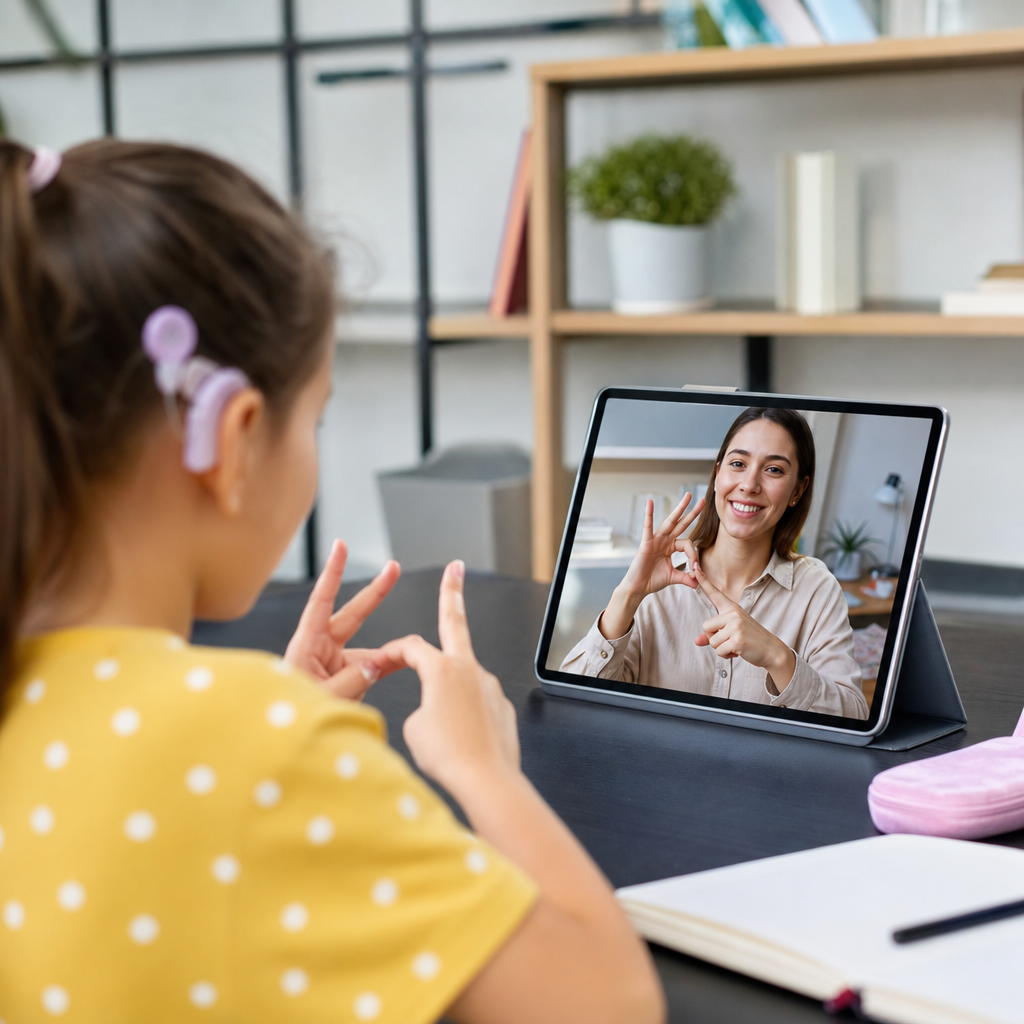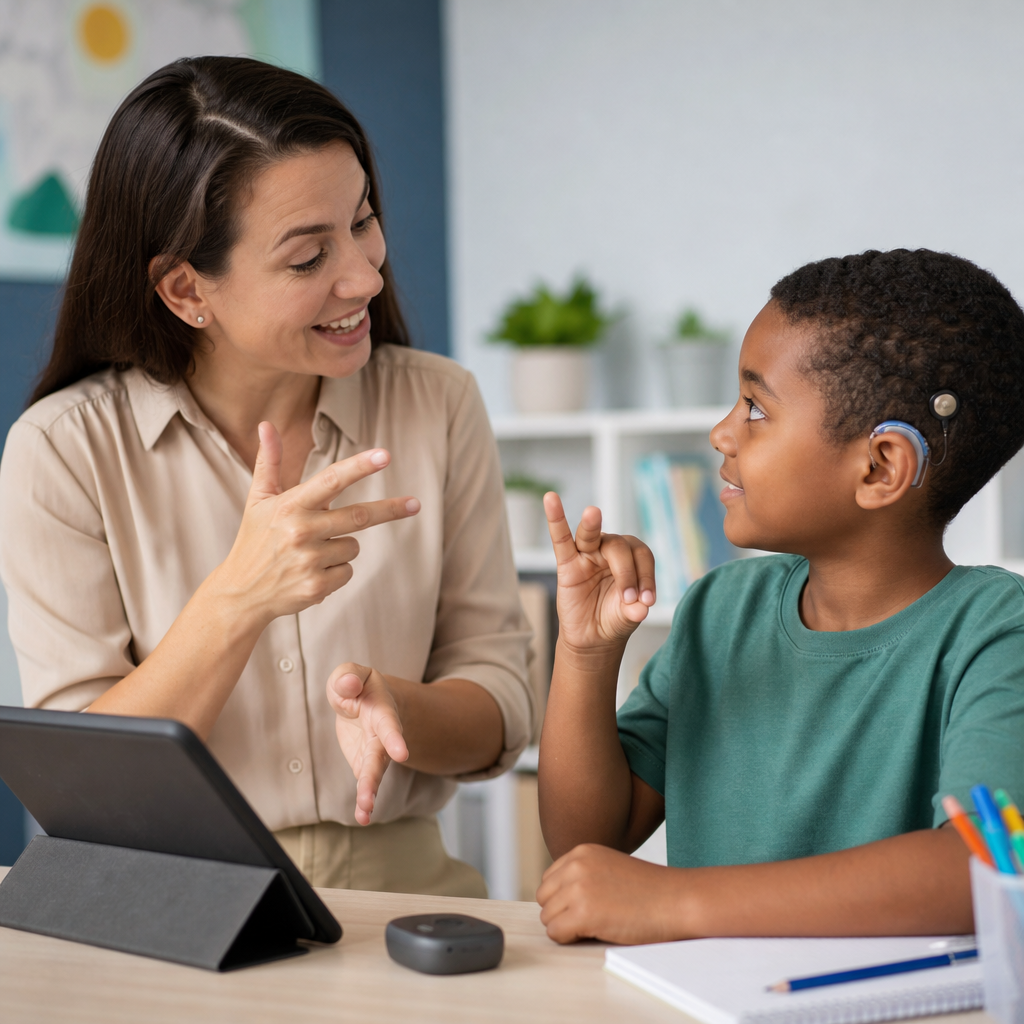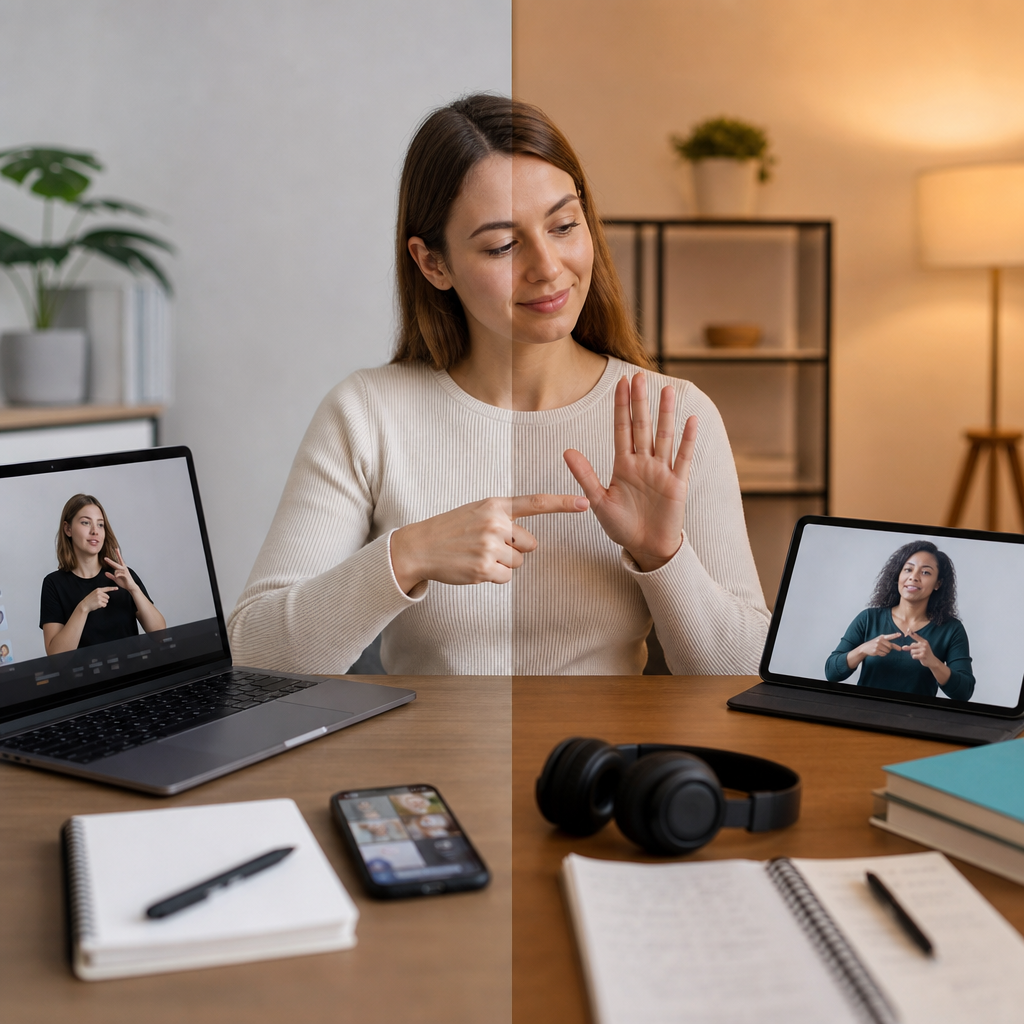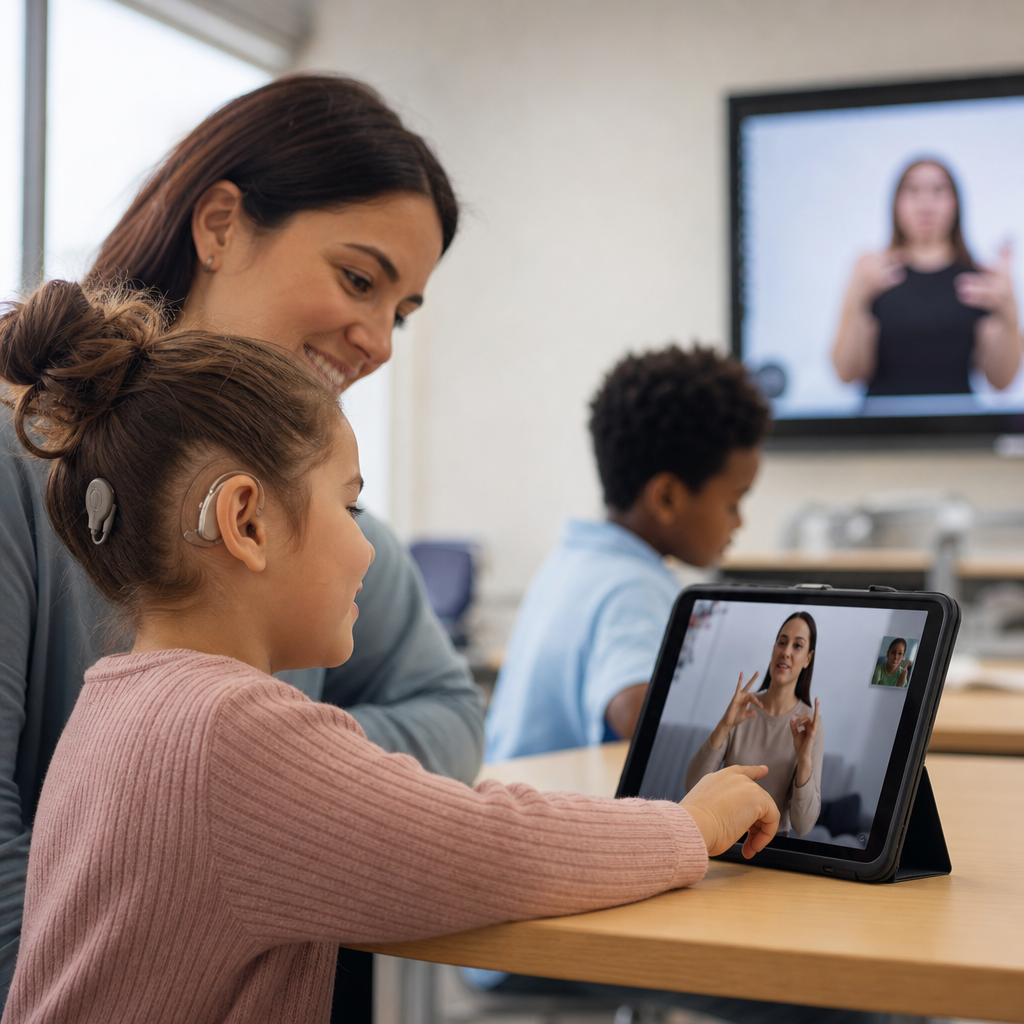
Online platforms supporting deaf learners have moved from niche accommodations to essential infrastructure in modern education, giving students who are deaf or hard of hearing better access to courses, tutoring, collaboration, and independent study across every age group. In this context, “online platforms” includes learning management systems, video-based course providers, live tutoring tools, language-learning apps, digital libraries, classroom communication software, and specialist services built around captioning, transcripts, visual instruction, and sign language support. “Deaf learners” is also a broad term: some students use a national sign language as a first language, some rely primarily on text, some use hearing aids or cochlear implants, and many move between communication modes depending on the setting. That diversity matters because a platform that works well for one learner can create barriers for another.
I have worked with accessibility reviews for online learning products, and the strongest pattern is simple: access fails less often because of missing content than because of poor design choices. An excellent course can still be unusable if videos lack synchronized captions, live classes have no interpreter pinning, quizzes depend on audio prompts, or discussion tools bury visual context. By contrast, mainstream platforms become genuinely inclusive when they support accurate captions, transcripts, downloadable notes, visual navigation, keyboard access, and flexible communication. This matters not only for equity and legal compliance, but for learning outcomes. Research and practice consistently show that when information is available in multiple forms, deaf learners can review faster, participate more confidently, and spend more effort on understanding ideas rather than decoding delivery.
As the hub page for courses and learning tools, this article explains what deaf learners need from online platforms, which platform types are most useful, how mainstream and specialist tools compare, and what families, educators, and adult learners should look for before committing time or money. The goal is practical guidance. Whether someone is choosing a university course platform, a children’s literacy app, a tutoring service, or a workplace training system, the same question applies: does the platform convert information into clear, repeatable, visual learning experiences? The best online platforms supporting deaf learners do exactly that, and they do it consistently.
What Deaf Learners Need From Courses and Learning Tools
The most important requirement is direct access to instructional content without depending on sound. In practice, that means high-quality closed captions on recorded and live video, transcripts that match the spoken material, visible speakers, and interfaces that do not force learners to split attention unnecessarily. Captions are not a bonus feature. They are core instructional content. Auto-generated captions alone are rarely enough for technical subjects because error rates rise with specialist vocabulary, accented speech, low audio quality, and fast turn-taking. A biology lesson that captions “mitosis” incorrectly or a coding lesson that garbles command names creates real comprehension loss.
Visual clarity is the second requirement. Deaf learners often rely heavily on slides, diagrams, whiteboards, demonstrations, and facial expressions, so cluttered layouts can be a significant barrier. Platforms that let users enlarge video, pin interpreters, adjust playback speed, and review annotated slides support better understanding. Clear turn-taking in discussions also matters. In group learning, overlapping voices are hard even for hearing participants; for deaf learners using captions or interpretation, they can make content effectively inaccessible. Tools that structure chat, raise-hand functions, and threaded discussion reduce that problem.
Language access deserves special attention. For many deaf learners, written English is not processed in exactly the same way as a first spoken language user might assume, especially if the learner’s first fully accessible language is a signed language such as ASL or BSL. That does not indicate lower ability. It means course design should avoid unnecessary linguistic complexity, define technical terms clearly, and provide visual examples. The best platforms support multiple representations of the same concept: captioned video, transcript, glossary, diagram, quiz feedback, and downloadable resources.
Finally, there is consistency. In my reviews, learners usually adapt well to demanding material when the platform behaves predictably. They struggle more when one lesson includes captions, the next does not, one tutor types key points, another only speaks, and file names or navigation patterns change without warning. Accessibility is not a single feature. It is the dependable combination of captioning, visual structure, communication options, and review tools across the entire learning journey.
Mainstream Learning Platforms That Can Work Well
Many mainstream education platforms can support deaf learners effectively when institutions configure them correctly. Learning management systems such as Canvas, Moodle, Blackboard, and Google Classroom are widely used because they organize assignments, readings, announcements, and discussion in one place. Their value for deaf learners comes less from the brand name and more from how instructors use them. A well-run Canvas course with captioned lecture videos, written instructions, and downloadable slides can be highly accessible. A poorly run course on the same system can be frustrating if deadlines are explained only in audio announcements or if discussion relies on uncaptioned external videos.
Video course providers such as Coursera, edX, FutureLearn, Khan Academy, and LinkedIn Learning also play an important role. These platforms often provide captions and transcripts at scale, and some allow searchable transcripts that help learners jump directly to a concept they want to review. That feature is particularly valuable in technical and academic subjects. If a learner wants to revisit a section on quadratic equations, photosynthesis, or project management terminology, searchable text is faster than scrubbing through video. Khan Academy’s visual explanations and self-paced structure, for example, make it useful for many students, especially when paired with captions and practice exercises.
Live class tools matter just as much as course libraries. Zoom, Microsoft Teams, and Google Meet each offer live captioning, but their real usefulness depends on details: caption accuracy, support for third-party CART captioners, interpreter visibility, recording access, and screen-sharing quality. Zoom is often favored in deaf education contexts because it allows flexible pinning and spotlighting, which helps keep an interpreter or teacher visible. Microsoft Teams integrates well with school and workplace systems, but teams need clear protocols for chat, captions, and recorded summaries to make sessions truly inclusive.
Mainstream tools have one clear advantage: scale. Learners can access large catalogs, recognized credentials, and familiar interfaces. Their limitation is uneven quality. Accessibility frequently depends on the instructor, tutor, or content producer rather than the platform alone. That is why evaluation should focus on the actual learning experience, not the marketing page.
Specialist Platforms and Tools Designed With Deaf Users in Mind
Specialist tools often solve problems that mainstream systems only partially address. Some focus on sign language instruction, some on literacy development, and some on communication access during lessons. For younger learners, interactive platforms that combine sign-supported vocabulary, visual phonics, storytelling, and captioned practice can build foundational skills more effectively than generic apps. For older learners, specialist services may offer interpreted tutoring, deaf-aware mentors, or subject support delivered through text-rich and visually structured formats.
Sign language learning platforms are especially important within this ecosystem. Tools that teach ASL, BSL, Auslan, or other signed languages through native signers, replay controls, slow-motion viewing, and topic-based lessons support both deaf learners and their families. Family access matters because educational progress improves when parents and caregivers can communicate directly about schoolwork, routines, and emotions. In practice, I have seen that a parent learning classroom signs alongside a child often creates more durable support than relying solely on formal school accommodations.
Another specialist category includes note-taking and communication tools. Live transcription apps, CART services, remote interpreting platforms, and visual note-sharing systems can turn a difficult lesson into an accessible one. These are not substitutes for proper course design, but they are valuable supports. For example, a hard of hearing university student may use Otter for rough note capture, then compare it against official lecture slides and a human-reviewed transcript. The workflow is effective because the student is not depending on one imperfect source.
Specialist platforms tend to understand cultural and linguistic realities better than general providers. They are more likely to avoid audio-first assumptions, include deaf role models, and explain concepts in sign-friendly ways. Their tradeoff is breadth. They may have smaller course libraries, fewer advanced subjects, or weaker integrations with school systems. The strongest learning stack often combines mainstream scale with specialist accessibility expertise.
How to Evaluate a Platform Before You Commit
The fastest way to judge an online platform supporting deaf learners is to test five areas: video access, live session access, text quality, visual organization, and support responsiveness. If recorded lessons do not have accurate captions and transcripts, reject the platform for content-heavy study. If live sessions cannot support interpreters, CART, or dependable captioning, reject it for interactive teaching. If the written instructions are vague, if navigation is chaotic, or if support staff cannot answer accessibility questions clearly, expect ongoing friction.
| Evaluation area | What to check | Why it matters for deaf learners |
|---|---|---|
| Recorded video | Closed captions, transcript accuracy, speaker visibility, playback control | Supports direct access, review, and precise understanding of terminology |
| Live classes | Caption quality, interpreter pinning, chat, recording, screen-share clarity | Determines whether real-time participation is possible |
| Written content | Clear instructions, glossaries, summaries, readable formatting | Reduces language friction and supports independent study |
| Interface design | Consistent navigation, visual hierarchy, mobile usability, keyboard access | Prevents cognitive overload and saves time |
| Support and policy | Accessibility documentation, response times, accommodation workflow | Shows whether issues will actually be fixed when they arise |
Ask direct questions before enrollment or purchase. Are captions human-edited? Can transcripts be downloaded? Can an interpreter be pinned during classes? Are assignments explained in writing as well as in video? Are discussion boards active enough to replace missed live detail? Does the provider have a published accessibility statement aligned with WCAG standards? A serious provider answers these questions specifically, not with generic claims about inclusion.
Trials and sample lessons are invaluable. Watch one full lesson with captions on. Join a live demo if possible. Deliberately test review tasks: finding a key point in the transcript, replaying a signed explanation, enlarging visual content, or downloading notes. A platform that feels manageable during these tasks is usually a better long-term choice than one with flashy branding but weak learning flow.
Best Use Cases Across Age Groups and Learning Goals
Children, teens, university students, and adult learners often need different combinations of tools. For early learners, the strongest platforms emphasize visual language development, predictable routines, parent involvement, and short interactive activities. Captioned story libraries, sign-supported vocabulary tools, and teacher portals for sharing home practice work well here. The goal is not just access to school tasks, but language-rich engagement that can be repeated often.
For secondary students, organization becomes more important. They benefit from platforms that centralize deadlines, notes, quizzes, and recorded lessons so nothing depends on catching spoken reminders. Captioned STEM instruction is especially important at this stage because technical vocabulary grows quickly. Searchable transcripts, worked examples, and visual summaries help students revisit exact terms before tests.
University learners usually need flexibility and speed. They juggle lectures, seminars, readings, group projects, and independent research. The best platform mix often includes an institutional learning management system, reliable live captioning, a transcript tool, and asynchronous discussion spaces where ideas can be reviewed in text. Adult learners in professional training need similar features, but with stronger mobile access and shorter lesson segments. In workplace learning, the ability to review modules silently, read concise transcripts, and complete assessments without audio dependence often determines whether training is efficient or exhausting.
Across all age groups, the same principle holds: the best online platforms supporting deaf learners match communication needs to the task. A sign-rich literacy tool may be ideal for one learner, while another needs text-first university lectures with precise captions and diagrams. Good decisions come from matching the tool to the learner, not chasing a single perfect platform.
Building a Strong Learning Ecosystem Around the Platform
No platform succeeds alone. Deaf learners do best when courses and learning tools sit inside a wider support system that includes teachers, families, disability services, interpreters, mentors, and self-advocacy skills. In practice, this means setting expectations early: how live sessions will be captioned, where notes will be stored, how missed content will be recovered, and who to contact when access fails. Small procedural decisions make a big difference. A teacher posting vocabulary lists before class, a tutor summarizing key steps in chat, or a course team editing captions within twenty-four hours can change the quality of learning significantly.
Internal resource pathways also matter on a hub page like this one. Learners exploring courses and learning tools often need connected guidance on captioning services, sign language resources, tutoring options, study apps, inclusive classroom technology, and digital accessibility standards. The most useful education resource centers help people move from the broad question of platform choice to specific solutions for age, subject, and communication style.
The core takeaway is straightforward. Online platforms supporting deaf learners are most effective when they treat visual access, text clarity, and communication flexibility as part of teaching itself, not as add-ons. Mainstream platforms can work very well, specialist tools can fill critical gaps, and the smartest choice is usually a deliberate combination of both. Evaluate captions, transcripts, live access, visual design, and support before committing. Then build routines around those tools so access is reliable every week, not occasional. If you are comparing courses and learning tools now, start by auditing one platform against the criteria in this guide and use the results to choose your next learning resource with confidence.
Frequently Asked Questions
1. What features should online platforms include to properly support deaf learners?
Strong support for deaf learners starts with accessibility being built into the platform itself, not added as an afterthought. At a minimum, online platforms should offer accurate closed captions for recorded and live video, clear transcripts for lectures and discussions, and visual alternatives to audio-only instructions or alerts. Video quality also matters because many deaf and hard of hearing students rely on lip-reading, facial expressions, and sign language interpretation, so platforms should support high-resolution video, stable streaming, and layouts that keep the speaker, interpreter, and shared content visible at the same time.
Beyond video access, the best platforms make communication flexible. That includes live chat, threaded discussion boards, visual notifications, note-sharing tools, and easy file exchange so students can participate without depending on spoken communication. Compatibility with sign language interpreters, CART captioning services, screen recording tools, and assistive technologies is also essential. In practical terms, a well-designed platform helps deaf learners access content, ask questions, collaborate with peers, and complete assignments independently without facing barriers that hearing students never encounter.
2. How do captions and transcripts improve learning outcomes for deaf and hard of hearing students?
Captions and transcripts are among the most important educational tools for deaf and hard of hearing learners because they turn spoken instruction into accessible text. Captions provide real-time or synchronized written versions of what is being said in a video or live session, while transcripts create a full text record that students can review later. Together, they help ensure that lectures, tutorials, announcements, and class discussions are understandable even when audio is inaccessible, unclear, or too fast-paced.
The value goes far beyond simple access. Captions support comprehension, retention, and review. Students can pause videos, reread key concepts, check terminology, and follow complex explanations more accurately. Transcripts make studying more efficient because learners can search for specific topics, highlight important sections, and revisit lessons without replaying entire recordings. They also support students with mixed communication preferences, including those who use sign language, written English, or a combination of methods. For many learners, accurate captions and transcripts are not just helpful extras; they are central to equitable participation and academic success.
3. Are general education platforms enough, or do deaf learners benefit more from specialized services?
General education platforms can be very effective when they are designed with accessibility in mind, but they are not always sufficient on their own. Many mainstream learning management systems, video platforms, tutoring services, and classroom communication tools now include useful features such as captions, transcripts, chat, and file sharing. When these tools are implemented well, they can give deaf learners broad access to mainstream courses, peer interaction, and academic resources alongside other students.
However, specialized services often fill important gaps that general platforms do not address. These may include sign language-based instruction, deaf-aware tutoring, communication support from professionals familiar with hearing loss, and learning environments specifically designed around visual communication. Specialized platforms may also better understand common barriers such as interpreter coordination, timing delays in communication, and the need for culturally responsive teaching within Deaf education. In many cases, the strongest solution is a combination: a mainstream platform for broad course access and institutional infrastructure, supported by specialist tools or services that provide deeper accessibility, language support, and individualized learning accommodations.
4. How can teachers and course providers make online learning more inclusive for deaf students?
Inclusive online learning depends as much on teaching practice as it does on platform features. Teachers and course providers should begin by assuming that every important piece of information needs a visual form. That means captioning all videos, providing transcripts and written instructions, sharing slides and notes in advance, and avoiding situations where essential content is delivered only through speech. In live sessions, instructors should speak clearly, allow one person to talk at a time, identify speakers when possible, and ensure interpreters or captioners are integrated smoothly into the session layout.
Course design also matters. Lessons should be logically organized, deadlines clearly posted, and communication channels easy to find. Visual summaries, diagrams, keyword lists, and written follow-ups can significantly improve understanding. Instructors should also invite students to share accessibility preferences early, because deaf and hard of hearing learners are not a single group with identical needs. Some may use sign language, some rely on captions, some prefer written discussion, and others combine multiple approaches. The most inclusive providers treat accessibility as an ongoing part of course planning, testing, and improvement rather than a one-time compliance task.
5. What should families, students, and schools look for when choosing an online platform for deaf learners?
When evaluating a platform, the first question should be whether accessibility works reliably in real learning conditions, not just whether the company lists features on a sales page. Families, students, and schools should check whether captions are accurate, whether live sessions support interpreters or real-time captioning, whether transcripts are easy to access, and whether video windows can be arranged so that sign language, lip movements, and shared materials remain visible. It is also important to test discussion tools, messaging systems, assignment workflows, and mobile usability, since accessibility problems often appear in everyday tasks rather than promotional demos.
They should also consider the learner’s age, communication style, academic goals, and level of independence. A young child may need a platform with strong visual structure and parent-friendly communication tools, while a university student may need searchable lecture archives, accessible group work features, and integration with institutional support services. Customer support, training resources, privacy standards, and compatibility with assistive services are all important as well. The best platform is one that reduces friction, supports full participation, and allows the learner to focus on education rather than constantly working around avoidable barriers.