Technology is transforming deaf education by expanding access to language, instruction, assessment, and community in ways that were difficult to deliver consistently even a decade ago. Deaf education refers to the methods, environments, tools, and support systems used to teach students who are deaf or hard of hearing across early childhood, K-12, higher education, and workforce training. Courses and learning tools include everything from captioned video platforms and speech-to-text software to visual learning apps, digital sign language dictionaries, hearing assistive systems, and online teacher training. As someone who has worked with schools evaluating accessibility tools, I have seen the same pattern repeatedly: when technology is chosen well and implemented with trained staff, deaf learners gain more control over how they access content, communicate with teachers, and demonstrate understanding.
This matters because deaf students are not a single, uniform group. Some use sign language as their primary language. Some communicate through spoken language supported by hearing aids or cochlear implants. Some use both. Some thrive in bilingual settings that pair a signed language with written English, while others benefit from auditory-verbal approaches, cued speech, or total communication models. Effective deaf education technology must respect that diversity rather than forcing one method on every learner. It also must address persistent barriers: limited access to qualified teachers of the deaf, inconsistent interpreter availability, uneven caption quality, delayed language exposure, and course materials designed mainly for hearing students.
Digital tools are now helping schools close those gaps. Learning management systems can centralize captioned assignments. Video platforms can deliver signed explanations on demand. Remote interpreting and transcription can support live classes. Interactive lessons can present vocabulary visually, kinesthetically, and textually at the same time. Data dashboards can help teachers spot whether a student is struggling with content knowledge or simply with access to the language of instruction. For families, technology can extend learning beyond the classroom through parent portals, home practice apps, and teletherapy. For institutions building education and learning resources, this creates a clear priority: courses and learning tools should be designed from the start for visual clarity, flexible communication, and measurable accessibility.
Digital access is redefining what an inclusive course looks like
The biggest shift in deaf education is that access no longer has to depend entirely on what happens in one room at one time. In a traditional class, a student might rely on a single interpreter, note taker, or teacher explanation. If that access point breaks down, learning suffers immediately. In a digital course built well, access can be layered. A lesson can include captions, a transcript, slides with plain-language summaries, embedded glossary links, visual demonstrations, and a signed explainer video. That redundancy is not clutter; it is good instructional design. It allows students to choose the mode that matches their language background, attention demands, and device setup.
Platforms such as Canvas, Moodle, and Google Classroom have made this easier by organizing assignments, recordings, discussion threads, and downloadable notes in one place. The platform itself does not guarantee accessibility, but it gives educators a structure for delivering it consistently. In practice, strong deaf education courses use short video segments instead of long lectures, provide transcripts that are edited for accuracy rather than relying only on auto-captioning, and break instructions into numbered steps. Teachers also use visual rubrics, exemplars, and discussion prompts that reduce ambiguity. These design choices help all learners, but they are especially valuable for deaf students who may miss incidental spoken cues that hearing students often absorb automatically.
Captioning has become one of the most visible tools in this change. Services and tools such as YouTube captions, Zoom live transcription, Microsoft Teams captions, Otter, and 3Play Media can make spoken instruction more accessible, but quality varies widely. Auto-generated captions are useful for speed, not for final accuracy. Technical vocabulary, names, accents, and overlapping speech still cause errors. In my experience, schools that treat captions as a compliance checkbox create frustration quickly. Schools that treat captions as core course content review them, correct them, and align them with slides and terminology lists. That difference directly affects comprehension, especially in science, math, and career training where one wrong term can change meaning completely.
Learning tools are becoming more visual, interactive, and language-aware
Courses for deaf learners are stronger when learning tools account for visual attention, language development, and concept reinforcement at the same time. This is why visual learning platforms, interactive whiteboards, annotation tools, and sign-supported resources have become central. A vocabulary lesson, for example, works better when students can see the printed word, a picture or diagram, a signed equivalent, a sentence in context, and a short quiz with immediate feedback. Tools such as Quizlet, Nearpod, Kahoot, and Pear Deck support this layered presentation. Used strategically, they reduce passive learning and let teachers check understanding in real time.
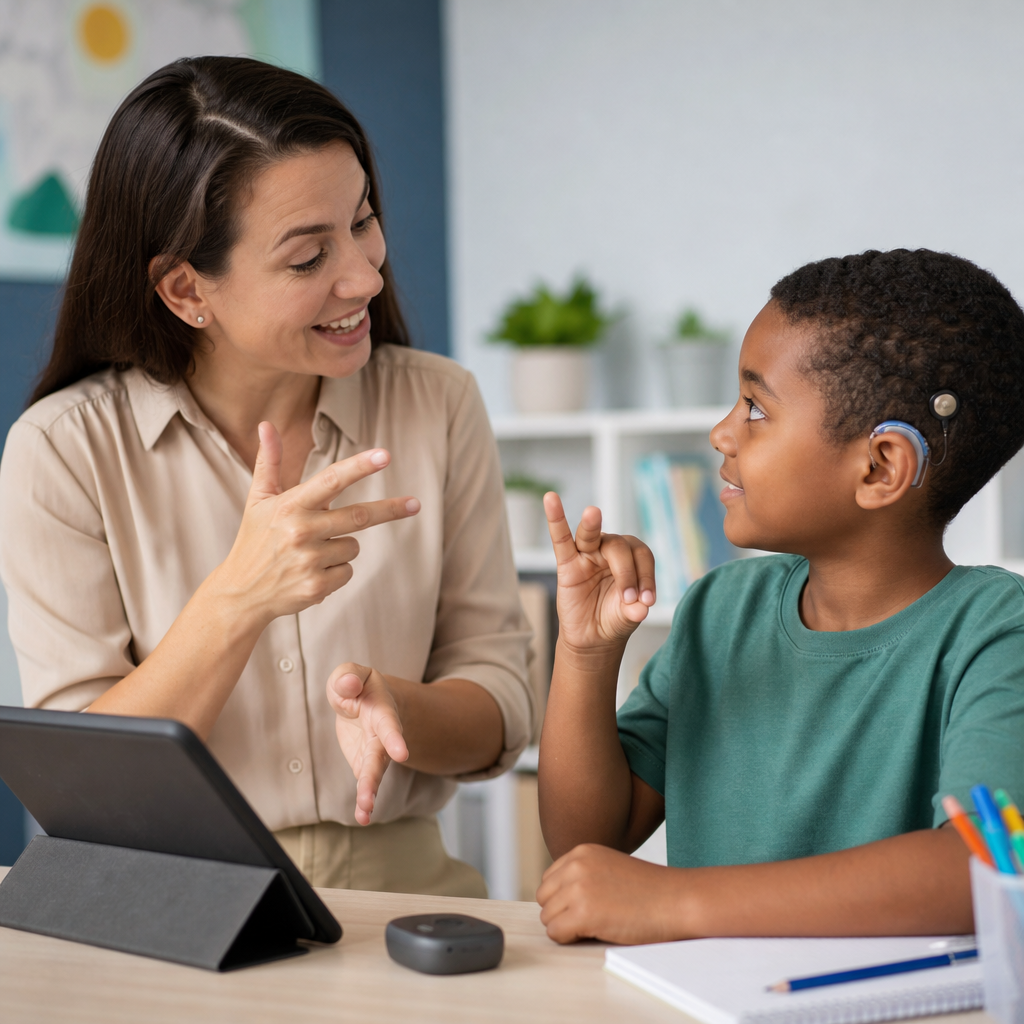
Sign language resources are also more sophisticated than they used to be. Digital sign dictionaries, signed story libraries, and recorded mini-lessons allow students to review key concepts independently. In bilingual programs, this supports stronger transfer between signed language and written English. A student can first learn the concept in a signed explanation, then revisit the English terminology and sentence structures attached to it. That sequence matters because language access precedes content mastery. Schools that reverse the sequence and present text-heavy lessons without accessible language support often misread the problem as low ability when the real issue is restricted access to instruction.
Reading and writing tools have improved as well. Text simplification supports, visual grammar instruction, speech-to-text for students who use spoken responses, and writing feedback platforms can all help, but they must be selected carefully. A grammar tool designed for fluent hearing writers may flag nonstandard language patterns without teaching why the edit matters. Better tools combine correction with explanation, examples, and opportunities to revise. For younger learners, digital storybooks with signed narration and highlighted text can strengthen print awareness and vocabulary. For older students, discipline-specific tools such as virtual labs, graphing software, and simulation platforms make abstract concepts visible, which is often more useful than adding more text alone.
Live communication technology is changing classroom participation
One of the hardest parts of deaf education has always been synchronizing classroom communication. Whole-group discussion moves fast, side comments disappear, and turn-taking can become visually chaotic. Technology now helps manage that complexity. Remote interpreting platforms, live captioning, classroom microphones linked to hearing assistive systems, and collaborative chat channels can make participation more equitable when they are integrated thoughtfully. The goal is not simply to transmit words. The goal is to preserve timing, intent, and access to interaction, which is where much learning actually happens.
For students who use residual hearing, FM systems and digital remote microphone technology remain important. These systems improve the signal-to-noise ratio by sending the teacher’s voice directly to a hearing aid or cochlear implant processor. In noisy classrooms, that improvement can be substantial. Yet these tools are not a complete solution. They do little for peer comments unless additional microphones are passed, and they do not replace visual supports. The most effective classrooms pair assistive listening with captioned media, clear sight lines, explicit turn-taking, and teacher habits such as repeating student questions before answering them.
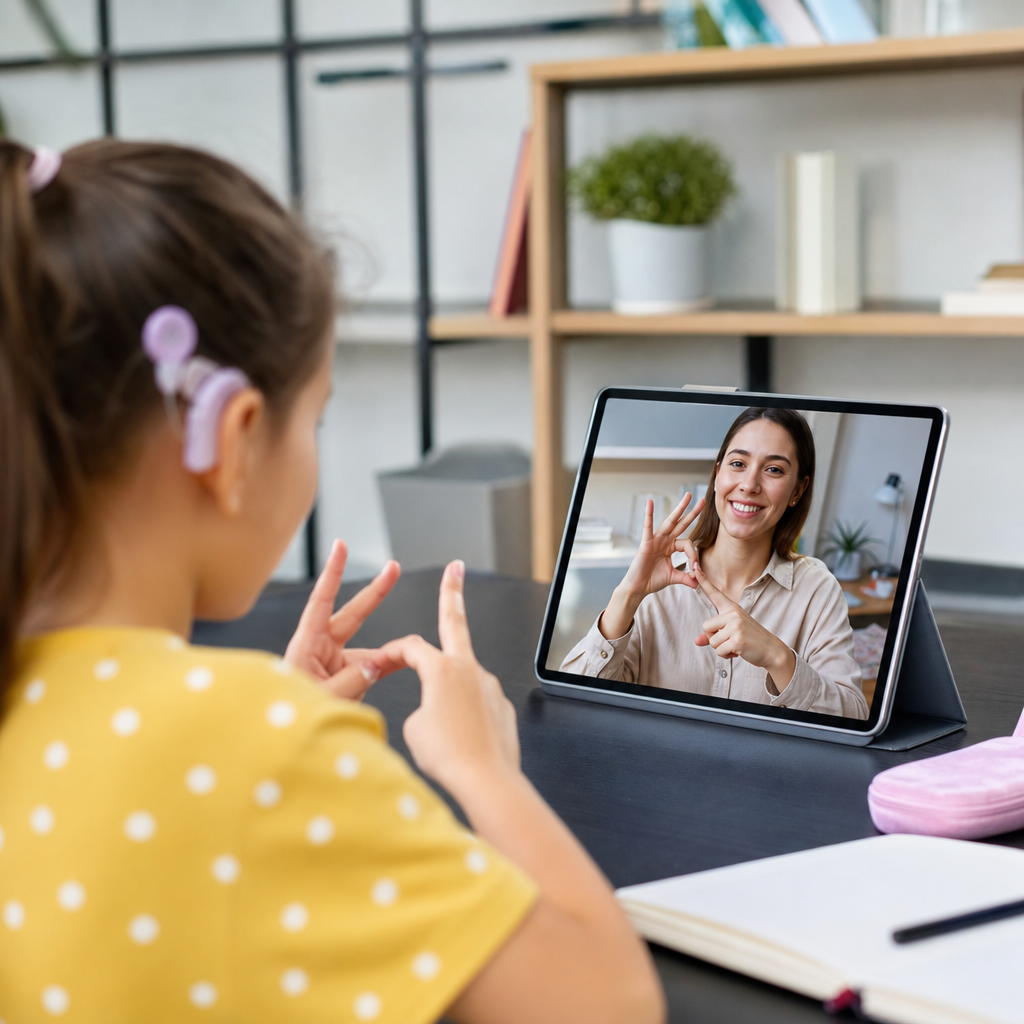
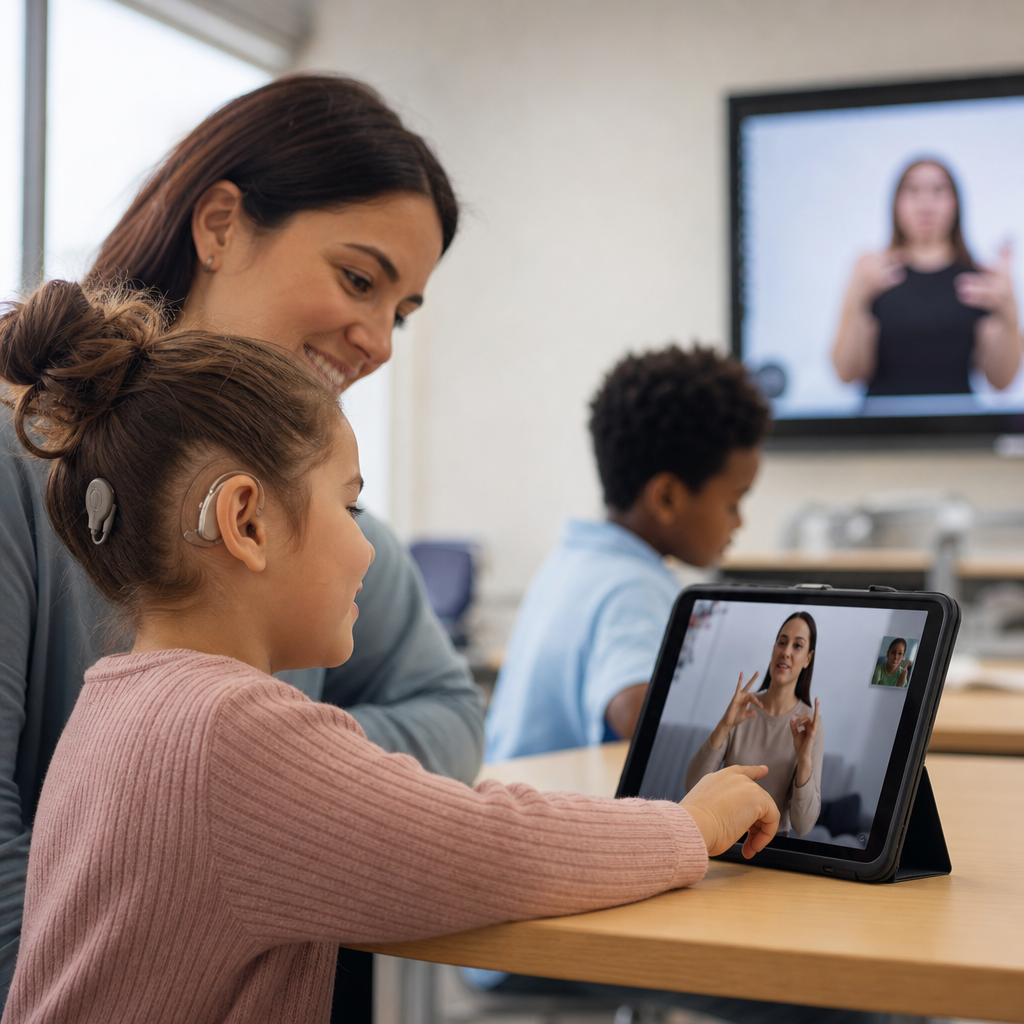
Video conferencing has also expanded access to specialized services. A school that cannot hire a full-time teacher of the deaf, speech-language pathologist, or interpreter locally may be able to provide support remotely. This has obvious limitations, including internet reliability, screen fatigue, and the challenge of following signed communication on small displays. Still, telepractice and remote support have become practical ways to extend expertise into rural and underserved areas. During implementation reviews, I have seen districts use remote coaching to help general education teachers adapt lessons, not just to deliver direct services. That model often creates more lasting improvement because it builds local instructional skill instead of depending only on external specialists.
Data, course design, and teacher training now determine whether tools succeed
Technology improves deaf education only when course design and teacher capability keep pace. Schools often invest first in devices and subscriptions, then discover that the real bottleneck is implementation. A captioning tool is ineffective if teachers upload scanned worksheets that screen readers cannot parse, post unedited transcripts, or assign videos with dense background music and tiny on-screen text. An interactive app adds little if teachers do not know how to connect it to language objectives. The strongest programs define accessibility standards for every course and train staff to use them consistently.
Universal Design for Learning has become a useful framework here because it emphasizes multiple means of representation, engagement, and expression. For deaf education, that means presenting content visually and linguistically in more than one way, allowing students to respond through signed video, writing, presentation, or demonstration when appropriate, and reducing irrelevant barriers that distort assessment. Accessibility standards such as WCAG also matter, particularly for digital materials. Color contrast, transcript availability, keyboard navigation, and readable layouts are not minor technical details. They directly affect whether students can use the course independently.
| Tool or approach | Main benefit | Common limitation | Best use case |
|---|---|---|---|
| Edited captions and transcripts | Improves comprehension and review | Auto-caption errors reduce accuracy | Recorded lessons, lectures, tutorials |
| Signed video explanations | Provides direct language access | Requires skilled signing and planning | Concept introductions, vocabulary, directions |
| Remote microphone systems | Boosts speech clarity for listening users | Limited access to peer discussion | Teacher-led instruction in noisy rooms |
| Interactive quiz platforms | Checks understanding immediately | Can oversimplify deeper language issues | Formative assessment and review |
| Learning management systems | Centralizes accessible course materials | Quality depends on teacher setup | Blended, online, and homework support |
Data systems can support better decisions when schools use them carefully. Attendance, assignment completion, caption usage, assessment performance, and communication logs can reveal patterns that are otherwise missed. For example, if a student performs well on signed check-ins but poorly on text-heavy quizzes, the issue may be English access rather than content understanding. If participation drops during live discussions but rises in threaded forums, the course may need better turn-taking supports. These are not abstract analytics. They are practical signals that guide intervention. The key is to interpret data through a deaf education lens, not assume every gap reflects motivation or effort.
The future of deaf education depends on accessible ecosystems, not isolated apps
The next phase of progress will come less from any single breakthrough tool and more from building connected, accessible ecosystems around learners. Artificial intelligence is already improving draft captioning, transcript search, note summarization, and translation support, but it still requires human review, especially for signed languages, specialized vocabulary, and classroom nuance. Virtual reality and simulation may help with career training by making procedures visible and repeatable. Haptic alerts and wearable devices may improve environmental awareness. Better camera layouts and higher frame rates can make signed communication clearer online. These advances are promising, but they matter only when schools match them to student profiles, curriculum goals, and reliable support.
Families and students should look for a complete system rather than a product demo. A strong deaf education program offers accessible courses, trained instructors, consistent captioning practices, visual and signed learning tools, responsive technical support, and regular progress review. It also connects students to community, because academic success is reinforced by identity, belonging, and communication confidence. In hub terms, courses and learning tools sit at the center of this work: they link curriculum, accessibility, assessment, family engagement, and postsecondary readiness.
The core lesson is simple. Technology is transforming deaf education when it expands genuine access to language and learning, not when it merely adds digital features. Schools, colleges, and training providers should audit current courses, improve caption and transcript quality, add visual and signed supports, train staff on accessible design, and measure whether students can participate independently. Start with the courses learners use every day, then build outward. That is how technology becomes an educational advantage instead of another barrier.
Frequently Asked Questions
1. How is technology improving access to learning for deaf and hard of hearing students?
Technology is improving access by making communication, instruction, and participation more immediate, flexible, and consistent across many learning environments. In the past, access often depended heavily on whether a school could provide the right interpreter, specialized materials, or in-person support at the right time. Today, digital tools help reduce those barriers. Captioned video platforms, real-time speech-to-text services, visual learning apps, hearing assistive technologies, and accessible learning management systems allow students to engage with lessons in multiple ways instead of relying on a single communication channel.
This matters because deaf and hard of hearing students are not a single group with identical needs. Some students use American Sign Language, some use spoken language, some use a combination of signing, listening, speaking, and reading, and others benefit most from visual supports and written communication. Technology helps educators offer more than one path into the same lesson. A student might watch a captioned science video, review key vocabulary in a visual glossary, participate in a signed discussion, and then use speech-to-text or typed responses during class. That kind of layered access can improve comprehension, independence, and inclusion.
Technology also expands access outside the classroom. Recorded lectures with captions, digital note-taking tools, online tutoring, and accessible discussion boards give students more control over pace and review. Instead of missing critical information because it happened too quickly or was delivered in an inaccessible format, students can revisit content and reinforce understanding. When implemented thoughtfully, technology does not replace strong teaching or human support, but it significantly strengthens a student’s ability to access language, content, and classroom interaction on more equal terms.
2. What types of technology are most commonly used in deaf education today?
Several types of technology are now central to modern deaf education, and each serves a different purpose. One of the most widely used tools is captioning. Captions on live instruction, recorded lectures, educational videos, and virtual meetings help students follow spoken information in real time and review it later. Speech-to-text tools are also increasingly common, especially in lectures, group discussions, and hybrid learning settings where fast-paced spoken communication can otherwise be difficult to access.
Video-based communication platforms are another major category. These tools support signed instruction, one-on-one conferencing, remote interpreting, and peer collaboration. For students and educators who use sign language, clear high-quality video is essential because visual clarity affects comprehension. Interactive whiteboards, document cameras, and screen-sharing tools also support visual instruction, which is especially valuable when teachers want to combine text, images, diagrams, and signed explanation.
Assistive listening technology continues to play an important role for students who use residual hearing, hearing aids, or cochlear implants. Systems such as FM and DM devices can improve access to a teacher’s voice by reducing background noise and transmitting speech more directly. In addition, many classrooms use digital learning platforms that support transcripts, visual alerts, flexible pacing, and multimedia assignments. Specialized language and literacy software, sign language dictionaries, captioning tools, and accessible assessment platforms are also becoming more common.
The most effective deaf education programs usually do not rely on just one tool. Instead, they combine technologies based on the student’s language profile, age, academic goals, and learning environment. The best results come from matching the tool to the educational need rather than assuming a single device or app can solve every access challenge.
3. Can technology replace teachers, interpreters, or other support professionals in deaf education?
No, technology should be seen as a powerful support, not a replacement for qualified professionals. Teachers of the deaf, interpreters, speech-language professionals, audiologists, instructional designers, and accessibility staff all bring expertise that technology alone cannot replicate. A captioning tool may convert speech into text, for example, but it cannot always capture meaning, academic nuance, turn-taking in conversation, or the social context of a classroom discussion with perfect accuracy. Likewise, an app may present vocabulary visually, but it cannot replace a skilled educator’s ability to adapt instruction based on a student’s language development and understanding.
Human support is especially important because deaf education is deeply connected to language access, identity, and communication preferences. A trained teacher can decide when to use direct instruction, when to reinforce a concept through visual examples, when to pause for interpretation, and when a student needs more language scaffolding. Interpreters do much more than relay words; they help ensure that communication is complete, accurate, and appropriate to the setting. Support staff also help students develop self-advocacy, social participation, and academic strategies that extend beyond any single digital tool.
What technology can do is make these professionals more effective. It can streamline access, reduce delays, create records of instruction, and extend support beyond the classroom. For example, a teacher can use captioned recordings for review, an interpreter can work through high-quality video platforms in remote settings, and a student support team can monitor progress through accessible digital assessments. In other words, technology works best when it strengthens expert teaching and communication rather than attempting to replace them.
4. How does technology support language development and literacy in deaf education?
Technology supports language development and literacy by increasing exposure to accessible language, offering repeated practice, and helping educators tailor instruction to individual needs. For many deaf and hard of hearing students, consistent access to language is one of the most important foundations for academic success. Digital tools can help make that access more reliable. Captioned media, sign-supported video content, interactive storybooks, visual vocabulary platforms, and literacy software all create opportunities for students to connect words, signs, images, and concepts in meaningful ways.
One of the biggest advantages of technology is repetition without loss of access. Students can replay a signed explanation, reread captions, review key vocabulary, or watch a modeled response multiple times. That repeated exposure strengthens comprehension and supports both expressive and receptive language growth. Technology also helps bridge classroom and home learning. Families can access videos, translated instructions, reading apps, and communication tools that reinforce language development beyond school hours.
For literacy instruction, digital platforms can support phonological awareness where appropriate, vocabulary building, reading comprehension, sentence structure, and writing development. Visual organizers, annotated texts, and embedded definitions help make reading more accessible. Writing tools can support drafting, revising, and feedback in ways that are immediate and easier to revisit. For students who use sign language, video responses and sign-based resources can also help connect ideas before they are transferred into written form.
That said, technology is most effective when it is used within a strong language-rich educational approach. Students need meaningful interaction, not just screen exposure. The goal is not simply to present more information digitally, but to create accessible opportunities for language use, discussion, reading, writing, and concept development. When combined with intentional teaching, technology can play a major role in strengthening both language development and literacy outcomes.
5. What should schools consider when choosing technology for deaf education programs?
Schools should begin by asking a simple but essential question: does this technology improve real access to instruction, communication, and participation for the students who will use it? The answer depends on more than marketing claims. Effective selection requires attention to student communication preferences, age, language background, device compatibility, classroom acoustics, internet reliability, and staff training. A tool that works well in one setting may not work well in another, especially if it depends on high audio accuracy, strong video quality, or advanced teacher expertise.
Schools should also look closely at accessibility features. Important considerations include caption quality, transcript availability, visual clarity, keyboard navigation, compatibility with assistive devices, support for signed content, and ease of use across different platforms. Accuracy is critical. For example, automated captions may be helpful, but they are not always reliable enough for high-stakes instruction or assessment without review. Privacy and data security matter as well, particularly when student communication and assessment records are being stored or shared digitally.
Professional development is another major factor. Even strong technology can fail if teachers and staff are not trained to use it well. Schools should invest in ongoing training so educators understand not just how a tool functions, but how to integrate it into instruction in ways that support deaf learners effectively. Input from deaf educators, students, families, interpreters, and accessibility specialists is extremely valuable during this process because it helps schools choose tools that match real educational needs rather than assumptions.
Finally, schools should think long term. The best technology decisions support inclusion, independence, and academic growth over time. That means planning for updates, maintenance, troubleshooting, and continuous evaluation. Schools should monitor whether a tool is actually improving engagement, comprehension, and outcomes. In deaf education, the right technology is not simply the newest option. It is the option that meaningfully expands access to language, learning, and community.