
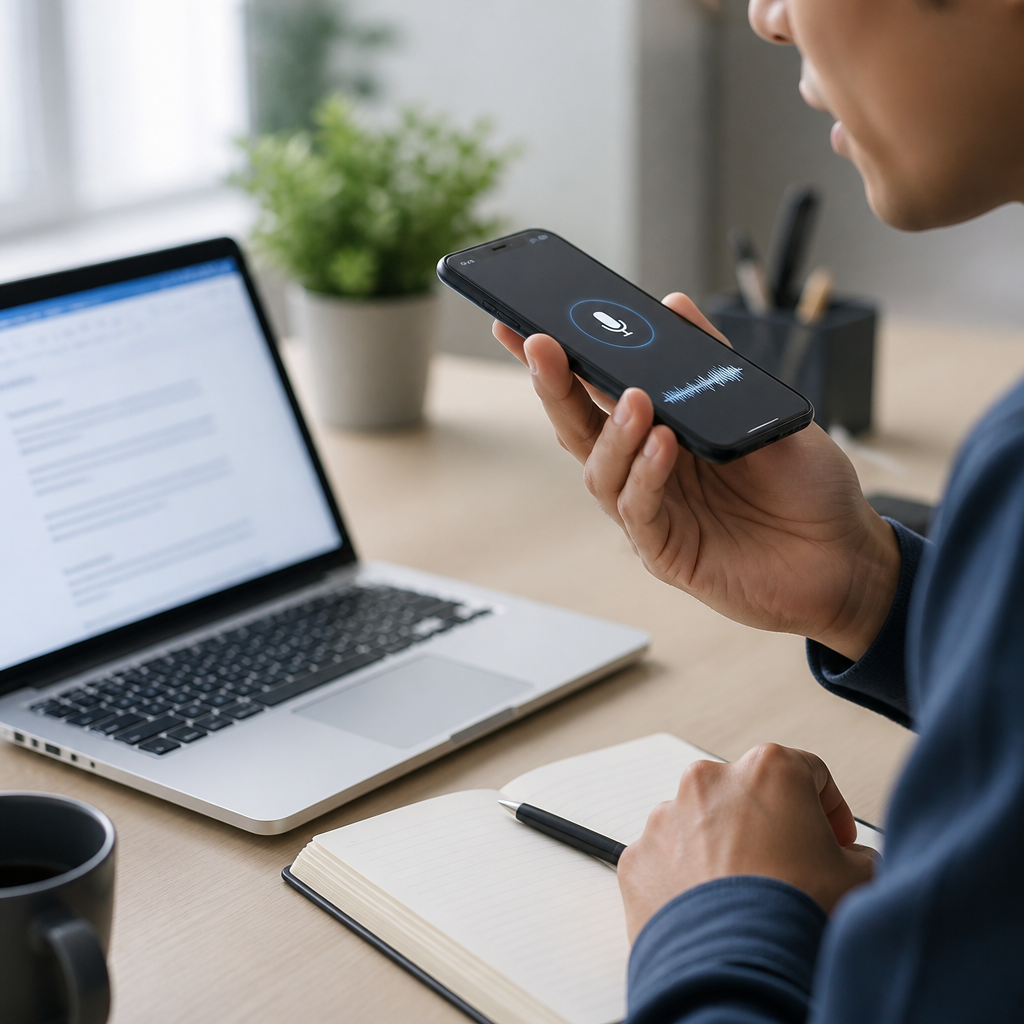
Speech-to-text apps convert spoken language into written text in real time or from recordings, giving deaf and hard of hearing users a direct way to follow conversations, meetings, classes, phone calls, and media. In the broader category of communication apps, they sit beside captioned calling tools, video relay services, live transcription platforms, messaging apps, and note-sharing tools, but their central job is simple: capture speech accurately enough, fast enough, and clearly enough to support communication without adding friction. That sounds straightforward until you use these tools in real environments, where accents, crosstalk, background noise, internet connectivity, microphone quality, and speaker pace all affect results.
I have tested speech-to-text apps in classrooms, crowded conference halls, medical appointments, and family gatherings, and the practical lesson is always the same: the best app is not the one with the most marketing claims, but the one that matches the user’s communication setting. A student may need speaker labels, transcript export, and laptop support. A worker may need enterprise security, meeting integration, and searchable archives. A parent may care more about one-tap simplicity on a phone at the dinner table. Because this subtopic serves as a hub for communication apps, it is important to define how speech-to-text fits into the full landscape: it often works best when paired with captioned telephony, hearing aid streaming, messaging, and accessibility settings already built into iPhone, Android, Windows, and Chrome.
Why does this matter so much? Access to conversation is access to education, employment, health care, safety, and social belonging. The World Health Organization estimates that more than 430 million people worldwide require rehabilitation for disabling hearing loss, and communication barriers remain one of the main reasons people are excluded from information in daily life. Good speech-to-text apps reduce that barrier immediately. They can display live captions during a lecture, create a transcript after a team meeting, or help a patient confirm what a doctor said. They are not perfect replacements for interpreters, CART services, or human note takers, but they are often the fastest and most affordable support available.
To choose well, users need to understand key terms. Automatic speech recognition, often shortened to ASR, is the engine that identifies spoken words. Live transcription means captions appear almost instantly while someone is talking. Speaker diarization attempts to label who said what. Offline recognition processes speech on the device instead of sending audio to the cloud, which can improve privacy and reliability. Accuracy usually refers to word error rate, but in real use, readability matters more than abstract scores. This guide explains how speech-to-text apps work, which features matter most, where they struggle, and how they connect to the larger world of communication apps for the deaf community.
How Speech-to-Text Apps Work and Where They Fit
Most speech-to-text apps follow the same pipeline. Audio enters through the phone, tablet, laptop, or external microphone. The software cleans the signal, detects speech, compares sound patterns to trained language models, and outputs text. Modern systems use deep neural networks and large language models to improve recognition, especially for punctuation and context. Google Live Transcribe, Apple’s Live Captions, Microsoft Group Transcribe, Otter, Ava, and similar tools differ in interface and integrations, but the underlying value is real-time conversion from speech to text.
In the communication apps category, speech-to-text apps are the hub because they bridge in-person and remote conversation. For in-person use, they can sit on a table and caption group discussion. For remote use, they can connect to Zoom, Google Meet, or Microsoft Teams and generate captions or summaries. In healthcare, they help during intake and consultation. In education, they support class participation and review. In workplaces, they reduce missed details and provide searchable records. The best implementations also let users enlarge text, change contrast, save transcripts, and share notes after the conversation ends.
They do not replace every other communication tool. Video relay services remain essential for many sign language users. CART still offers higher accuracy in formal settings such as court, university lectures, and conferences. Captioned phone services handle calls more effectively than generic dictation apps. Messaging apps remain better for asynchronous communication. Still, speech-to-text apps are often the most flexible first line of access because they work across many situations with devices people already own.
Essential Features That Actually Matter
When people compare communication apps, they often focus on brand names instead of capabilities. In practice, a few features determine whether a speech-to-text app is useful day after day. First is live caption speed. If captions lag too far behind speech, the user misses turn-taking and context. Second is accuracy in noise. Many apps perform well in quiet rooms but break down in restaurants, cars, hallways, and classrooms. Third is speaker identification. In group settings, knowing who spoke matters as much as the words themselves. Fourth is transcript export, because saved text supports study, documentation, and follow-up.
Accessibility controls are equally important. Adjustable font size, color contrast, vibration alerts, full-screen caption display, and landscape mode can make the difference between occasional use and dependable use. Device support also matters. Some users need Android because Live Transcribe is deeply integrated there. Others rely on iPhone, iPad, or Mac for ecosystem reasons and benefit from Apple’s system-level captioning. Privacy settings should never be an afterthought. If an app stores recordings in the cloud, users should know retention policies, encryption standards, and whether administrators or third parties can access data.
| Feature | Why It Matters | Best Use Case |
|---|---|---|
| Real-time captions | Supports immediate understanding during conversation | Appointments, classes, meetings |
| Speaker labels | Clarifies who said each statement | Group discussions, panels |
| Offline mode | Works without internet and improves privacy | Travel, clinics, unstable networks |
| Transcript export | Creates notes, records, and follow-up material | Workflows, study review, documentation |
| Meeting integration | Captures remote conversations automatically | Zoom, Teams, Google Meet |
One more feature deserves attention: custom vocabulary. In legal, medical, technical, or academic settings, generic recognition often fails on names and specialized terms. Apps that allow vocabulary training or learn from usage typically perform better over time. That matters for deaf professionals and students who cannot afford to miss medication names, engineering terms, or assignment instructions because the software guessed wrong.
Best Use Cases for Deaf and Hard of Hearing Users
Speech-to-text apps are most valuable when matched to the communication environment. In one-on-one conversations, simplicity wins. A phone placed between two people with large, high-contrast captions can transform a bank visit, store interaction, or family conversation. In classrooms, laptops or tablets with external microphones work better because they capture the instructor’s voice from a distance and allow longer transcript storage. In meetings, integrations with conferencing platforms matter because they reduce setup time and make transcripts searchable later.
Medical care is a high-stakes use case. Patients need to catch medication instructions, diagnoses, side effects, and follow-up dates accurately. I have seen users rely on speech-to-text successfully in clinics, but only when they tell staff what they need, position the device close to the speaker, and verify key details before leaving. These apps help, yet they should not be the sole accommodation when accuracy is critical. For major procedures, mental health sessions, or complex treatment discussions, professional captioning or an interpreter may be more appropriate.
At work, communication apps often overlap. A deaf employee may use speech-to-text during hallway conversations, CART for training sessions, Teams captions for virtual meetings, and Slack or email for confirmations. This layered approach is common because no single app handles every context equally well. The real benefit of speech-to-text is speed of access. It fills gaps between formal accommodations and everyday communication where waiting for scheduled support is not realistic.
Limits, Tradeoffs, and Accuracy Problems
No complete guide should pretend these apps are flawless. Accuracy drops with overlapping speech, unfamiliar accents, poor enunciation, masks, distance from the microphone, and domain-specific vocabulary. Even strong systems can misrecognize short function words like “can” and “can’t,” which changes meaning dramatically. Punctuation is also inconsistent. A transcript may be readable enough for context but still unsuitable as a legal or medical record without review. Users should treat automated captions as access support, not unquestioned truth.
Privacy is another tradeoff. Cloud-based transcription usually improves processing power and synchronization across devices, but it means audio or text may pass through remote servers. Organizations in healthcare and education should review compliance requirements carefully, including HIPAA-related obligations in the United States and institutional data policies elsewhere. Offline transcription lowers some privacy risk, but on-device models may support fewer languages or provide weaker speaker separation. There is no universal best choice; the right balance depends on context.
Cost can also mislead buyers. Free apps are useful and sometimes excellent, especially for casual conversations, but advanced features like team workspaces, meeting bots, long recordings, analytics, and admin controls often require paid plans. For some users, the more important issue is not subscription price but device ecosystem lock-in. An app may be ideal on Android and limited on iPhone, or powerful on desktop but awkward on mobile. Testing in the actual environment matters more than feature lists.
How to Choose the Right App and Build a Reliable Setup
Start with the primary setting: in-person conversation, school, work, telehealth, or mixed use. Then test three things: speed, readability, and recovery from errors. A good app should display text quickly, remain readable without constant scrolling, and let the user catch up after missed lines. If group conversations are common, prioritize speaker labels and an external microphone. If privacy is central, prioritize on-device processing or vendors with clear security documentation. If note review matters, make sure exports are easy to save in TXT, DOCX, or PDF.
Hardware setup often matters as much as software choice. A directional microphone on a classroom desk can outperform a flagship phone’s built-in microphone across the room. In meetings, placing a device near the main speaker improves results immediately. On laptops, system audio capture may work better for webinars than a room microphone. Users should also enable operating system accessibility features such as live captions, mono audio, notification flash, vibration alerts, and Bluetooth support for compatible assistive devices.
As the hub page for communication apps, this guide should point users toward a practical stack rather than a single product. A strong setup usually includes one live speech-to-text app, one video meeting platform with built-in captions, one messaging app for written follow-up, and one backup method such as typed notes or a second caption source. Redundancy is not excessive; it is smart accessibility planning.
The Future of Communication Apps for the Deaf Community
Speech-to-text is improving because recognition models are becoming more context-aware, multilingual, and device-efficient. Newer systems handle punctuation better, summarize meetings automatically, and identify speakers with more reliability than earlier generations. The next major gains will likely come from personalized language models, better edge processing on phones and laptops, and tighter integration with hearing devices, smart glasses, and wearable displays. Real-time translation will also expand access for multilingual deaf users, though translation quality still trails same-language transcription.
The larger trend in communication apps is convergence. Instead of separate tools for captions, calls, meetings, notes, and alerts, platforms increasingly combine these functions into one workflow. That is good for usability, but it creates a new responsibility for developers: accessibility cannot be bolted on after release. Caption controls, readable interfaces, export options, and transparent privacy settings must be part of the product from the start. Deaf and hard of hearing users should be involved in testing, not treated as edge cases after launch.
Speech-to-text apps matter because they turn spoken information into accessible text at the moment it is needed. For deaf and hard of hearing users, that means better access to classes, work, healthcare, and everyday conversation without waiting for ideal conditions. The most important lesson is practical: choose an app based on your environment, not marketing. Prioritize caption speed, readability, speaker labels, transcript export, device compatibility, and privacy. Then test it in the places where communication actually happens.
As a hub within Technology and Tools for the Deaf Community, this guide shows where communication apps fit together. Speech-to-text is the anchor for live understanding, but it works best alongside captioned calls, messaging, video platforms, and formal accommodations when accuracy must be highest. Used thoughtfully, these tools reduce friction and increase independence. If you are building your own communication toolkit, start by testing one speech-to-text app this week in a real conversation, review the transcript afterward, and use what you learn to refine the rest of your setup.
Frequently Asked Questions
What is a speech-to-text app, and how does it help deaf and hard of hearing users?
A speech-to-text app converts spoken words into written text, either live as someone is speaking or from a saved audio or video recording. For deaf and hard of hearing users, this creates a direct, practical way to access conversations without relying only on lip reading or asking people to repeat themselves. In day-to-day life, that can mean reading what is being said during a one-on-one conversation, following a group discussion at work, keeping up in a classroom, understanding parts of a phone call, or accessing spoken content in meetings, events, and media.
These apps are part of a larger communication toolkit. They often work alongside captioned calling services, messaging apps, video relay services, and note-sharing tools. The difference is that speech-to-text apps are built around one central function: turning speech into readable text quickly and clearly enough to support real-time understanding. That speed matters. Even highly accurate text is less helpful if it arrives too late to follow the flow of a conversation.
For many users, the biggest value is independence. A good speech-to-text app can reduce communication barriers in settings where interpreters, CART services, or human note-takers are not available. It can also provide a visual record of what was said, which is useful for reviewing details, confirming names and numbers, and catching anything missed in the moment. While no app is perfect in every situation, the best ones can make everyday communication significantly more accessible.
How accurate are speech-to-text apps, and what affects their performance?
Speech-to-text accuracy can range from impressively strong to frustratingly uneven, depending on the app and the listening environment. In ideal conditions—clear speech, minimal background noise, a good microphone, and a strong internet connection if cloud processing is required—many modern apps perform very well. They can capture common vocabulary, sentence structure, and conversational flow with enough accuracy to make live communication much easier to follow. However, real-world situations are rarely ideal, and even excellent apps can struggle when speech is fast, overlapping, accented, technical, muffled, or happening in a noisy space.
Several factors have a major impact on performance. Background noise is one of the most important. Restaurants, conference rooms, classrooms, cars, and public events can all reduce accuracy. Speaker clarity also matters. People who mumble, turn away while talking, cover their mouth, or speak very quickly may be harder for the app to understand. Multiple speakers can create confusion, especially if they interrupt one another. Specialized terms, names, acronyms, and industry-specific vocabulary may also be transcribed incorrectly unless the app has strong language modeling or custom vocabulary support.
The device itself makes a difference too. A phone or tablet with a quality microphone usually performs better than older hardware, and using an external microphone can improve results even more. Some apps also offer speaker labeling, punctuation, transcript editing, and saved conversation history, all of which make imperfect transcripts more usable. The most realistic approach is to think of speech-to-text apps as highly useful accessibility tools, not flawless replacements for every other support method. For critical conversations—such as legal, medical, or high-stakes workplace communication—many users still prefer a combination of tools or additional human support.
What features should you look for when choosing a speech-to-text app?
The best speech-to-text app is not always the one with the longest feature list; it is the one that fits your communication needs reliably. Start with the basics: real-time transcription speed, readability, and overall accuracy. If text appears too slowly, updates awkwardly, or is difficult to scan during a live conversation, the app may not be practical even if its final transcript is decent. Look for an interface that presents text clearly, uses readable font sizing, and makes it easy to follow who is speaking.
Beyond the essentials, several features can make a major difference. Speaker identification is especially helpful in group meetings or classrooms because it separates voices and improves context. Transcript saving and export options are useful if you want to review notes later, share meeting summaries, or keep records of important conversations. Offline support can be valuable in places with unreliable internet access. Adjustable text size, color contrast, and display settings can improve usability over long conversations. Some apps also integrate with video platforms, external microphones, Bluetooth accessories, or note-sharing workflows.
Privacy should be near the top of the list as well. Some apps process speech on the device, while others send audio to cloud servers for transcription. That distinction matters if you plan to use the app in healthcare, education, business, or other sensitive settings. Review whether transcripts are stored, whether data is encrypted, and whether you can delete conversations easily. Cost is another practical consideration. Free apps may be enough for casual use, while premium plans often unlock better transcription limits, export options, custom vocabulary, and collaboration tools. The right choice depends on where you use it, how often you rely on it, and how important transcript storage, privacy, and advanced features are in your routine.
Can speech-to-text apps be used for meetings, classes, phone calls, and media?
Yes, and those are some of the most common use cases. In meetings, speech-to-text apps can help users follow discussion in real time, especially when multiple people are speaking, decisions are being made quickly, or detailed information needs to be captured. In classrooms, they can support note-taking, comprehension, and review after the session ends. For lectures or presentations, an app that saves transcripts can be particularly useful because it allows students or professionals to revisit key points later rather than trying to capture everything in the moment.
Phone calls are a little more complicated because not every app can directly access call audio on every device or operating system. In some cases, users rely on speakerphone mode, external captioning tools, or dedicated captioned calling services instead. That is why speech-to-text apps should be understood as one part of a broader communication ecosystem. They can be very helpful, but sometimes a specialized service is the better option for a specific task. The same is true for media. If a video already includes high-quality captions, built-in captions may be more reliable than live transcription from device speakers. But for uncapt
ioned content, recorded interviews, webinars, or informal videos, speech-to-text apps can still provide meaningful access.
The key is matching the tool to the situation. For in-person conversation, a fast mobile transcription app may be enough. For long meetings, you may want transcript export and speaker labels. For classes, saved notes and searchable text become more important. For calls and media, compatibility and audio routing matter. When chosen carefully, speech-to-text apps can support access across many settings, but the best results come from understanding both their strengths and their limits.
Are speech-to-text apps enough on their own, or should they be combined with other communication tools?
For some situations, a speech-to-text app may be enough on its own. A quiet one-on-one conversation, a short appointment, or a casual exchange in a familiar environment may be handled very well with live transcription alone. But in many real-world settings, the most effective communication strategy involves combining tools. Deaf and hard of hearing users have different preferences, hearing levels, language backgrounds, and access needs, so there is no single solution that works for everyone all the time.
For example, someone might use a speech-to-text app for in-person conversations, captioned calling for phone communication, video relay for sign language calls, messaging apps for quick follow-up, and shared notes for meetings or lectures. In a workplace or school, that layered approach can provide more consistent access than relying on one tool in every scenario. Speech-to-text is excellent for immediacy and flexibility, but it can still miss words, struggle with noise, or lag during fast-paced discussions. Pairing it with other resources can reduce misunderstandings and improve confidence.
This does not mean speech-to-text apps are secondary or less important. In many cases, they are the fastest and most accessible option available on demand. The main point is that communication access works best when users have choices. A strong speech-to-text app can serve as a core everyday tool, while additional apps and services fill in gaps for calls, group conversations, sign language communication, archived notes, and formal accessibility support. That combination gives users more control, better reliability, and a more flexible way to stay connected across different environments.





