
Communication apps are reshaping deaf accessibility by turning everyday devices into tools for live captioning, text relay, signed communication, remote interpreting, and alerting. In practical terms, a communication app is software that helps people exchange information across hearing and non-hearing contexts using text, video, speech recognition, synthesized speech, visual signals, or a combination of all four. Deaf accessibility refers to the degree to which products, services, workplaces, schools, healthcare systems, and public spaces can be used effectively by deaf and hard of hearing people without unnecessary dependence on hearing. This matters because communication barriers still affect employment, education, medical care, emergency response, and social participation. I have seen teams adopt new apps quickly and still fail users because they treated accessibility as an add-on rather than a communication system. The most useful apps reduce friction at the exact moment communication breaks down: a receptionist who does not sign, a teacher facing away while speaking, a doctor using a mask, or a family member calling from another city.
The category is broader than many people realize. Communication apps include automatic speech-to-text captioning tools, video calling apps used for sign language conversations, text telephone replacements, messaging platforms with strong visual workflows, and apps that connect users to relay operators or remote interpreters. Some apps are built specifically for deaf users, while others become accessibility tools because of features such as live captions, pinned transcripts, vibration alerts, screen sharing, and camera quality. Smartphones have accelerated this shift because they combine microphone arrays, high resolution front cameras, internet connectivity, and cloud-based language processing in one device. The result is not a single universal solution, but a flexible toolkit. Understanding how communication apps are changing deaf accessibility means looking at where they work best, where they fall short, and how organizations can choose them responsibly.
What communication apps actually do for deaf accessibility
The biggest change is that communication support is now available on demand instead of only through specialized hardware or scheduled services. In the past, many deaf users relied on TTY devices, in-person interpreters, fax, or email for situations that hearing people handled instantly by phone. Today, apps provide near real-time alternatives. Live transcription apps convert spoken language into on-screen text during meetings, classes, or one-to-one conversations. Video apps support signed communication directly, preserving grammar, facial expression, and turn taking in a way text alone cannot. Relay and interpreting apps let a user call businesses, schools, or clinics without requiring the other party to install anything special. Even mainstream messaging apps improve accessibility when they support asynchronous communication, read receipts, attachments, and clear notification settings.
These functions matter because deaf communication needs are highly situational. A fluent signer may prefer video for personal conversations, but switch to captions in a lecture and use text chat with customer support. Hard of hearing users may combine hearing aids or cochlear implants with transcription during noisy events. Late-deafened adults often depend more heavily on text and speech synthesis. Communication apps make this mixing possible. They do not eliminate the need for interpreters, CART providers, or accessible service design, but they expand the number of moments where a person can communicate independently. That independence is the real accessibility gain: less waiting, fewer misunderstandings, and more control over how communication happens.
Live captioning and speech-to-text apps are changing in-person communication
Live captioning apps are often the fastest way to improve access in unpredictable settings. Tools such as Ava, Otter, Google Live Transcribe, and built-in caption features on Android and iPhone can turn speech into readable text within seconds. In workplaces, I have watched captioning apps transform quick stand-up meetings where deaf employees previously missed side comments, task changes, and names. In classrooms, students use them to capture spoken content, then review transcripts later. In healthcare, live captions can support intake conversations, medication instructions, and discharge planning, though they should not replace qualified interpreting when legal or clinical accuracy is essential.
Accuracy depends on several factors: microphone placement, accent variation, overlapping speech, room acoustics, technical vocabulary, and internet quality when cloud processing is used. A good app may perform very differently in a quiet office and a crowded restaurant. That limitation is not a reason to dismiss the technology. It is a reason to match the tool to the context and set realistic expectations. The strongest implementations use external microphones, speaker training, and transcript correction features. For group meetings, speaker labels and saved transcripts are especially valuable because they help identify who said what and create a record for follow-up. For deaf accessibility, the key benefit is not perfect transcription. It is immediate access to enough of the conversation to participate in real time.
Video communication apps preserve sign language access
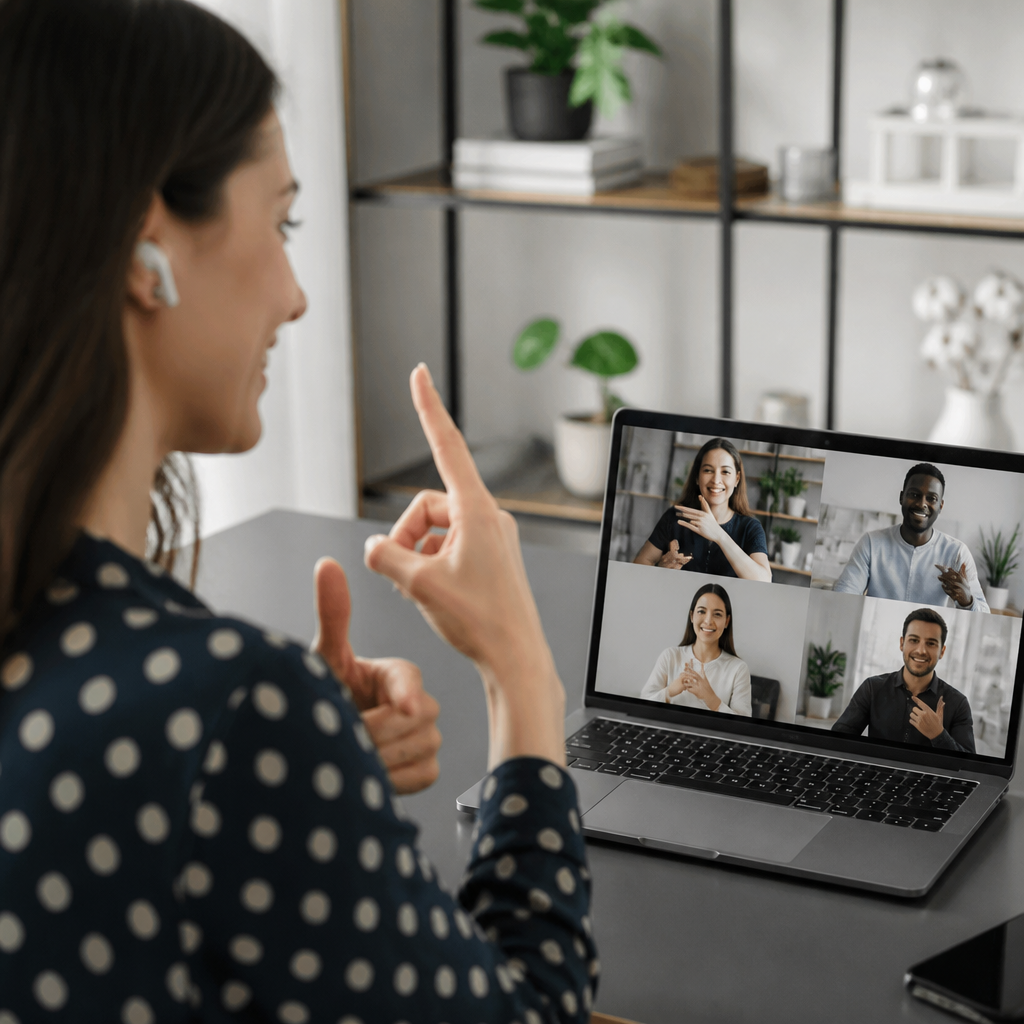
For many deaf people, sign language is the most natural and information-rich form of communication. Video communication apps matter because they allow sign to travel. FaceTime, Zoom, Microsoft Teams, Google Meet, Glide, and dedicated video relay platforms all support signed conversations when the video quality is strong enough. This is more than basic calling. Sign languages rely on handshape, movement, palm orientation, body position, and facial grammar. Choppy frame rates, poor lighting, narrow camera angles, and weak compression can distort meaning. That is why camera quality, bandwidth stability, and screen layout are accessibility features, not cosmetic details.
During the rapid expansion of remote work and telehealth, video apps became central to deaf participation. Employees joined interpreted meetings from home. Families signed across distance. Patients connected with providers through telemedicine while bringing in an interpreter remotely. Schools used pinned video and spotlight features so students could keep an interpreter visible. When organizations choose a video app, they should test whether interpreters can remain on screen, whether gallery view supports visual turn taking, whether live captions can run alongside signing, and whether recordings preserve both audio and the signer. A platform that works for hearing participants can still fail deaf users if it hides the interpreter window or blurs hand motion.
Relay, remote interpreting, and text-based calling are modernizing the phone gap
The telephone has long been one of the sharpest access barriers, and communication apps are finally narrowing that gap. Telecommunications Relay Service and Video Relay Service allow deaf users to communicate with hearing callers through text or sign language interpreters. In the United States, providers such as Sorenson, Convo, and Purple have made app-based VRS common on smartphones and tablets. IP Relay services support typed conversations, while captioned telephone systems help some hard of hearing users who can speak but need text for what the other person says. These services are not conveniences. They are part of the communication infrastructure that lets users call employers, landlords, schools, pharmacies, and government offices on equal terms.
Remote interpreting apps also support scheduled and on-demand access in business, education, and healthcare. Video Remote Interpreting can be effective for front desk interactions, urgent short conversations, and settings where an on-site interpreter is unavailable. However, it is not always the right choice. Complex legal appointments, lengthy medical consultations, mental health sessions, and environments with poor connectivity may require in-person interpreters. The important shift is that apps have made professional language access more portable. Staff no longer need to treat accessibility as impossible outside major cities or planned events. If an organization has a reliable process, a tablet, stable broadband, and privacy safeguards, communication access can begin immediately.
How mainstream messaging and platform features support daily access
Not every accessibility breakthrough comes from a specialized deaf app. Mainstream communication platforms often drive the most consistent daily improvements because friends, coworkers, teachers, and businesses already use them. WhatsApp, Signal, iMessage, Slack, and Microsoft Teams all support communication patterns that align well with deaf accessibility: text first interaction, multimedia sharing, searchable history, status indicators, and asynchronous replies. Instead of missing a voicemail, a user receives a written message. Instead of relying on spoken directions, a coworker sends a screenshot, location pin, or checklist. This shift from audio-first to multimodal communication reduces friction for everyone, but it disproportionately benefits deaf users because it removes dependence on hearing as the default channel.
Built-in operating system features deepen this effect. Apple Live Captions, Android Live Caption, visual voicemail, custom vibration patterns, flash alerts, wearable notifications, and transcription for recorded audio all change how people manage communication. Smartwatches can surface texts and call alerts with haptics. Doorbell and security apps can send visual notifications to a phone. In offices, collaboration tools create written traces of decisions that once disappeared into spoken hallway conversations. The broad lesson is simple: deaf accessibility improves when communication leaves a durable visual record. Apps that capture, organize, and distribute information visually often do more for real inclusion than one-time accommodations.
What makes a communication app effective for different users
No single app is best for all deaf and hard of hearing people because communication preferences differ by language background, age, hearing level, setting, and digital confidence. The most effective evaluation starts with use cases rather than product marketing. A student may need lecture captions, transcript export, and low battery consumption. A deaf signer may prioritize front camera clarity, interpreter integration, and large on-screen video. A late-deafened professional may need reliable speech-to-text, calendar integration, and quick text replies. Parents of deaf children may care most about school messaging, emergency notifications, and speech therapy support. When I assess tools, I look first at accuracy, latency, readability, camera performance, notification control, privacy, offline behavior, and whether the hearing communication partner can participate easily.
| Need | Most useful app features | Common limitation |
|---|---|---|
| Live conversations | Fast captions, speaker labels, large text | Errors in noise or with overlap |
| Sign language calls | High frame rate video, pinning, stable bandwidth | Poor lighting and weak compression |
| Phone access | Relay, VRS, captioned calls, contact integration | Wait times or limited service availability |
| Work collaboration | Chat history, transcripts, file sharing, alerts | Teams may still rely on spoken side talk |
| Healthcare visits | Captions, remote interpreting, secure messaging | Privacy and clinical accuracy concerns |
Usability details matter more than feature lists. Text size, contrast, caption placement, battery drain, and one-touch access determine whether an app is actually used under pressure. Interoperability matters too. A brilliant captioning app that cannot share transcripts, join meetings, or export notes will lose value quickly. Cost is another major factor. Free tools can be excellent for casual communication, but enterprise reliability, compliance controls, and interpreting access often sit behind paid plans. Organizations should also test with deaf users directly rather than assuming accessibility from vendor claims. The best app on paper can fail in the field if it does not match the user’s language and communication style.
Limits, risks, and the standards organizations should follow
Communication apps are powerful, but they are not a substitute for accessibility policy. Automated captions still make mistakes with names, jargon, dialects, and fast turn taking. Video can fail because of bandwidth, glare, masks, or poor camera positioning. Relay and interpreting services depend on staffing, privacy procedures, and legal compliance. Sensitive sectors such as healthcare, education, and employment must think beyond convenience. In the United States, the ADA, Section 504, Section 508, FCC relay rules, and, in healthcare settings, privacy requirements all shape what appropriate access looks like. In digital procurement, WCAG remains a useful baseline for interface accessibility, but deaf communication access also depends on workflow design, support processes, and staff training.
The practical standard is effectiveness. Can the person understand and be understood with accuracy, dignity, and reasonable independence? If not, the app solution is incomplete. Organizations should create communication access plans, maintain backup options, train staff not to refuse relay calls, and document when human interpreters are required. They should test meeting rooms for caption readability, provide visual notification channels, and make customer support reachable by text or chat. Communication apps are changing deaf accessibility because they move access into the flow of daily life. Their real value appears when institutions treat them as part of core operations rather than optional technology. Audit your current communication tools, test them with deaf users, and build a stack that makes visual, text-based, and signed communication equally usable.
Frequently Asked Questions
1. How are communication apps improving accessibility for deaf and hard of hearing people in everyday life?
Communication apps are making accessibility far more immediate, portable, and integrated into daily routines. Instead of relying only on specialized equipment or in-person support, many deaf and hard of hearing people can now use a smartphone, tablet, or computer to access live captioning, text-based conversations, speech-to-text transcription, video calls in sign language, and visual notifications. That shift matters because it moves accessibility out of limited settings and into ordinary moments such as doctor visits, workplace meetings, classroom discussions, customer service interactions, transportation updates, and conversations with family or friends.
One of the biggest changes is speed. Apps can convert spoken language into readable text in real time, allowing users to follow live conversations with less delay. Others provide text relay or text-to-speech tools that help bridge communication between hearing and non-hearing people who do not share the same preferred communication method. Video-based platforms also support signed communication, making it easier for people who use sign language to communicate naturally rather than being forced into speech-only environments. In practical terms, this means fewer barriers when ordering food, attending virtual events, joining group chats, or receiving urgent information.
These apps also expand independence. Rather than needing a third party for every communication task, users can often handle more situations directly and privately. At the same time, better accessibility is not just about convenience. It improves participation, dignity, safety, and inclusion by helping ensure that information is available in forms people can actually use. Communication apps are not a complete replacement for broader accessibility measures, but they are significantly changing what equal access can look like in real-world settings.
2. What types of features in communication apps matter most for deaf accessibility?
The most important features are the ones that reduce misunderstanding and support different communication preferences. Live captioning is one of the most valuable because it turns spoken words into text during meetings, calls, presentations, and face-to-face conversations. Good captioning features need to be reasonably accurate, fast, and easy to read. They should also perform well in less-than-perfect conditions, such as background noise, multiple speakers, or technical vocabulary. When captions are delayed or inaccurate, accessibility drops quickly, so quality matters as much as availability.
Video communication is another major feature, especially for users who communicate in sign language. High-resolution video, stable connections, adjustable screen layouts, and good lighting support can make a major difference in signed conversations. Small screens, lag, or poor frame quality can reduce comprehension, so app design needs to account for visual clarity. Some platforms also support remote interpreting, which can help connect users to sign language interpreters during appointments, interviews, and service interactions.
Other high-value features include text relay, speech synthesis, customizable visual alerts, vibration notifications, conversation history, multilingual support, and integration with hearing devices or accessibility settings built into operating systems. Customization is especially important because deaf and hard of hearing users are not one uniform group. Some people prefer sign language, some prefer written text, some use spoken language with captions, and many use a combination depending on the context. The best communication apps support flexibility rather than assuming one single solution will work for everyone.
3. Can communication apps replace interpreters, captioners, or other traditional accessibility services?
In many cases, communication apps can support accessibility effectively, but they should not automatically be treated as full replacements for interpreters, professional captioners, or other formal accommodations. Apps are extremely useful for everyday communication, quick exchanges, informal conversations, and situations where immediate access is needed. They can fill gaps, improve responsiveness, and make many interactions easier. However, there are still limits related to accuracy, context, privacy, legal compliance, and communication nuance.
For example, automated captions may work well for casual conversations but struggle with technical terminology, overlapping speakers, strong accents, poor audio quality, or fast-paced group discussions. In settings such as medical appointments, court proceedings, higher education, workplace training, or public services, mistakes can have serious consequences. Similarly, sign language interpreting involves far more than word substitution. It includes grammar, cultural fluency, pacing, clarification, and the ability to convey meaning accurately in complex situations. A video tool may enable access, but it does not automatically provide the skilled human interpretation that some scenarios require.
The most practical way to view communication apps is as part of a broader accessibility ecosystem. They can complement traditional services, reduce delays, increase flexibility, and expand access in situations where formal supports are unavailable or unnecessary. But organizations should be careful not to use technology as an excuse to reduce accommodations without consulting the people affected. True accessibility comes from matching the tool to the context and respecting user preferences, not from assuming that one app can solve every communication barrier on its own.
4. What should workplaces, schools, and service providers consider when choosing communication apps for accessibility?
They should start by understanding that accessibility is not just a technical purchase. It is a usability, policy, and inclusion issue. The first question should be whether the app actually meets the communication needs of deaf and hard of hearing users in that specific environment. A workplace may need accurate live captions for hybrid meetings, a school may need reliable captioning and visual participation tools for lectures, and a healthcare provider may need secure communication options that support privacy and clear understanding. The right choice depends on context, stakes, and user preference.
Accuracy, ease of use, device compatibility, visual design, privacy protections, and support for multiple communication modes are all essential. Organizations should look for apps that are simple to launch, readable on different screen sizes, and usable in real-time interactions without creating extra burden for the deaf user. They should also evaluate whether the app works well with assistive technologies, operating system accessibility settings, external microphones, video platforms, and notification systems. Security matters too, especially when conversations involve health information, education records, employment discussions, or other sensitive content.
Just as important, institutions should involve deaf and hard of hearing people in testing and decision-making. Accessibility decisions are often less effective when made without input from actual users. Training is also crucial. Even a strong app can fail if staff do not know how to position microphones, enable captions, maintain visual access during video calls, or respond when the technology breaks down. Communication apps are most effective when paired with inclusive practices, backup accommodations, and a willingness to adapt based on feedback.
5. What are the biggest limitations and future opportunities for communication apps in deaf accessibility?
The biggest limitations today include inconsistent accuracy, unequal access to devices and internet service, lack of support for all communication styles, and the tendency for some developers to design for convenience rather than full inclusion. Speech recognition can still make errors, especially in noisy environments or when multiple people are talking at once. Some apps perform better in widely spoken languages than in regional dialects, minority languages, or specialized contexts. Not all platforms are equally strong for sign language communication, and many still fall short in supporting the visual quality and interaction patterns that sign language users need.
There are also broader access issues. A communication app may be excellent in theory but less useful if a user cannot afford a current device, does not have reliable data service, or is expected to use the app in institutions that have not updated their workflows. Another limitation is overreliance. When organizations assume the app alone is enough, they may overlook the need for interpreters, human support, accessible policies, or emergency planning. Technology can remove barriers, but it can also create new ones when deployed without care.
Looking ahead, the opportunities are substantial. Better artificial intelligence can improve live captioning speed and accuracy, especially in dynamic conversations. Video quality and low-latency connections can make signed communication more natural. Smarter visual alerts and context-aware notification systems can improve safety and awareness in homes, schools, workplaces, and public spaces. Integration across messaging, conferencing, customer support, and smart devices may also create smoother end-to-end accessibility rather than forcing users to juggle multiple tools. The most promising future is one where communication apps are built with deaf users, not just for them, and where accessibility is treated as a core design standard rather than an optional feature.





